How to Troubleshoot a Microwave That Won't Heat
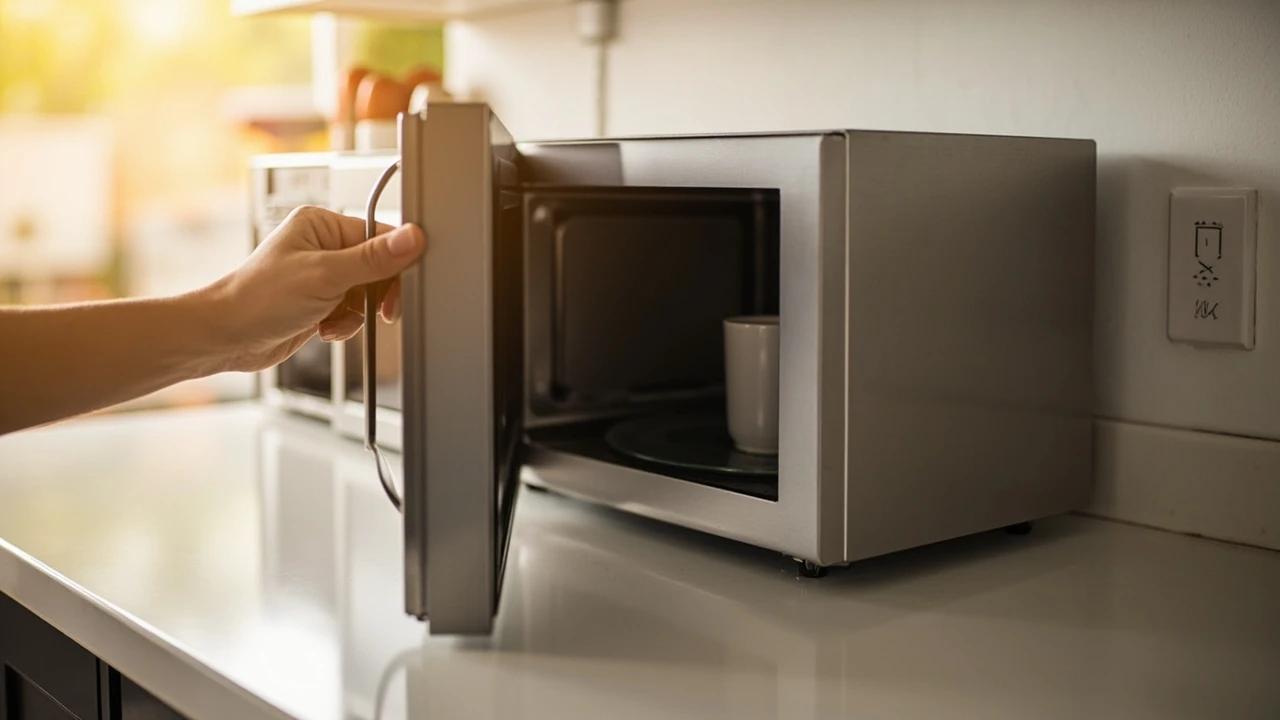

A microwave that runs — light on, turntable spinning, timer counting down — but leaves food stone cold is one of the most common appliance failures, and about half the time the cause is something you can fix in five minutes for free. This guide walks the diagnosis from the easy stuff (demo mode, power level, a tripped GFCI, a dirty door latch) to reading the failure signature that tells you the high-voltage circuit is gone, then helps you make the repair-or-replace call with real numbers.
What You'll Need
🛠 Tools
📦 Materials
Safety First
- •Never open the microwave's outer cabinet. The high-voltage capacitor inside can hold a charge of 2,000 volts or more for hours — sometimes days — after the unit is unplugged, and contact can be fatal.
- •Never run a microwave empty. With no food or water to absorb the energy, the magnetron cooks itself and can fail within minutes.
- •If you smell burning, see sparks or arcing, or the breaker trips when the microwave starts, unplug the unit and stop using it until it has been serviced.
Step-by-Step Instructions
Confirm the failure with the water test
Fill a microwave-safe mug with about 1 cup of tap water, set it on the center of the turntable, and run the microwave on high for 1 minute — this mirrors the standard water-load test used in lab checks. If the water comes out hot, the microwave heats fine and the problem is elsewhere (portion size, power level, or a one-off). If the water is barely warm or cold after a full minute on high, you have a genuine no-heat fault — keep going.
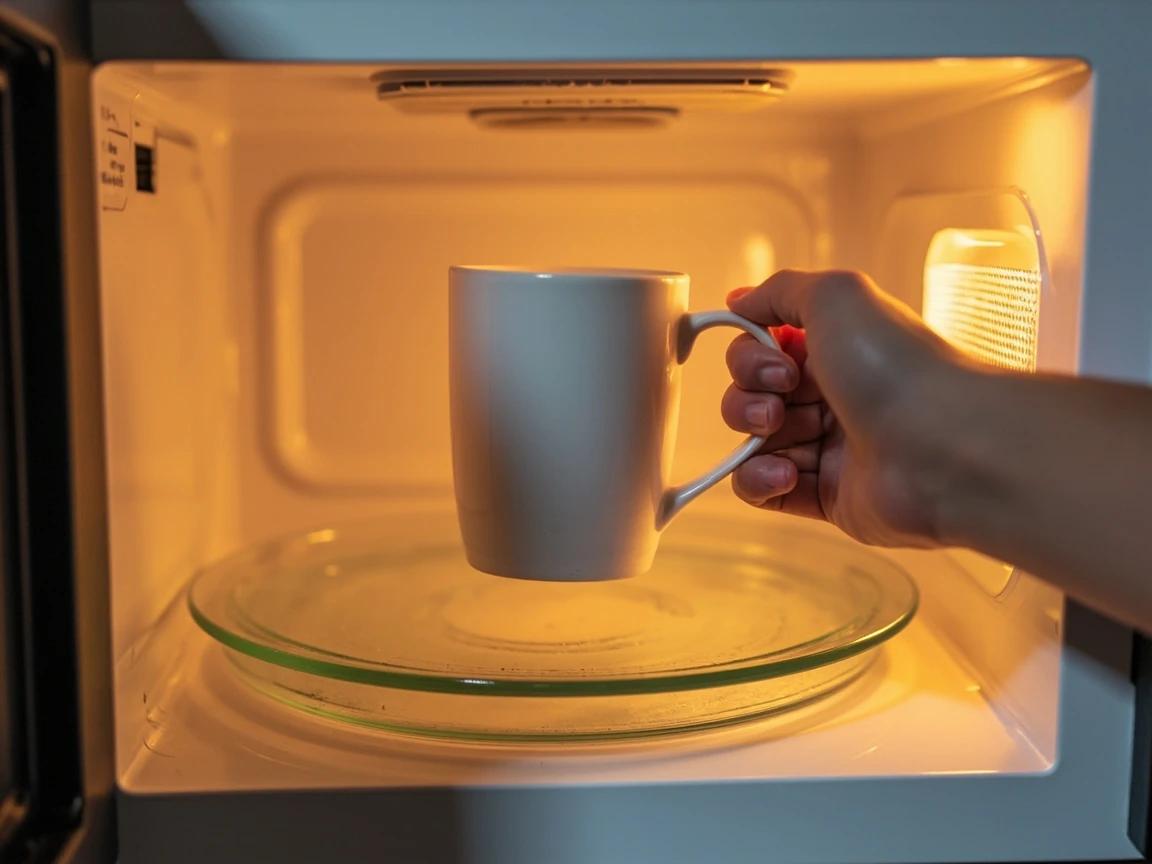
Use a mug without metallic paint or trim, and never run the test with the microwave empty — with nothing to absorb the energy, you can destroy the magnetron you are trying to diagnose.
Rule out demo mode and silent settings
Modern microwaves fail to heat for embarrassing reasons more often than broken ones: demo mode (everything runs, no heat — meant for showroom floors), a power level accidentally set to 10 or 20 percent, a kitchen timer running instead of a cook cycle, or a child lock quietly ignoring the start button. Scroll the settings menu or hold the clock/settings key and watch the display for a demo or lock icon. A surprising number of no-heat microwaves are fixed right here, for free, especially after a power outage scrambles the control board's mode.

Search your exact model number plus the words demo mode — the exit combination is brand-specific and usually takes five seconds once you know it.
Power-cycle the control board
Unplug the microwave (or flip its breaker for a built-in) and leave it dead for a full 2 to 5 minutes — long enough for the control board's capacitors to drain and its logic to truly reset, not just blink. Plug it back in, reset the clock, and repeat the water test. Control boards run glitchy after brownouts and storms, and a hard reset clears stuck relays and phantom modes that a quick unplug-replug does not.
Check the outlet, GFCI, and breaker
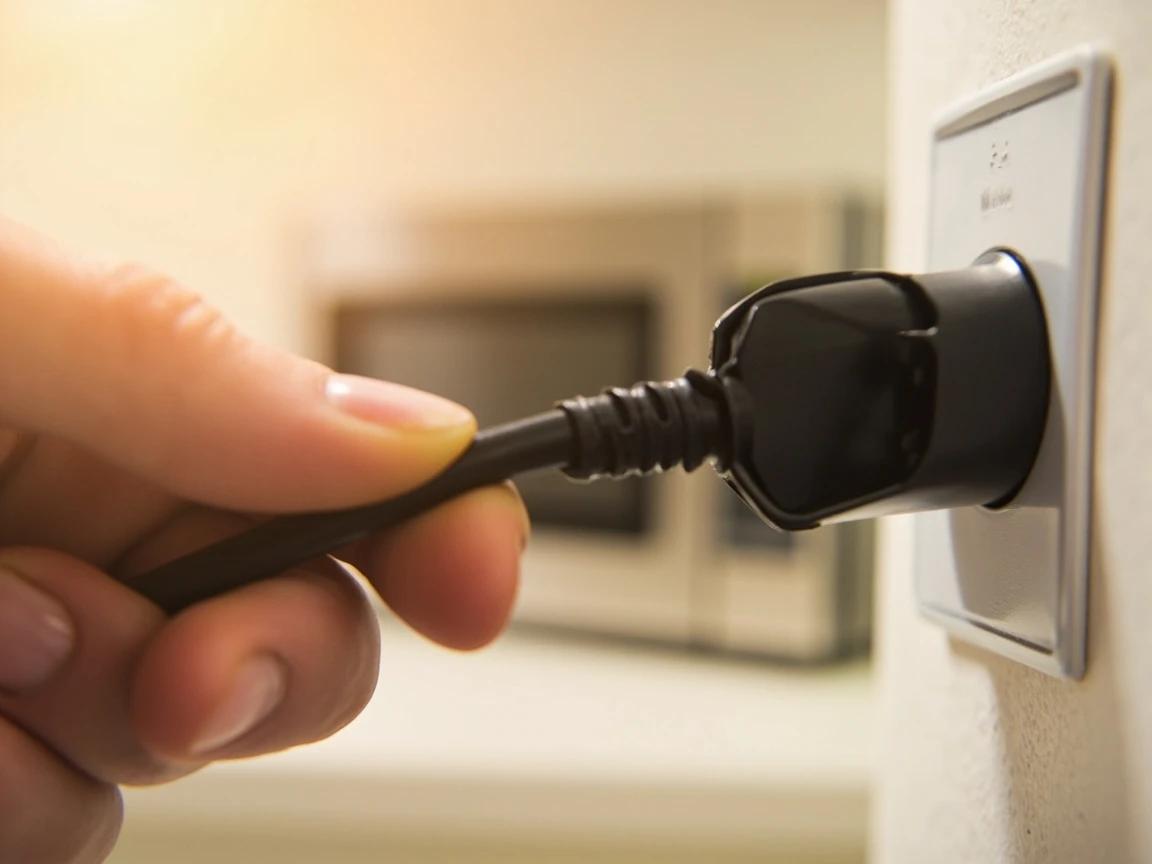
A microwave that seems to run but heats weakly — or cuts out mid-cycle — may be starved for power. Plug a lamp or phone charger into the same outlet to confirm it is live at full strength. Kitchen counter circuits are usually GFCI-protected, so press the reset button on the outlet (or on the upstream outlet controlling it), and check the panel for a half-tripped breaker — our guide to fixing a tripped circuit breaker covers finding and resetting it properly. A microwave should plug straight into a dedicated outlet, never an extension cord or power strip, which can drop enough voltage to cause exactly these symptoms.
Inspect and clean the door latch
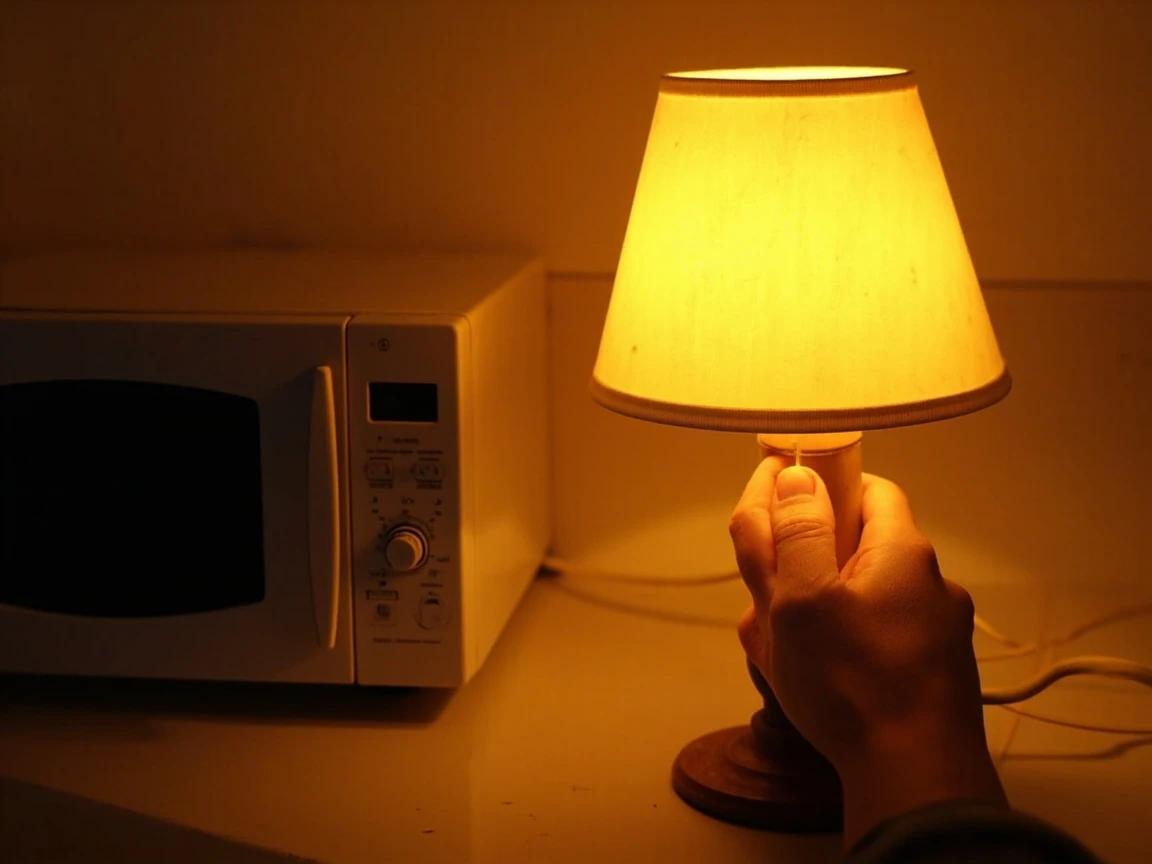
The door operates three or four interlock switches in a strict sequence, and if any one of them misreads, the control board cuts power to the heating circuit while leaving lights and turntable running. From the outside, check that the door closes flush and firm with a positive click, shine a flashlight on the plastic latch hooks for grease, crumbs, or a chipped hook, and wipe the latch pocket clean with a damp cloth. Open and close the door with deliberate, full motions and rerun the water test — a lazy half-latch is one of the most common and cheapest answers to a no-heat microwave.
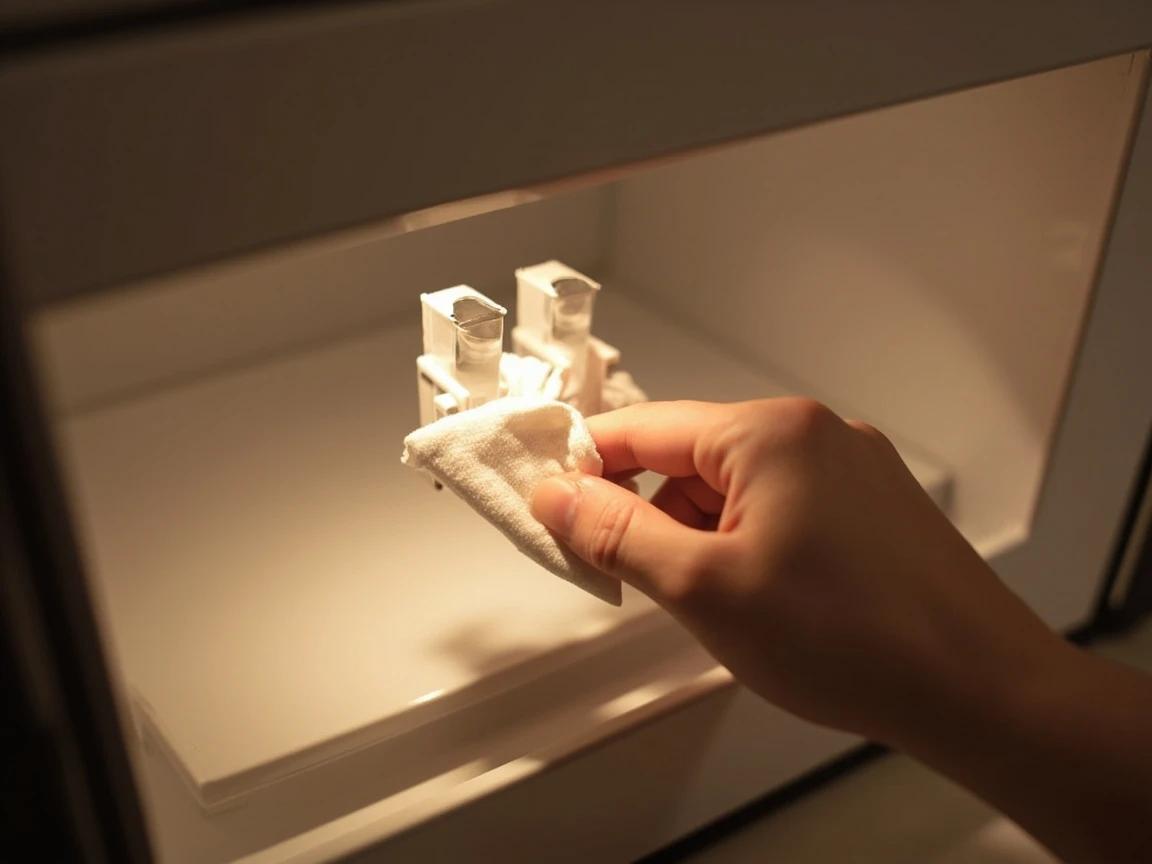
If the door visibly sags, the hinge is bent, or the latch hooks are broken, stop using the microwave until it is repaired — the door seal is part of the radiation containment design.
Listen for the failure signature
Run the water test one more time and use your ears. A loud electrical buzz or hum — clearly louder than the normal fan — while the water stays cold points at the high-voltage circuit: typically the magnetron, the diode, or the capacitor. Rhythmic clicking suggests a relay on the control board; a burning or ozone smell means a component is arcing and the unit should be unplugged now. Dead-normal sound with zero heat is also a known magnetron failure mode, so silence does not clear it.
Know why the cabinet stays closed
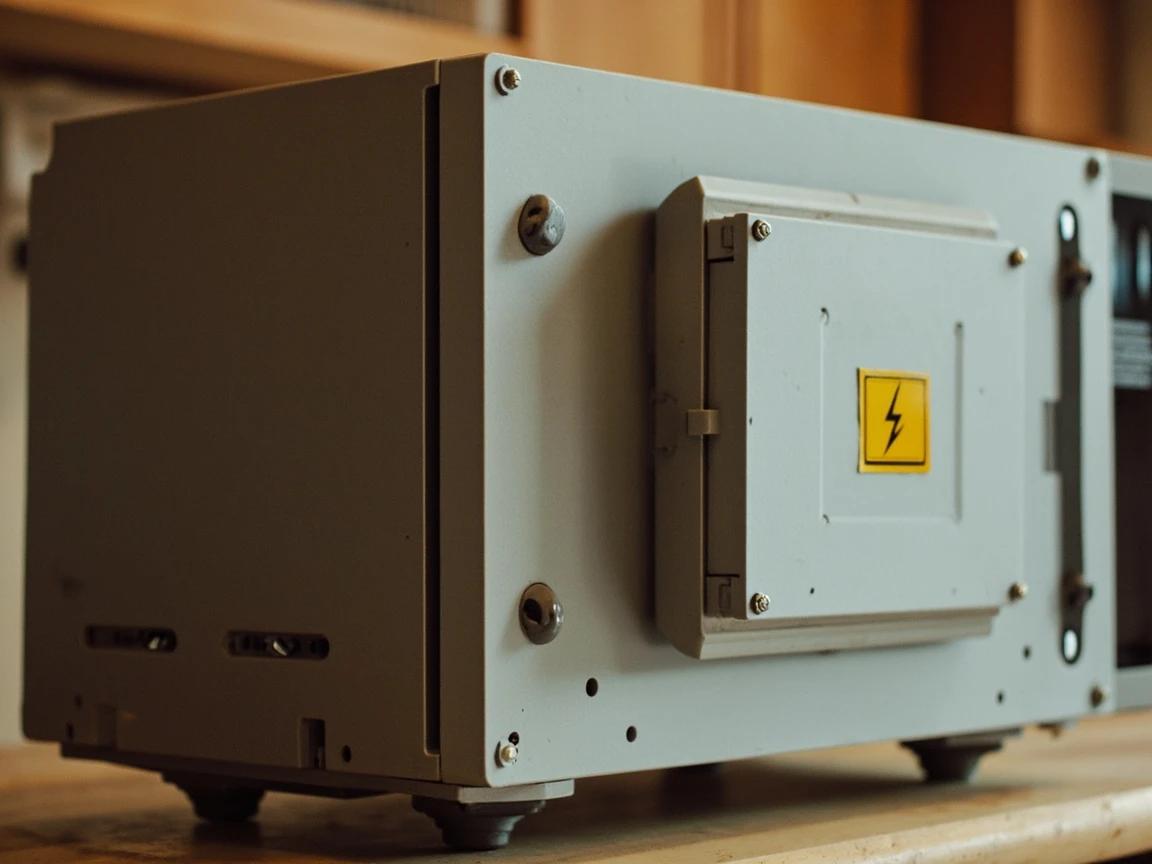
Every fix beyond this point — magnetron, high-voltage diode, capacitor, transformer, interlock switches — lives inside the sealed outer cabinet, and that space is genuinely dangerous. The capacitor stores 2,000 volts or more and holds it long after unplugging; bleed-down resistors are supposed to drain it, but they fail silently and you cannot tell from outside. This is not the usual lawyer-driven warning: microwave capacitors injure experienced DIYers every year. Diagnose from the outside, then hand the screwdriver work to a technician.
Run the repair-or-replace math
Get a repair quote and apply the 60 percent rule: if fixing costs more than about 60 percent of replacing, replace. A magnetron repair runs roughly 130 to 250 dollars on a countertop unit that costs 80 to 180 new — replace it. An over-the-range unit under seven years old is usually worth repairing below about 250 dollars, and built-ins almost always justify repair, since a matching new unit plus installation can run 500 dollars to well past 2,000. Age matters too: microwaves last about 7 to 10 years, so a 9-year-old unit rarely earns new parts — unlike a conventional oven, where a no-heat fault is often just a heating element you can swap yourself.

Repair shops often charge a diagnostic fee of 50 to 100 dollars that gets credited toward the repair — ask before booking so the math stays honest.
Prep for service — or recycle it right
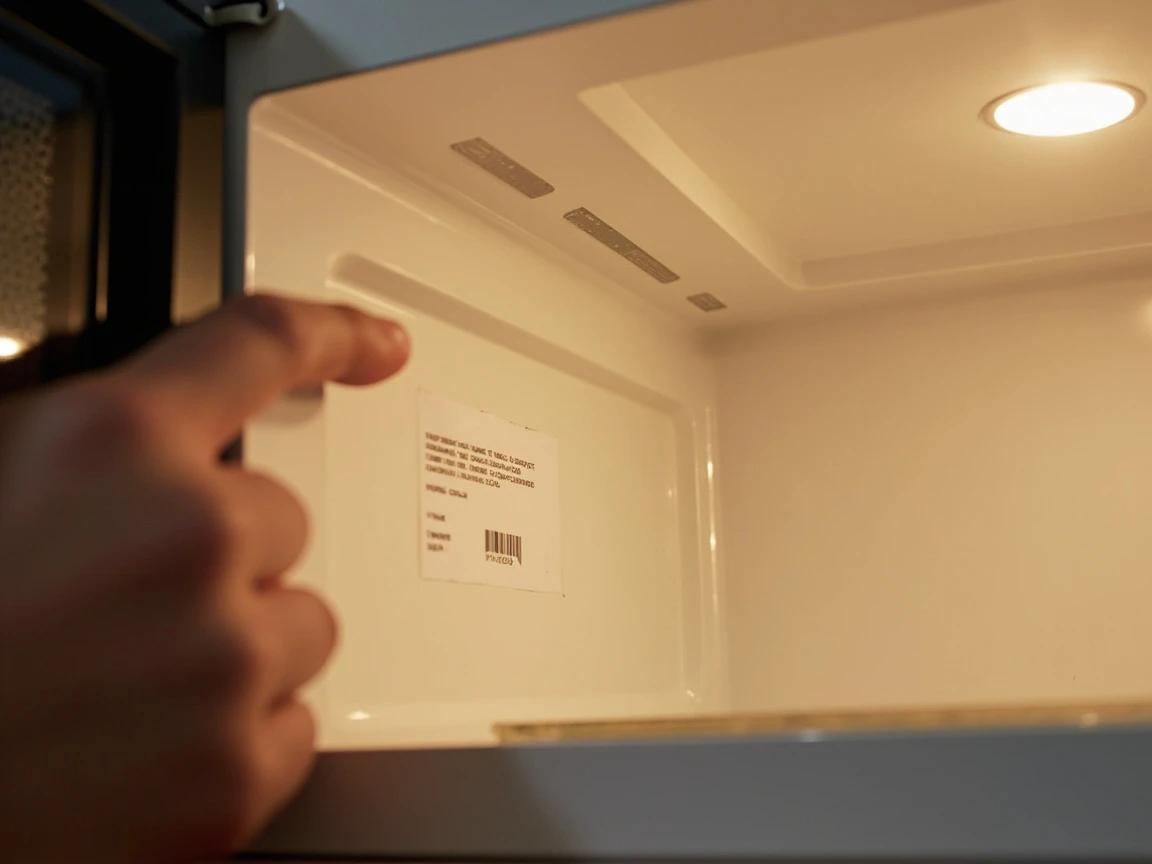
If you are calling a tech, note the full model and serial number from the specification label (usually on the inside edge of the door frame or the cavity wall) and describe the symptoms you confirmed: runs-but-no-heat, the buzz or silence, and what you already ruled out — it shortens the visit and sometimes gets you a phone estimate. If you are replacing the unit, do not put the old one in the trash: the capacitor and electronics make microwaves e-waste in most areas, and many municipal drop-offs and electronics retailers take them free when you buy the replacement.
Frequently Asked Questions
Why does my microwave run but not heat the food?
+
The light, fan, and turntable run on ordinary house current, but the actual heating happens in a separate high-voltage circuit: the transformer, capacitor, diode, and magnetron. If any of those parts fails — or if one of the three or four door interlock switches misreads the door as open — everything else keeps working while the food stays cold. That split is why the microwave can look perfectly alive and still not cook.
Is it worth fixing a microwave that won't heat?
+
Run the 60 percent rule: if the repair quote is more than about 60 percent of what a comparable new unit costs, replace it. For countertop models that math almost never favors repair — a magnetron job runs 130 to 250 dollars while a new unit costs 80 to 180. Over-the-range units under seven years old are often worth a repair under about 250 dollars, and built-ins usually are, since replacing one can cost 500 to 2,000 dollars plus installation.
What does a bad magnetron sound like?
+
The classic sign is a loud electrical buzz or hum, noticeably louder than the normal fan noise, while the food stays cold. A failing magnetron can also produce a burning smell or, in some cases, fail silently — the microwave sounds completely normal but produces no heat. Either way the fix lives in the sealed high-voltage circuit, which is not a DIY repair.
Can a microwave shock you even when it's unplugged?
+
Yes. The high-voltage capacitor stores 2,000 volts or more and does not automatically drain when you pull the plug — it can hold a dangerous charge for hours or even days. Newer capacitors include a bleed-down resistor, but those fail, and you cannot tell from the outside. This is why the outer cabinet should never come off outside a repair shop.
How do I know if my microwave is stuck in demo mode?
+
In demo (or showroom) mode the display, timer, and lights all behave normally, but the cook cycle runs short or produces no heat — the mode exists so store models can be poked without energizing the magnetron. It often gets switched on accidentally after a power outage or during setup. The exit combination varies by brand — usually holding a clock, settings, or number key for several seconds — so check the manual or search your model number.
Sources & further reading
- Microwave Ovens — U.S. Food & Drug Administration
- Microwave Oven Safety Guidelines — UC Berkeley Office of Environment, Health & Safety
- Microwave Repair Costs (by Type & Part) — HomeGuide
More Appliance Repair Guides
View all →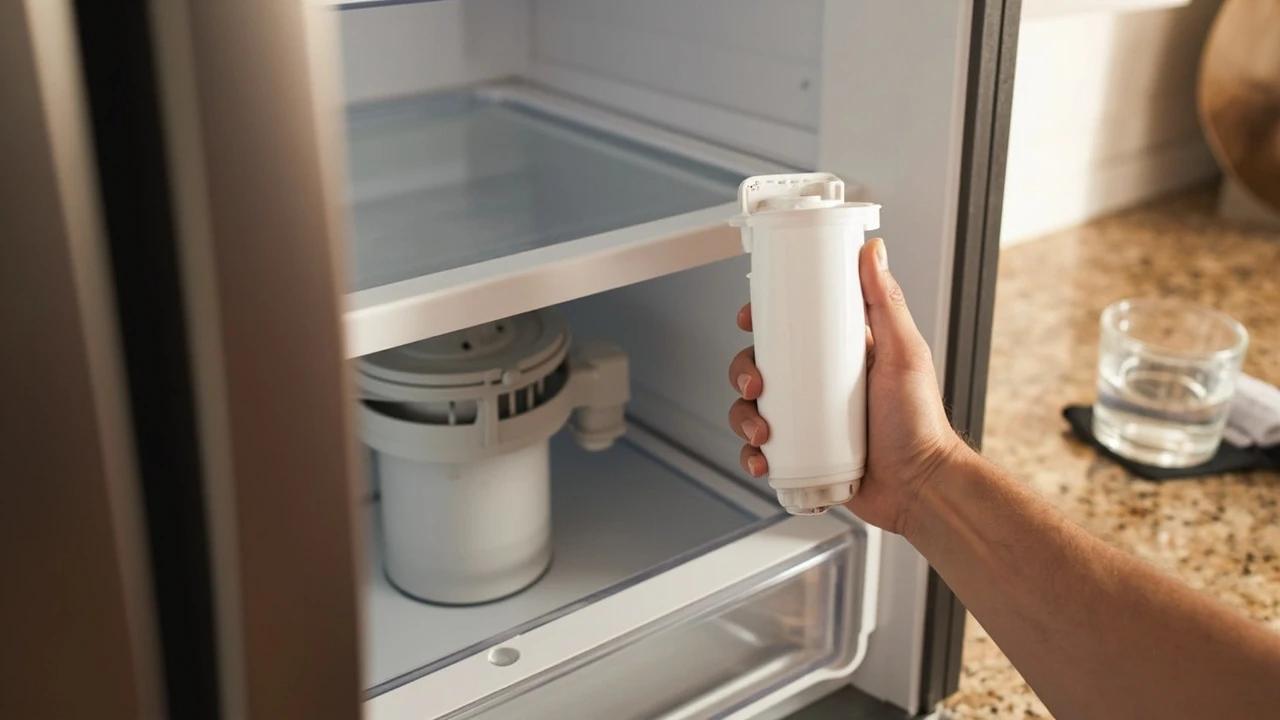 Easy15 min
How to Replace a Refrigerator Water Filter
A clogged refrigerator water filter is the most common cause of slow dispensing, off-tasting water, and undersized ice cubes — and it is the easiest fix in your kitchen. Most filters are designed to be swapped in under five minutes with no tools, no shut-off valve, and no spilled water. This guide covers locating your filter, the two common removal styles (twist-in and push-in), inspecting the O-rings, flushing the new filter, and resetting the indicator light so you do not see the red "Replace" warning the next morning.
 Easy25 min
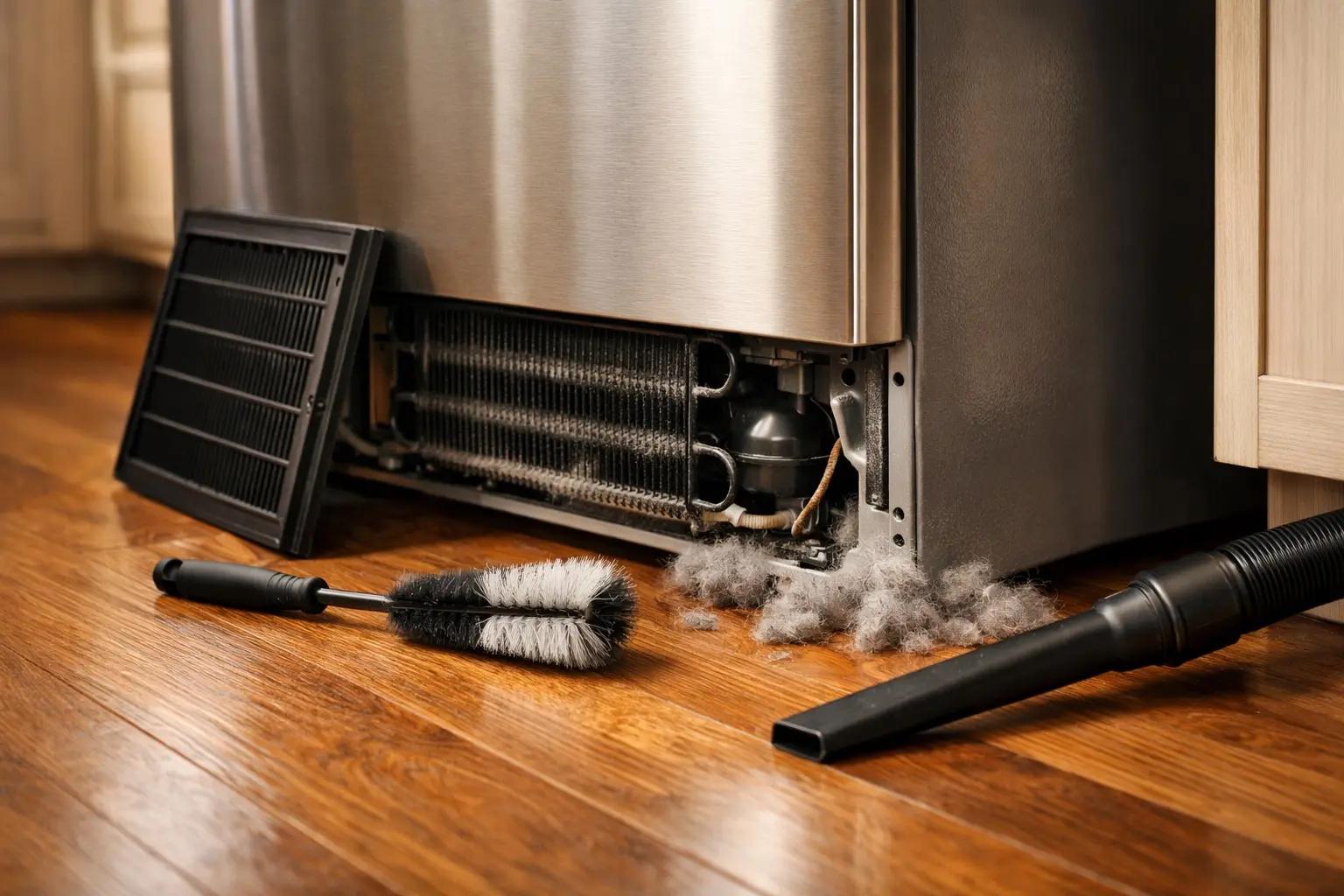
How to Clean a Refrigerator Condenser Coil
Dirty condenser coils are the number-one cause of refrigerator inefficiency — they force the compressor to run longer and harder, driving up your electricity bill by 10-25% and shortening the appliance's lifespan. Cleaning them takes about 20 minutes with a brush and vacuum, and the improvement in cooling performance is immediate. This guide covers locating coils on both bottom-mount and rear-mount models, safe cleaning technique, and a maintenance schedule to keep your fridge running at peak efficiency.
 Medium45 min
How to Fix a Refrigerator That's Not Cooling
A fridge that hums along but won't get cold is usually choking on its own dust or airflow — not dying. This guide walks the troubleshooting tree in order of likelihood, from temperature settings and blocked vents to dirty condenser coils, a frost-clogged defrost system, and the fans that move the cold air. Most causes are a free or under-$20 fix; a few mean it's time for a tech, and you'll learn how to tell them apart before you spend a dime.
You Might Also Like
 Easy25 min
Best Deck Stain: Transparent vs Semi vs Solid
There is no "best" deck stain — there is the right stain for your sun exposure, wood condition, and how often you want to redo the job. Transparent stains last 1-2 years but let the natural grain show. Solid stains last 4-7 years but look like paint. This guide walks the four opacity levels and the oil-vs-water choice so you pick the one that matches your deck and your tolerance for re-staining.
 Easy45 min
How to Install a Smart Thermostat
A smart thermostat is one of the highest-ROI upgrades you can make to your home — it learns your schedule, adjusts automatically when you're away, and typically saves about 8% on heating and cooling bills — the figure ENERGY STAR verifies from real-home data, roughly $50 a year — so the $120-250 device usually pays for itself within a few years. If your old thermostat has labeled wires behind it, the swap takes about 30-45 minutes with nothing more than a screwdriver and your phone. This guide covers checking compatibility, labeling wires, mounting the new base, connecting everything, and walking through the app setup so your system is running smart the same day.
 Easy30 min
How to Fix a Dripping Faucet
A dripping faucet wastes more than 3,000 gallons of water per year and can add $20 or more to your monthly water bill. The fix is almost always a worn cartridge, washer, or O-ring — parts that cost under $10 and take 20-30 minutes to replace with basic tools.