How to Install a Smart Lock on an Exterior Door
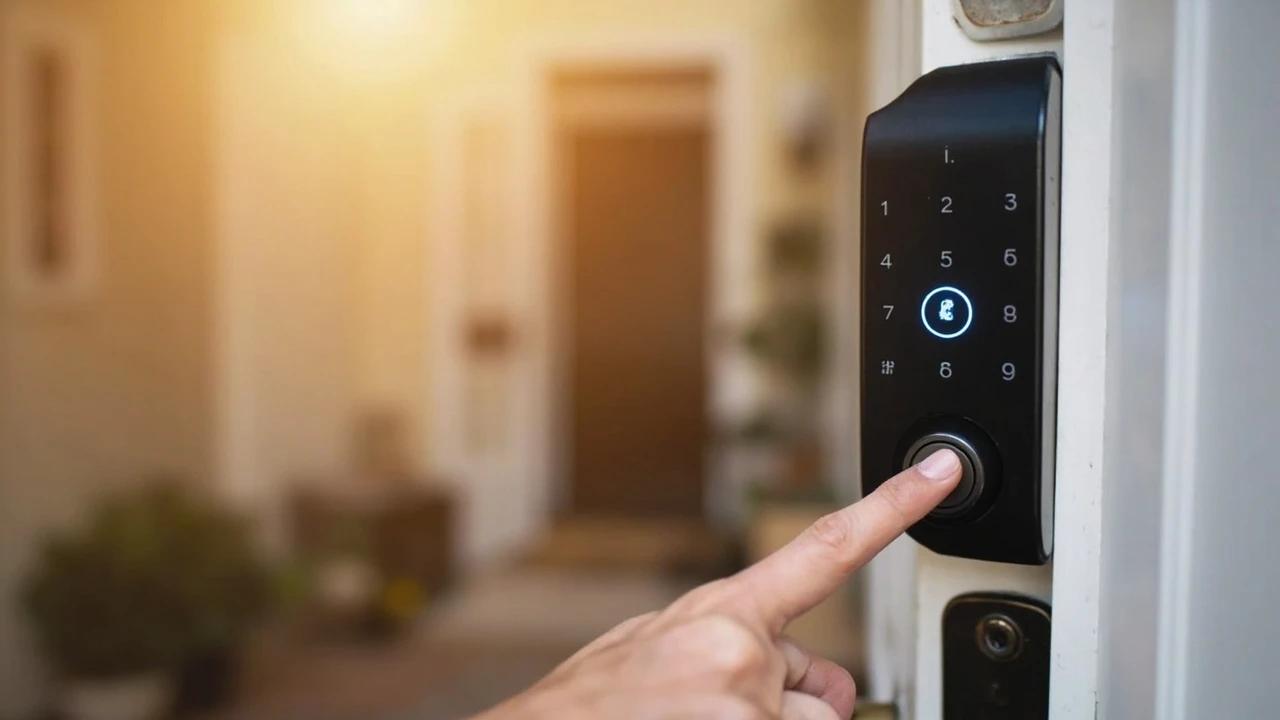

A smart lock is the rare upgrade that's both safer and more convenient — keypad or phone entry, no spare key under the mat, and a log of who came and went — and on a standard pre-bored door it's a 45-minute swap with a single screwdriver, no electrician needed. The catch isn't wiring (there usually isn't any); it's buying a lock that actually fits your door and getting the bolt to line up so it never jams. This guide covers the compatibility check that prevents a costly return, the install itself, and the alignment and app setup that make it reliable.
What You'll Need
🛠 Tools
📦 Materials
Safety First
- •Keep the inside one-motion openable. For fire escape, the interior must unlock and open with a single thumb-turn and no key — most US codes prohibit a double-cylinder (keyed on both sides) deadbolt on a home's egress doors. A smart deadbolt's motorized interior thumb-turn is compliant; never add a keyed interior cylinder to a bedroom or exit door.
- •Set up a backup way in before you need it. A dead battery disables the codes, fingerprint, and app — keep a physical key for keyed models, or learn your lock's emergency-power method (many have two contacts at the bottom you touch with a 9-volt battery). Watch for the low-battery warning, which usually appears weeks ahead.
Step-by-Step Instructions
Check Compatibility Before You Buy
Smart locks fit standard pre-drilled doors, but three measurements decide whether the one you want will actually mount. Measure your door thickness (most locks cover 1-3/8 to 1-3/4 inches, a few reach 2-1/4 with a spacer), the backset — the distance from the door edge to the center of the big bore, almost always 2-3/8 or 2-3/4 inches — and confirm the face bore is the standard 2-1/8 inches. Also confirm you're replacing a deadbolt (not a knob or lever) and note the door material: steel doors are fine, but narrow-stile aluminum-and-glass doors need a specially sized lock.
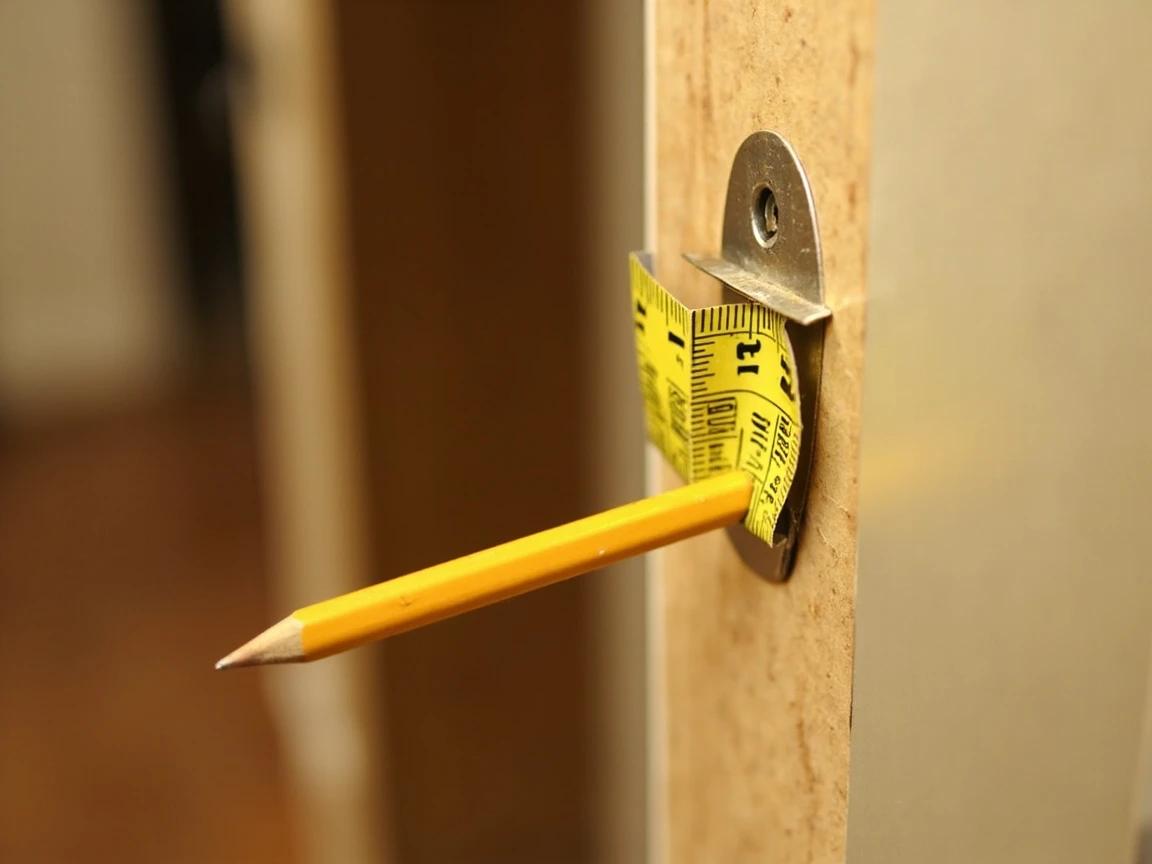
Most adjustable latches handle both 2-3/8 and 2-3/4-inch backsets out of the box, so backset rarely kills a purchase — but a non-standard bore or an unusually thick or thin door does. Measure before you buy and save yourself a return.
Choose the Right Type and Connection
Two decisions shape your purchase. First, full replacement vs retrofit: a full smart deadbolt swaps the entire lock (a new exterior keypad and/or keyway), while a retrofit type mounts only on the inside over your existing deadbolt, so your current keys and the outside of the door stay exactly the same. Second, connection: a Bluetooth lock controls from your phone at the door, but to operate or check it from anywhere you need built-in WiFi or a separate plug-in bridge. Decide too whether you want a keypad, a fingerprint reader, or auto-lock.
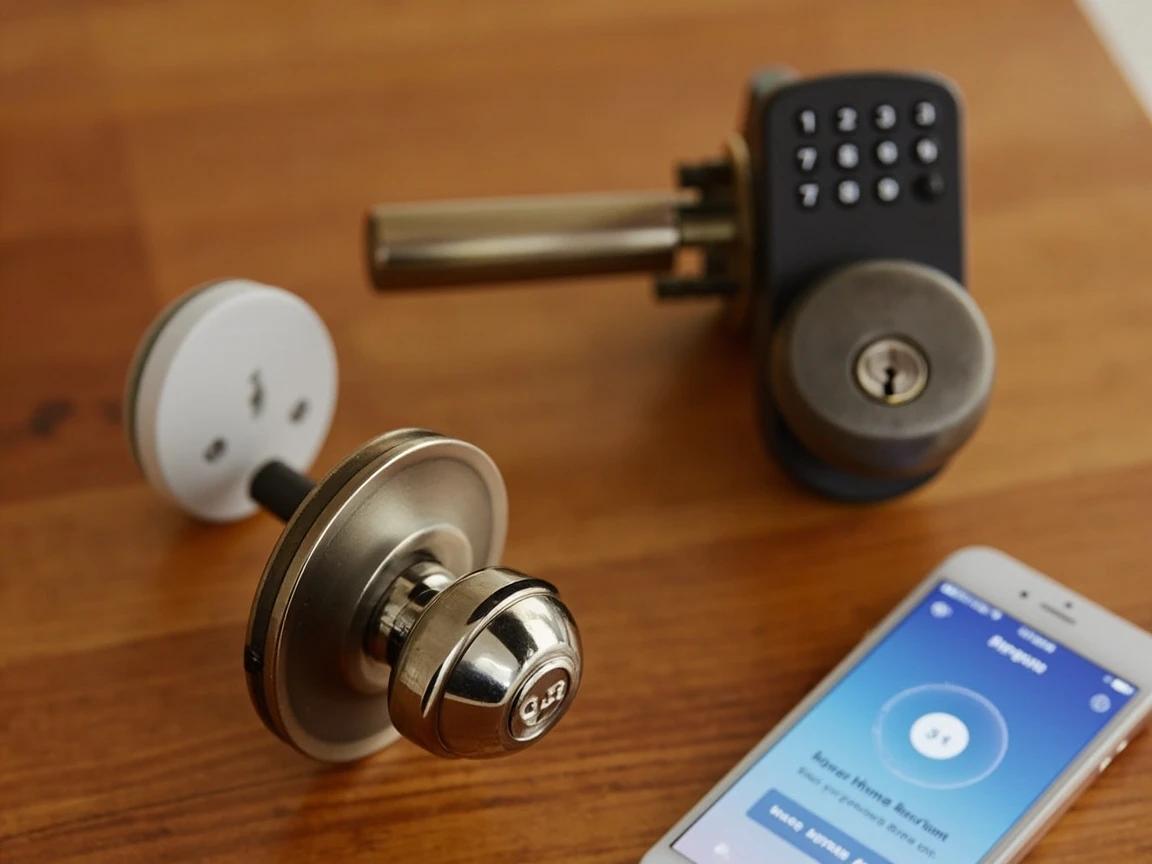
If you rent, or share the door with roommates who already have keys, a retrofit lock that keeps the existing cylinder is the painless choice — nobody hands back a key, and you can still give out app access and codes.
Remove the Old Deadbolt
Open the door so you're working on its edge. On the inside, back out the two screws holding the thumb-turn assembly and pull both the interior and exterior halves straight off. Then remove the two screws on the bolt's faceplate at the door edge and slide the latch assembly out of the edge bore. Leave the strike plate on the door frame for now unless your kit includes a replacement — you'll check its alignment near the end.
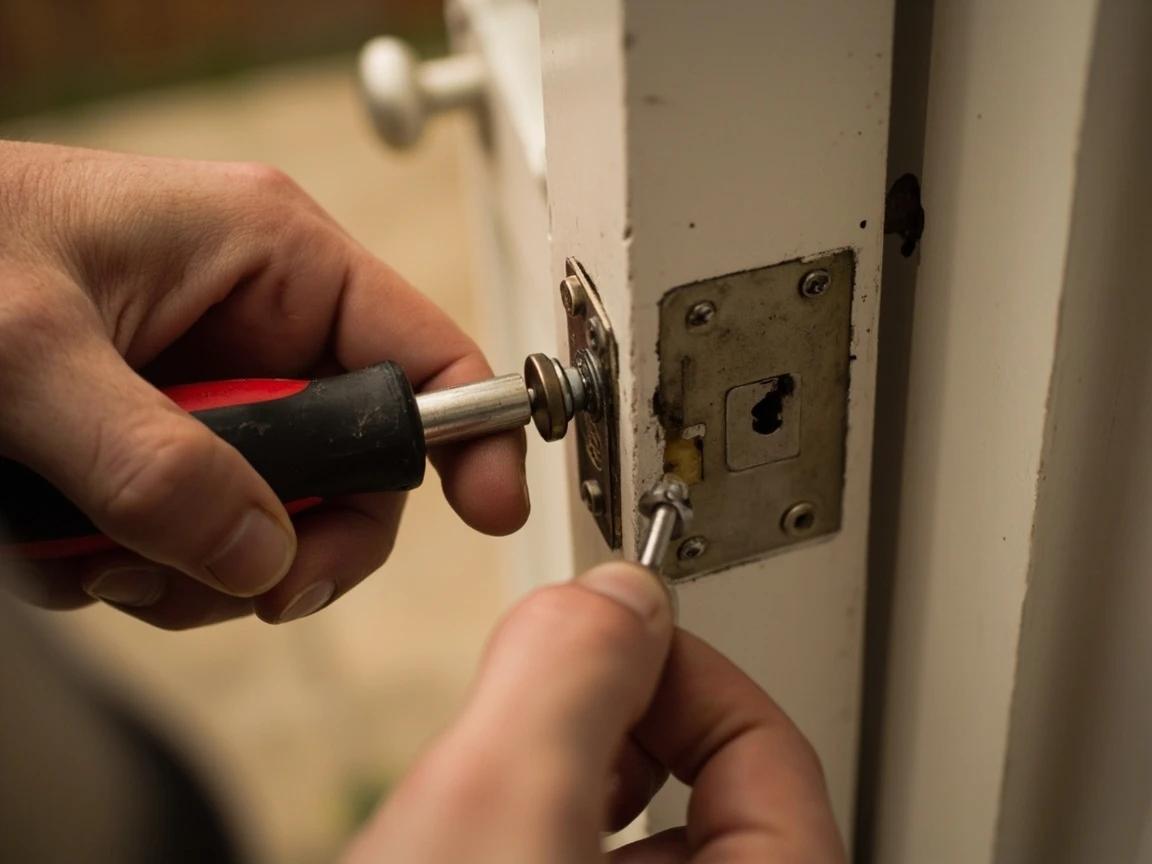
Lay the old parts out in the order you removed them and snap a phone photo. If the new lock turns out to be the wrong size, reversing these three steps puts your original deadbolt back in five minutes.
Set the Backset and Install the New Latch
Your new latch is adjustable: slide or rotate it to match your measured backset (2-3/8 or 2-3/4 inches) following the marks on the latch. With the bolt fully retracted, insert the latch into the edge bore so the faceplate sits flush in its mortise, then drive the two faceplate screws. Check that the shaped hole in the latch — where the lock's tailpiece passes through — is oriented the way the instructions show, because the motor turns the bolt through that opening.
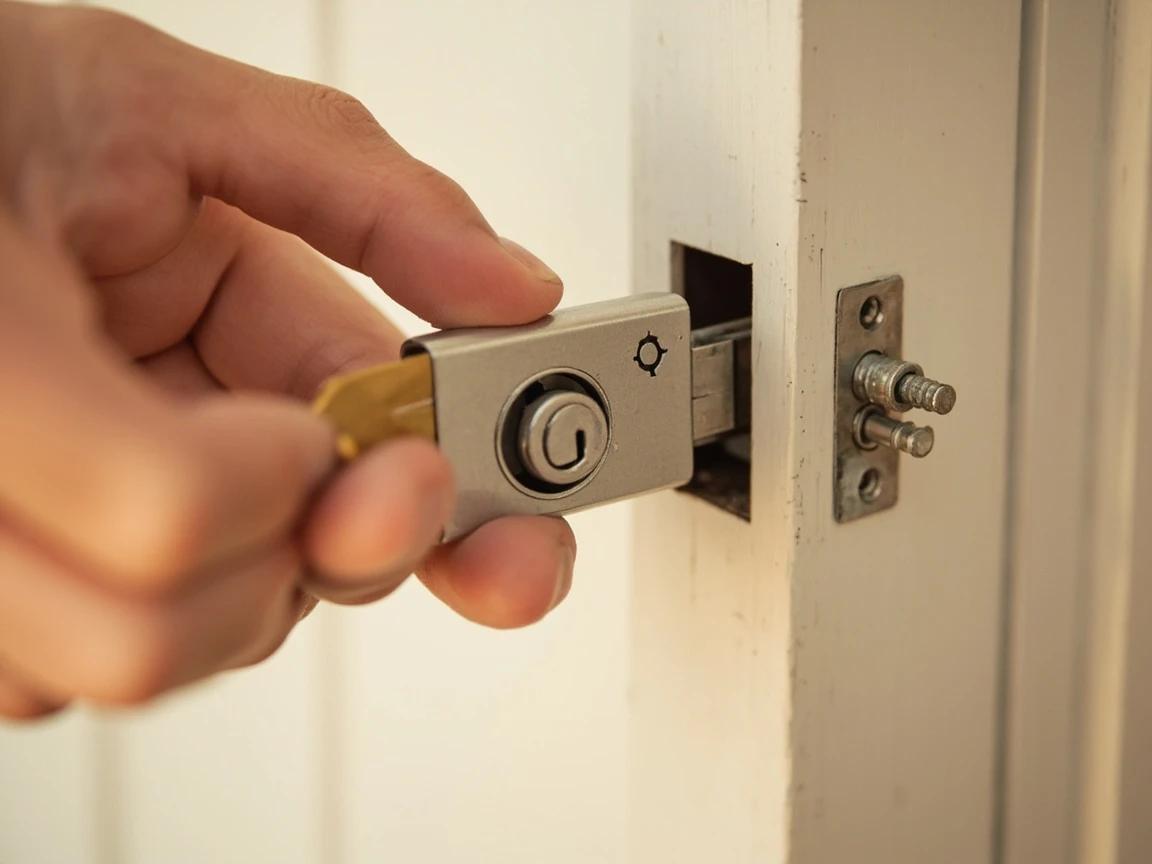
Install the latch with the bolt retracted and confirm the tailpiece slot faces the way the manual shows. A latch put in backward or set to the wrong backset is the most common reason the two halves won't meet or the bolt won't turn.
Mount the Exterior Assembly
From outside, hold the exterior keypad or escutcheon against the door and feed its tailpiece (a flat metal bar) and any ribbon cable through the center hole of the latch and the crossbore. Keep the keypad straight and level — a tilted keypad looks off and can strain the cable. Let the long mounting posts pass through to the inside, and use a strip of painter's tape or a helper to hold the exterior piece in place while you move to the interior side.
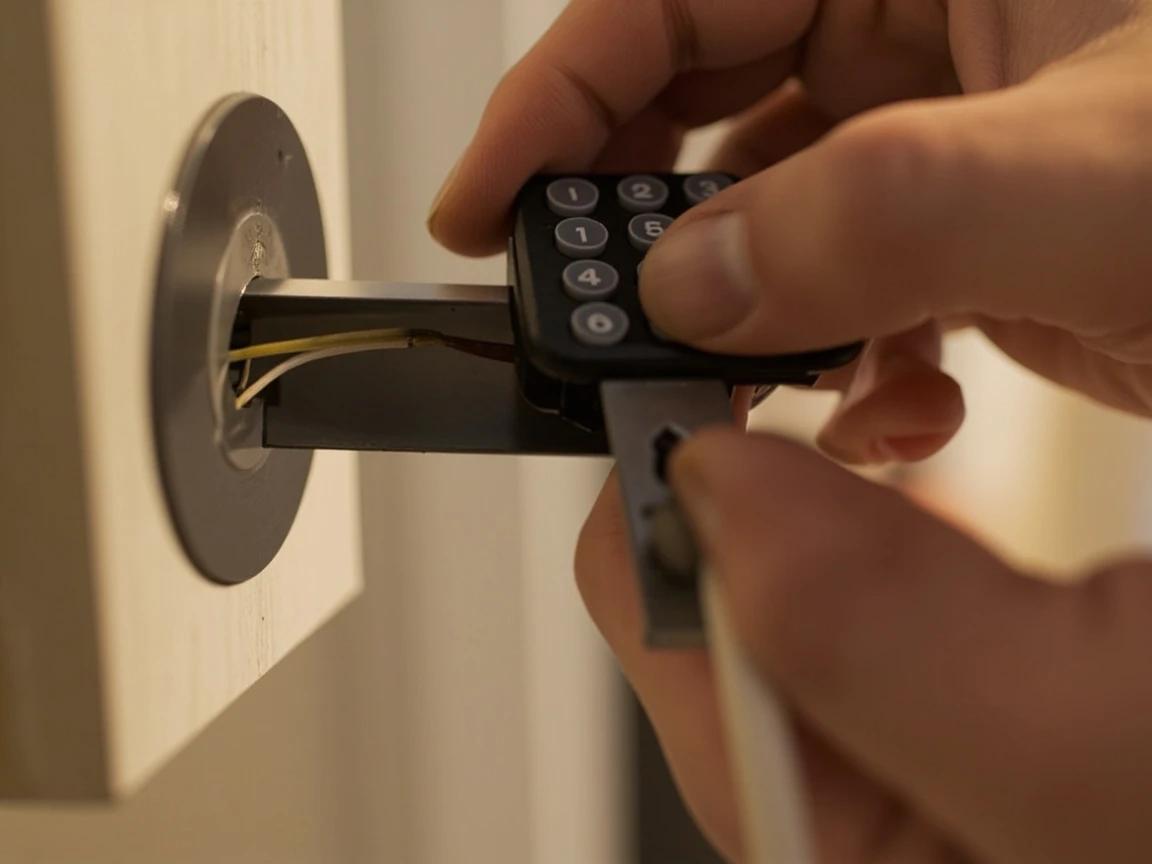
Thread any ribbon cable through first and tuck it so it can't get pinched between the mounting plate and the door — a pinched cable is a frequent reason a keypad won't power up after everything is assembled.
Attach the Interior Plate and Battery Unit
Most locks use a two-piece interior side: a flat mounting plate screws to the door first and captures the exterior assembly's posts, then the battery and motor body clicks or screws onto that plate. Drive the mounting-plate screws evenly and only hand-tight, then connect the cable to the interior unit if your model has one and seat the body onto the plate. Snug screws hold everything square; cranked-down screws warp the assembly.
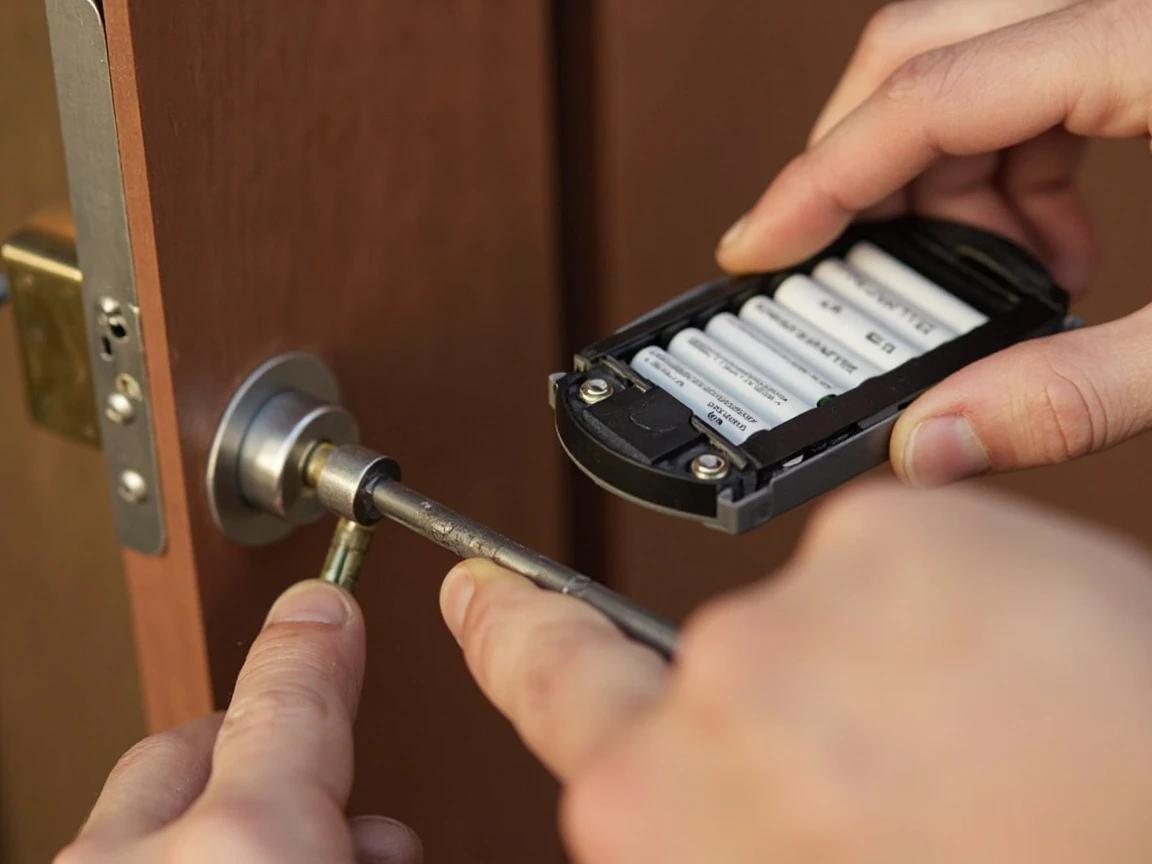
Hand-tighten the mounting screws only. Over-tightening is the number-one cause of a stiff bolt and a motor that grinds or reports a jam — the assembly should be snug, not cranked down.
Add Batteries and Calibrate With the Door Open
Install fresh alkaline AA batteries (usually four), then run the lock's setup or calibration routine with the door standing open so a misfire can't lock you out. Most locks auto-detect their orientation or ask you to throw the bolt once — follow the prompts. Then turn the thumb-turn by hand and watch the bolt extend and retract smoothly with no binding; if it drags now, it will only get worse once the door is closed against the strike.
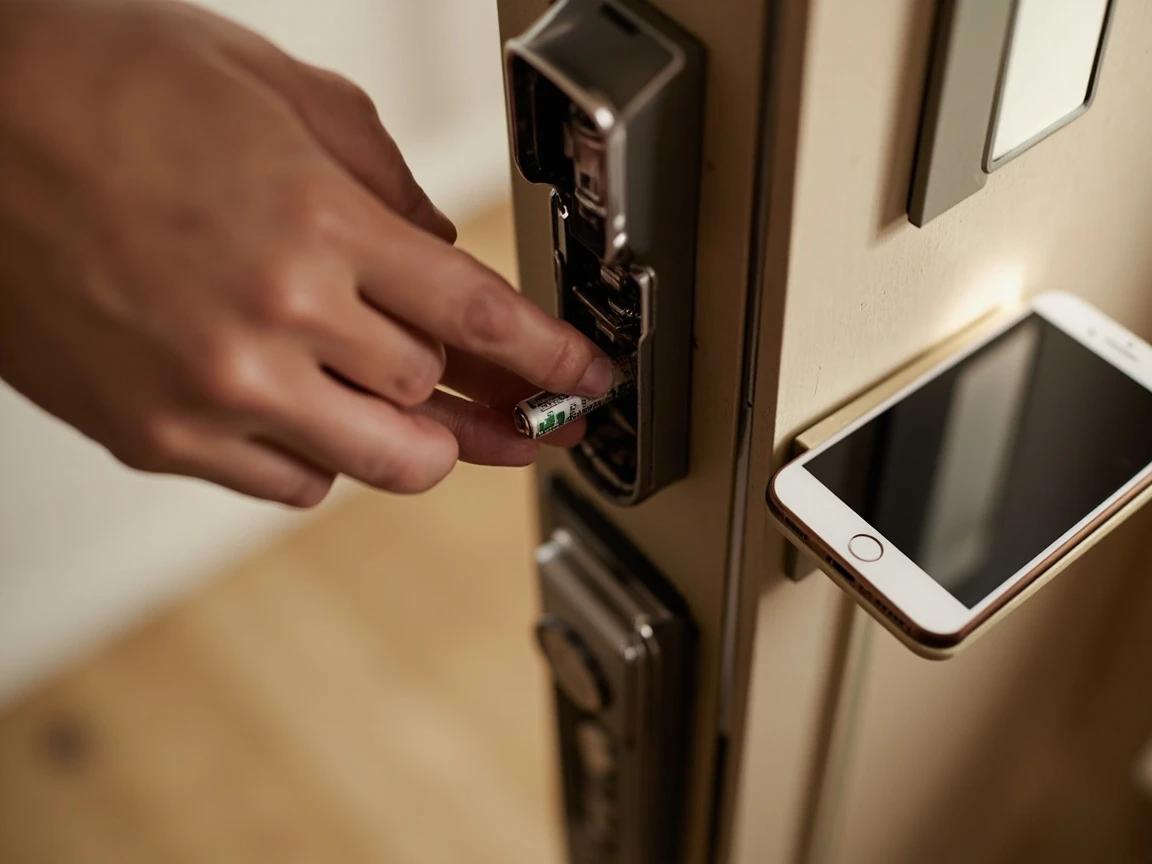
Always calibrate and run your first test cycles with the door wide open. A lock that thinks it's calibrated but is fighting a misaligned bolt can stop in the locked position and leave you stranded outside.
Align the Strike So the Bolt Throws Fully
Close the door and slowly turn the bolt by hand — it should glide all the way into the strike-plate hole in the frame without lifting the handle or forcing it. If it catches, the strike is misaligned: mark where the bolt hits, then enlarge or reposition the strike hole with a round file or chisel, or shim and move the strike plate, until the bolt seats completely. Full bolt throw matters — a bolt that only extends partway is both insecure and the leading cause of failed auto-lock.
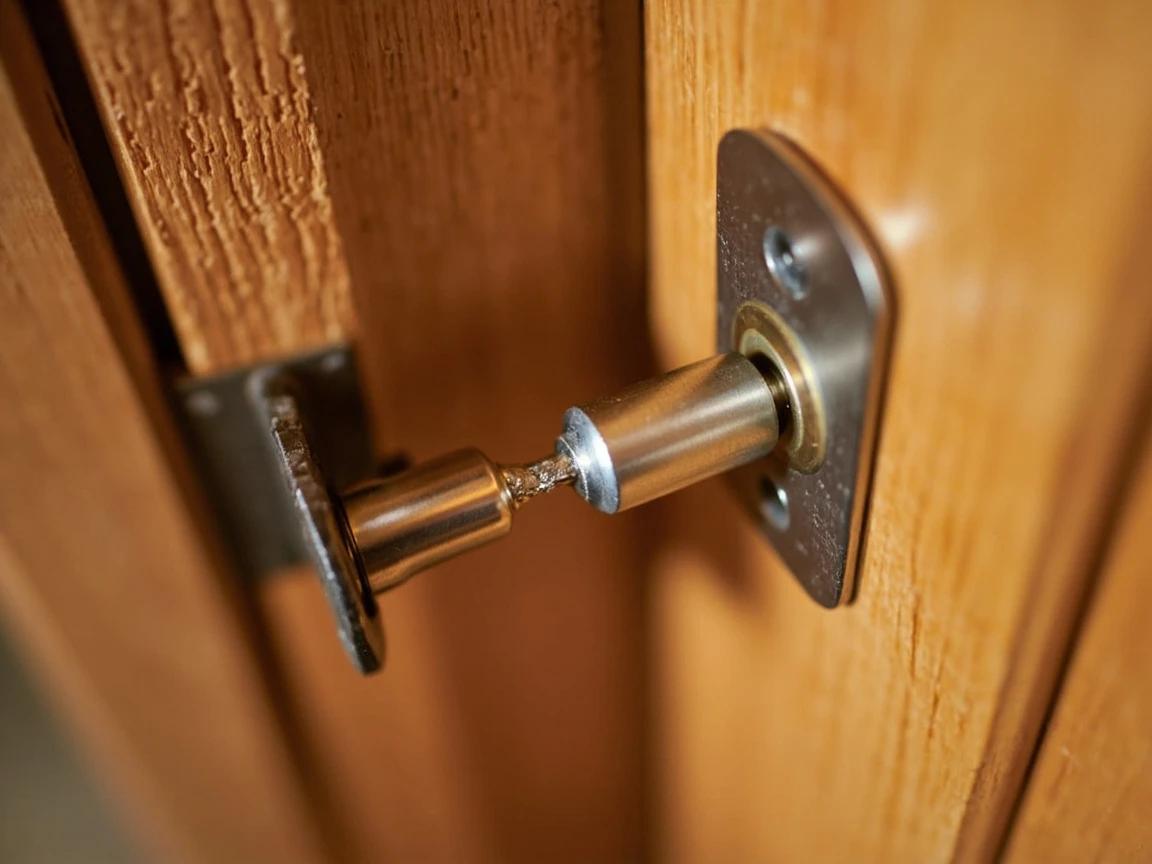
Rub the bolt end with a pencil or lipstick, throw it against the strike, and the smudge shows exactly where it's binding. Most alignment problems need only a slightly larger or relocated strike hole, not a whole new mortise.
Set Up the App, Codes, and Auto-Lock
With the hardware working, open the manufacturer's app, pair the lock over Bluetooth, connect it to WiFi or its bridge if you want remote control, and install any firmware update before configuring anything else. Create your entry codes (give guests their own so you can revoke them individually), turn on auto-lock if you want it, and link it to a voice assistant — it's the same app-pairing flow as setting up a smart thermostat. Finally, test everything from outside: lock and unlock by code and by app, and confirm your backup key or emergency-power method works before you rely on it.
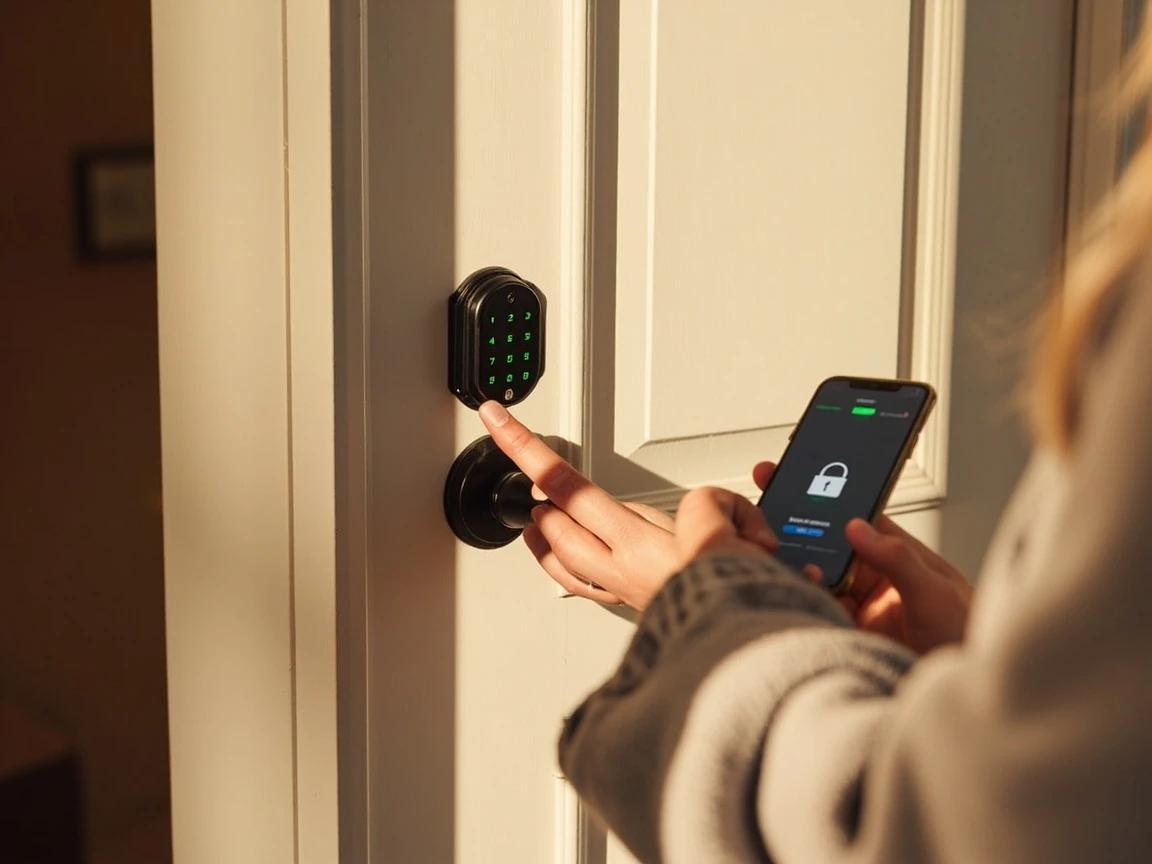
Give every recurring visitor — dog walker, in-laws, house cleaner — a unique code instead of sharing one. You get a log of who came in and when, and you can delete a single person's code without re-coding everyone else.
Frequently Asked Questions
Do I need WiFi for a smart lock?
+
Not to use it at the door — a Bluetooth smart lock pairs with your phone within a few feet and works fine with keypad codes. You only need WiFi (built in or through a small plug-in bridge/hub) if you want to lock, unlock, or check the door remotely from anywhere, or get alerts when you're away. Built-in WiFi is the most convenient but drains the batteries noticeably faster than Bluetooth.
Can I keep my existing keys, or do I have to re-key?
+
It depends on the type. A retrofit smart lock mounts only on the inside over your current deadbolt, so the exterior cylinder and all your existing keys keep working unchanged. A full-replacement smart deadbolt swaps the whole lock — you'll use new keys (if it's keyed at all), though some brands let you re-key the new cylinder to match an existing key so one key still opens every door.
What is backset, and how do I measure it?
+
Backset is the distance from the edge of the door to the center of the large bore hole where the lock sits — it's almost always 2-3/8 inches or 2-3/4 inches on residential doors. Measure it with a tape from the door edge to the center of the hole. Most smart-lock latches are adjustable and cover both, so backset is rarely a dealbreaker, but it's worth confirming before you buy.
Will a smart lock fit a metal door?
+
Yes — a standard steel residential entry door is pre-bored just like a wood door (a 2-1/8-inch face bore and a 1-inch edge bore), so a normal smart deadbolt fits. The exceptions are narrow-stile aluminum-and-glass doors (storefront and many storm doors), which have a thin frame that needs a specially sized lock, and any door without an existing deadbolt bore, which has to be drilled.
What happens when the smart lock battery dies?
+
The lock stops responding to codes, fingerprint, and the app, but it won't unlock itself or trap you — the bolt simply stays where it is. Most locks warn you weeks ahead with low-battery alerts. To get in once it's dead, use the physical backup key (on keyed models) or your lock's emergency power: many have two metal contacts on the bottom that you press a 9-volt battery against to power the keypad just long enough to enter your code.
Sources & further reading
- Support for Backup Power — Kwikset
- Decoded: Deadbolts in a Means of Egress — I Dig Hardware (Allegion)
- How to Measure Your Door for a New Smart Lock — Lockly
More Electrical Guides
View all → Easy30 min
How to Replace an Electrical Outlet
A worn-out or discolored electrical outlet is one of the simplest electrical repairs you can tackle yourself — swapping one takes about 15-30 minutes and costs under $5 in parts versus $75-150 for an electrician visit. This guide walks you through safely replacing a standard duplex receptacle, including how to handle the wiring correctly and avoid the most common DIY mistakes.
 Easy1h 15m
How to Replace Weatherstripping on an Exterior Door
If you can see daylight around a closed front door, you are heating and cooling the yard — and worn weatherstripping is almost always the reason. Replacing the jamb seal and the door sweep runs about $15 to $60 in parts and takes an hour, which is a rounding error next to the cost of a new door. This guide covers the four weatherstrip types and how to tell which one your door uses, how to measure and fit each, how to set the compression so the door still latches, and the geometry problem that no amount of new sealing will fix.
 Easy45 min
How to Replace a Thermostat (Non-Smart)
A faulty or outdated thermostat can cause uneven temperatures and inflate your energy bill by 10-20%. Swapping it for a new programmable or basic digital thermostat is a 30-minute job that requires only a screwdriver and costs $20-50 for the part. This guide walks you through safely disconnecting the old unit, labeling wires, mounting the new thermostat, and verifying your HVAC system responds correctly.
You Might Also Like
 Easy20 min
Best Paint for Kitchen Cabinets, Compared
The four paints that actually hold up to daily kitchen use are Benjamin Moore Advance, Sherwin-Williams Emerald Urethane Trim Enamel, INSL-X Cabinet Coat, and Behr Urethane Alkyd. They all work; they each fail in different ways. This guide compares cure time, leveling, scratch resistance, and price so you pick the one that matches your skill level and timeline — not the one a paint-store clerk has the most stock of.
 Easy25 min
Best Deck Stain: Transparent vs Semi vs Solid
There is no "best" deck stain — there is the right stain for your sun exposure, wood condition, and how often you want to redo the job. Transparent stains last 1-2 years but let the natural grain show. Solid stains last 4-7 years but look like paint. This guide walks the four opacity levels and the oil-vs-water choice so you pick the one that matches your deck and your tolerance for re-staining.
 Easy45 min
How to Install a Smart Thermostat
A smart thermostat is one of the highest-ROI upgrades you can make to your home — it learns your schedule, adjusts automatically when you're away, and typically saves about 8% on heating and cooling bills — the figure ENERGY STAR verifies from real-home data, roughly $50 a year — so the $120-250 device usually pays for itself within a few years. If your old thermostat has labeled wires behind it, the swap takes about 30-45 minutes with nothing more than a screwdriver and your phone. This guide covers checking compatibility, labeling wires, mounting the new base, connecting everything, and walking through the app setup so your system is running smart the same day.