How to Replace a Refrigerator Water Filter
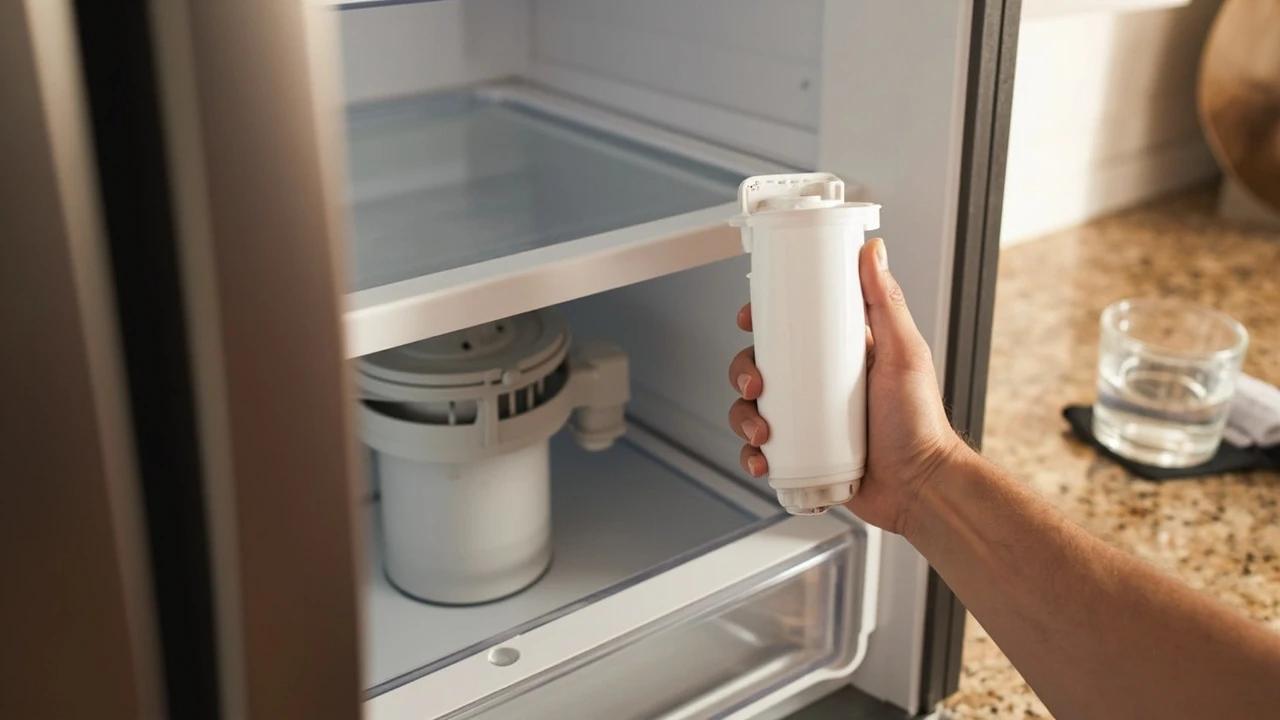

A clogged refrigerator water filter is the most common cause of slow dispensing, off-tasting water, and undersized ice cubes — and it is the easiest fix in your kitchen. Most filters are designed to be swapped in under five minutes with no tools, no shut-off valve, and no spilled water. This guide covers locating your filter, the two common removal styles (twist-in and push-in), inspecting the O-rings, flushing the new filter, and resetting the indicator light so you do not see the red "Replace" warning the next morning.
What You'll Need
🛠 Tools
📦 Materials
Safety First
- •Use only filters that are NSF/ANSI 42 (chlorine, taste, odor) and NSF/ANSI 53 (lead, cysts, VOCs) certified. Uncertified knock-offs can leak, fail to remove contaminants, or even add chemicals to your water.
- •Do not skip the flush step. New carbon filters shed loose carbon dust during the first few cups — drinking unflushed water will not hurt you, but it tastes terrible and can stain a glass.
Step-by-Step Instructions
Locate Your Filter and Identify the Type
Refrigerator water filters live in one of three places: inside the upper-right or upper-left wall of the fresh-food compartment, behind a flip-down door in the ceiling of the fridge, or behind the front bottom toe-kick grille. Open the doors and look for a small cylindrical cartridge about the size of a 12-ounce can. The two common locking styles are twist-in (you twist a quarter turn to release) and push-in (you press a small button to release). Note your refrigerator brand and model number — the model sticker is on the inside wall of the fridge near the top — so you can buy the right replacement.
Snap a phone photo of the existing filter cartridge — the part number is printed right on it (e.g., EDR1RXD1, DA29-00020B, LT1000P). Searching that number gets you exact-match replacements faster than trying to look up your fridge model.
Turn Off the Ice Maker
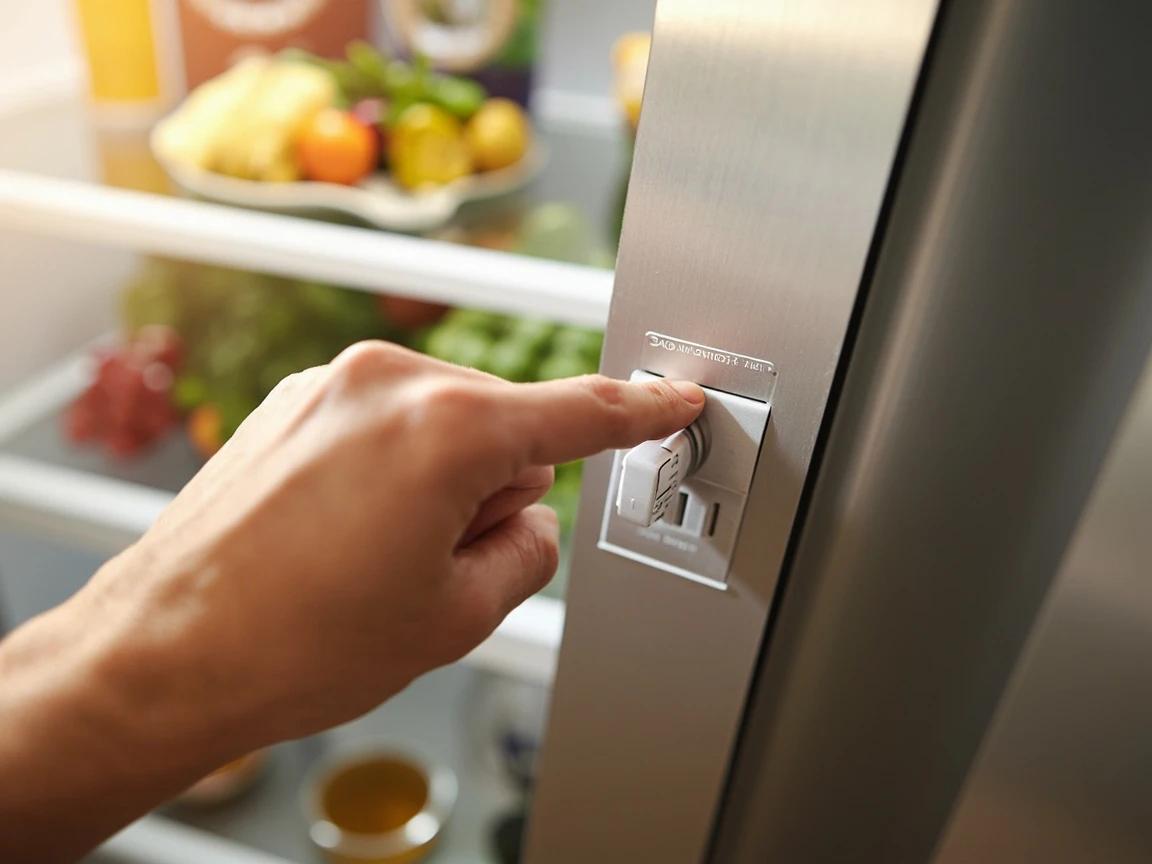
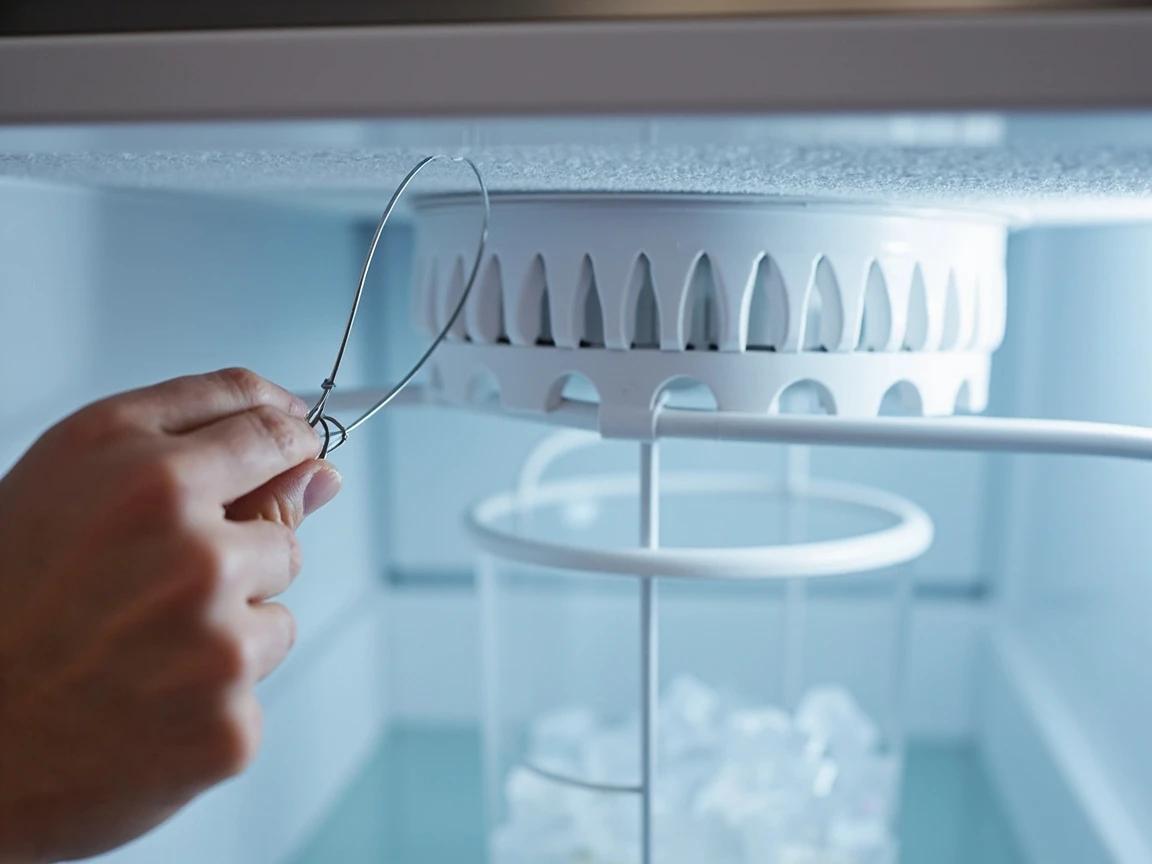
Lift the wire shutoff arm in the freezer to the up position, or press the "Ice Off" button on the dispenser control panel. Some Samsung and LG models have the toggle inside the freezer ice bucket itself. Turning the ice maker off prevents it from trying to fill while the filter is out, which would dump water into the bucket or onto the floor. Also place a small towel directly under the filter housing to catch the few tablespoons of water that will drip from the old filter when you remove it.
Remove the Old Filter
For twist-in filters, grasp the cartridge body and rotate it counterclockwise a quarter turn (about 90 degrees) until it stops, then pull it straight out — it will resist for the first half-inch as the internal valve seals, then slide free. For push-in filters, press the small round release button next to the housing, and the cartridge will spring out about an inch so you can grip and pull it. Tip the old filter sideways immediately into your towel so the small reservoir of water inside does not splash. Wipe any drips from the housing area with the towel.
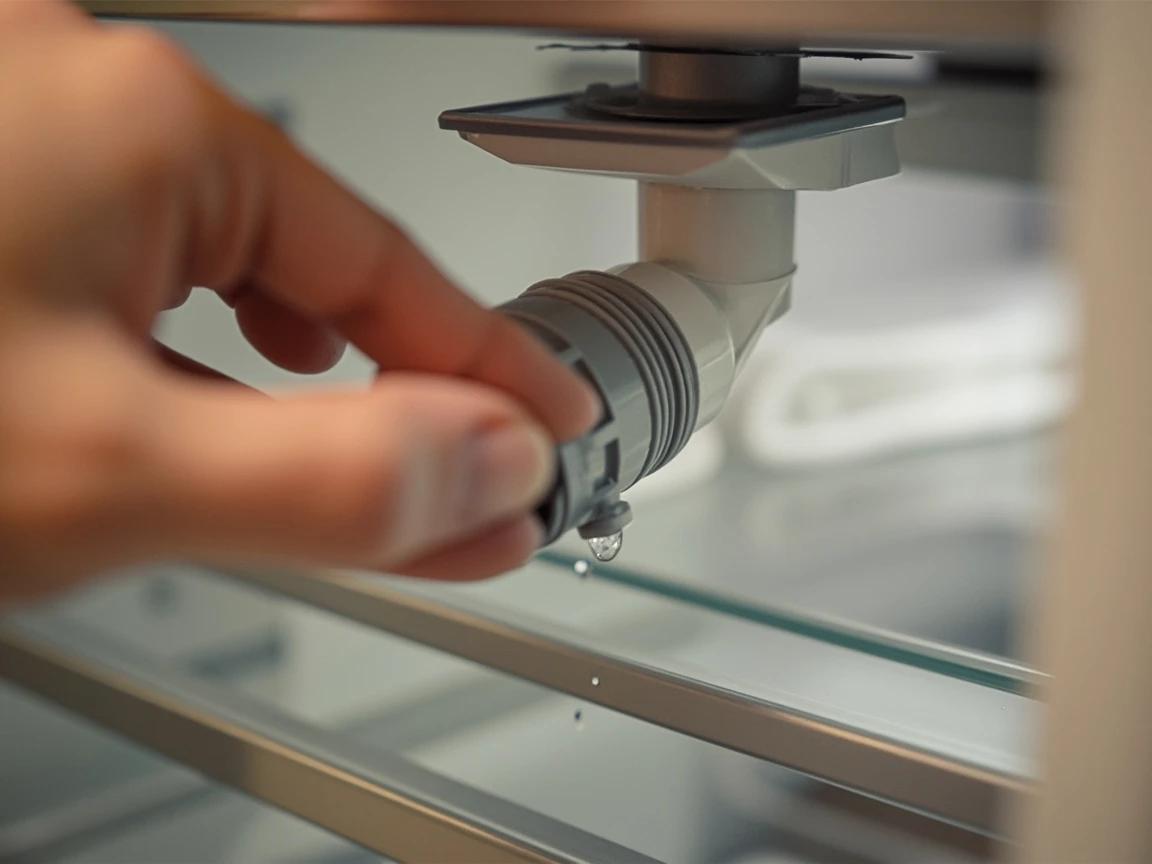
If the filter resists turning past the first 30 degrees, do not force it with a wrench or pliers — you will crack the housing. The filter is just stuck from mineral buildup. Twist back and forth gently while pulling outward and it will release.
Inspect and Prepare the New Filter
Take the new filter out of its packaging and pull off the protective plastic caps from both ends — keeping a cap on by accident is the number one cause of "no water flow" complaints after a swap. Look at the O-rings: there are usually two small black rubber rings near the top of the filter neck, and they must be seated flat in their grooves with no twists or gaps. If an O-ring is missing from a brand-new filter, return it — do not try to install a replacement ring yourself.
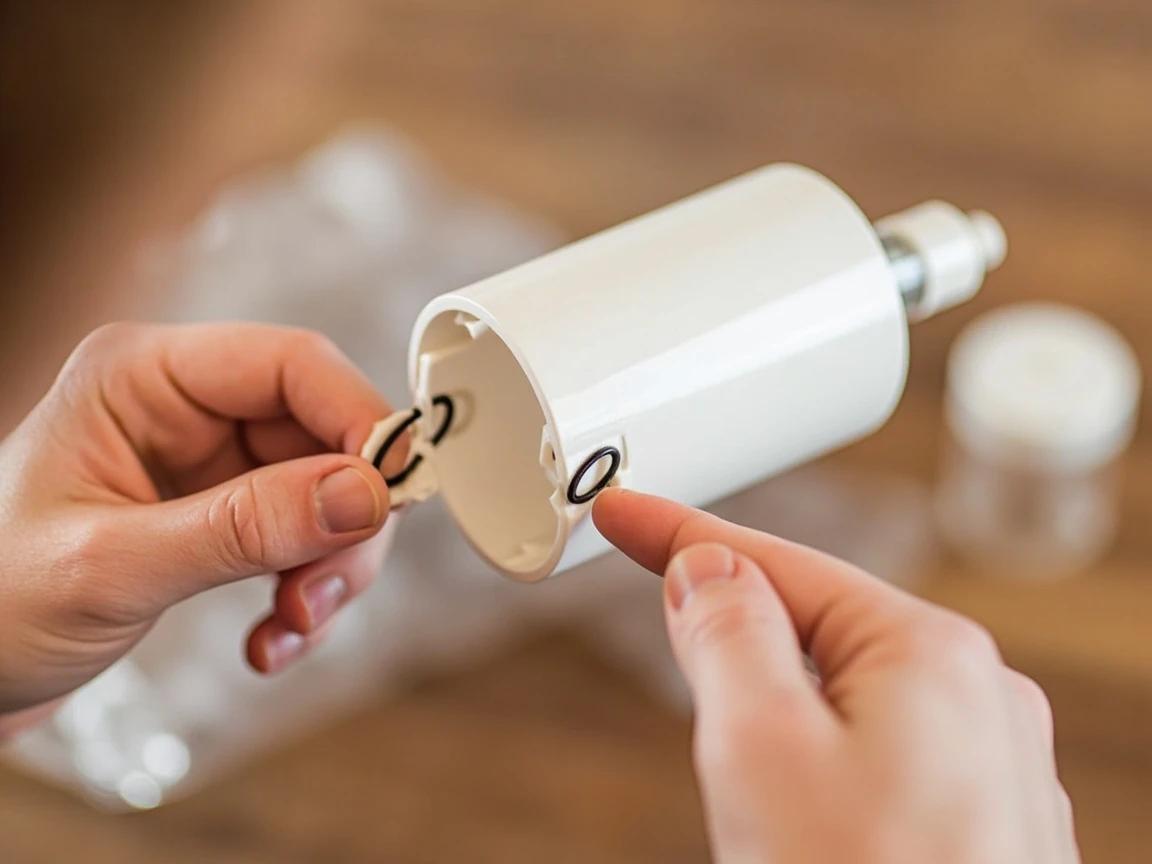
If the O-rings look dry, dab a tiny smear of food-grade silicone grease or even cooking oil on them with your fingertip. This makes the filter slide in smoother and helps the rings form a perfect seal — most leaks are dry-O-ring leaks.
Install the New Filter
For twist-in models, align the tabs on the filter neck with the slots in the housing, push the filter straight in until it stops, then rotate clockwise a quarter turn until the printed label faces forward and you feel a firm stop. For push-in models, push the filter straight in firmly until you hear and feel a click — the release button will pop back out flush with the housing. Do not over-twist or use tools; the lock is designed for hand-tight only and forcing it past the stop will damage the internal valve.
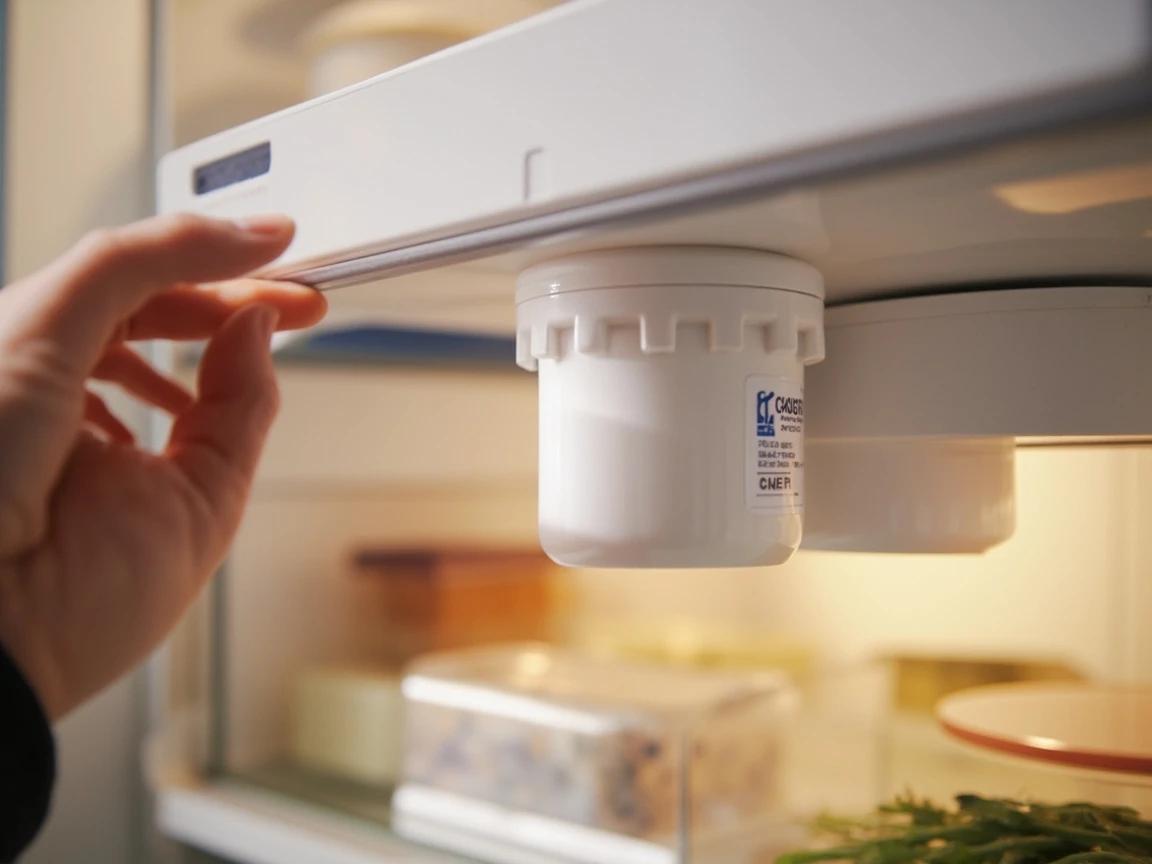
Flush the New Filter
Hold a large pitcher or glass under the water dispenser and run at least 3-4 gallons of water through it (about 4-5 minutes of dispensing in 30-second bursts to avoid overheating the dispenser solenoid). The first quart will sputter and run cloudy or gray — that is loose carbon fines and trapped air, and it is normal. Keep flushing until the water comes out clear and tastes neutral. Dump the flushed water on plants or down the drain; do not drink it.
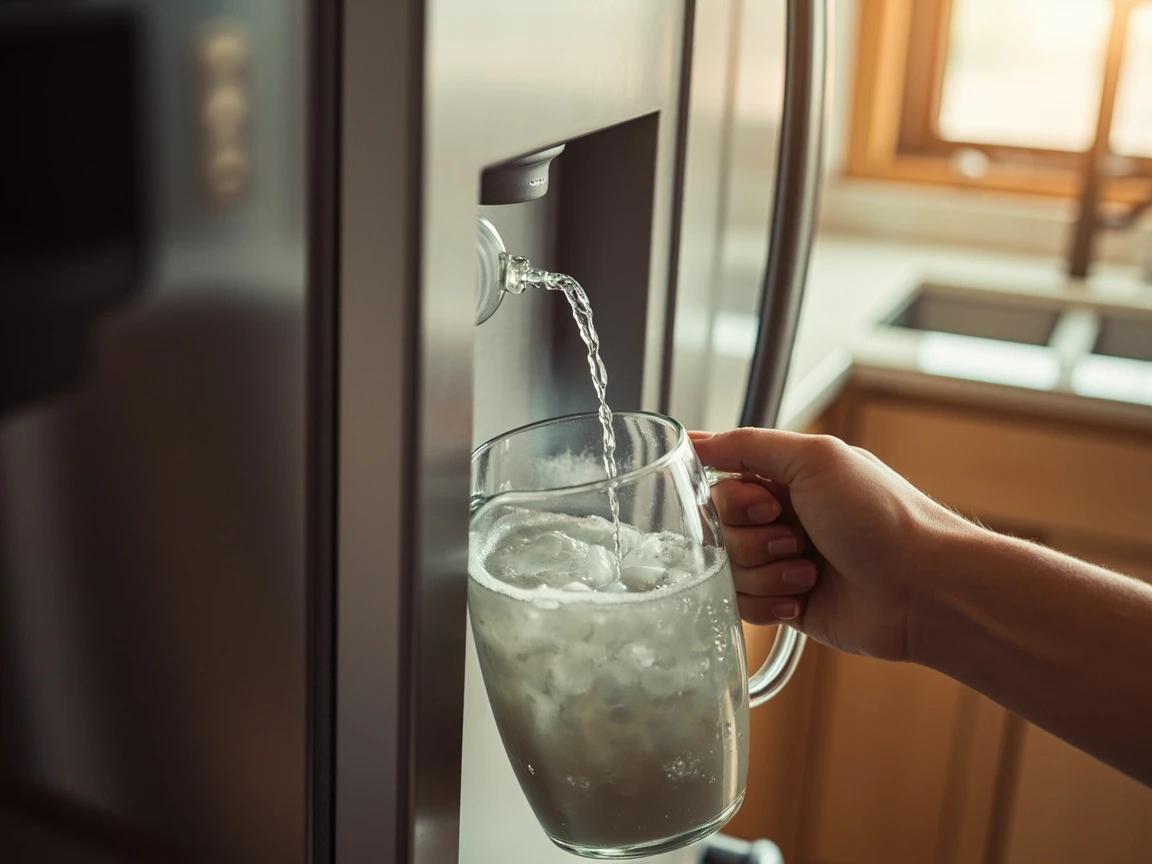
Do not flush all 4 gallons in one go — most refrigerator dispenser solenoids are rated for about 60 seconds of continuous flow before they overheat and shut off temporarily. Run 30 seconds, pause 30 seconds, repeat.
Restart the Ice Maker and Discard Early Ice
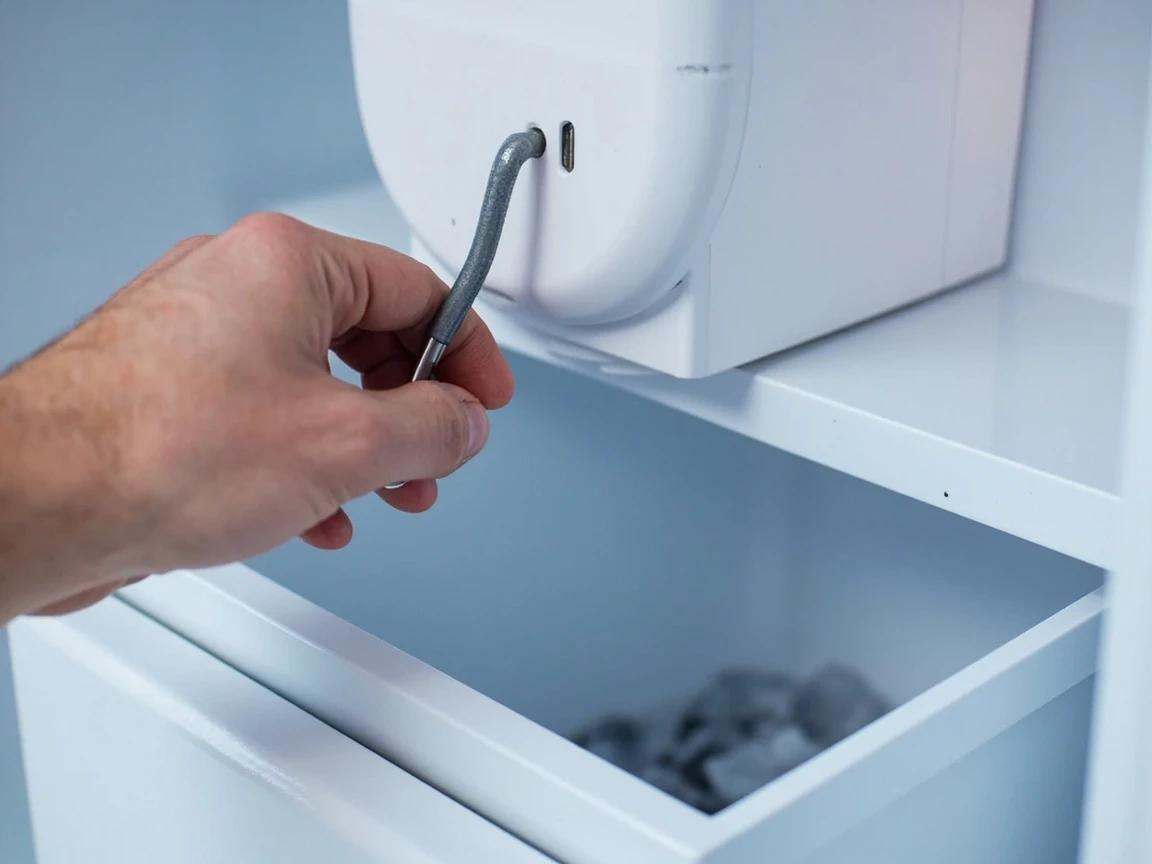
Lower the ice maker shutoff arm back down (or press "Ice On" on the panel) so the ice maker can begin filling again. The first batch of ice will form within 90 minutes to 3 hours depending on your model. Throw out the first two full batches of ice — they will contain the same loose carbon and trapped air as the flushed water and will look cloudy or have a slightly off taste. After the third batch, the ice will be clear and taste neutral.
Reset the Filter Indicator Light
Find the "Filter" or "Filter Reset" button on the dispenser control panel — on Samsung it is labeled "Ice Type / Filter," on LG it is "Light/Filter," on Whirlpool and KitchenAid it is just "Filter." Press and hold it for 3-5 seconds until the red status light turns green or blue, or until you hear a confirmation chime. If your fridge has a touchscreen, navigate to Settings > Filter > Reset. The filter light is on a flow-volume timer, so resetting it now means the next "Replace" warning will be accurate.
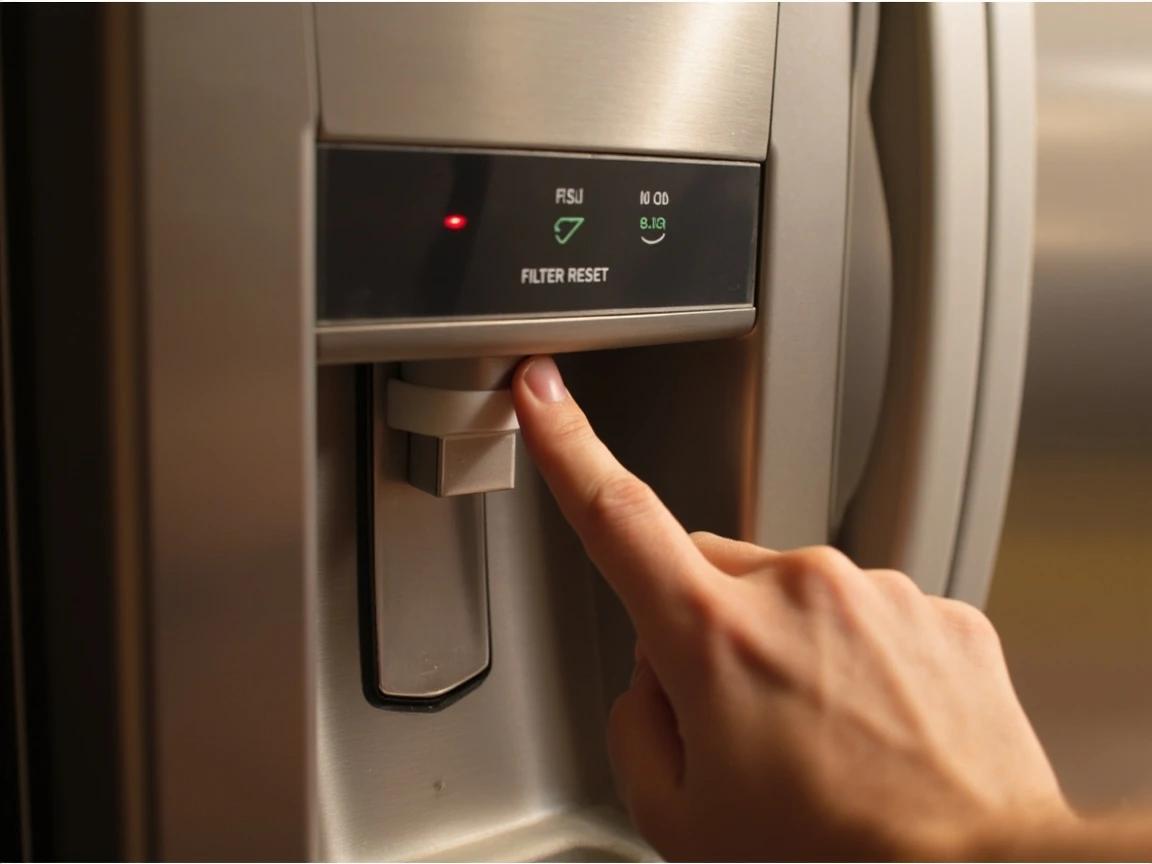
If you cannot find the reset button, check your refrigerator manual or search "[your model number] reset filter light" — the button label and hold time vary by manufacturer, and some older fridges require pressing two buttons simultaneously.
Check for Leaks and Mark the Calendar
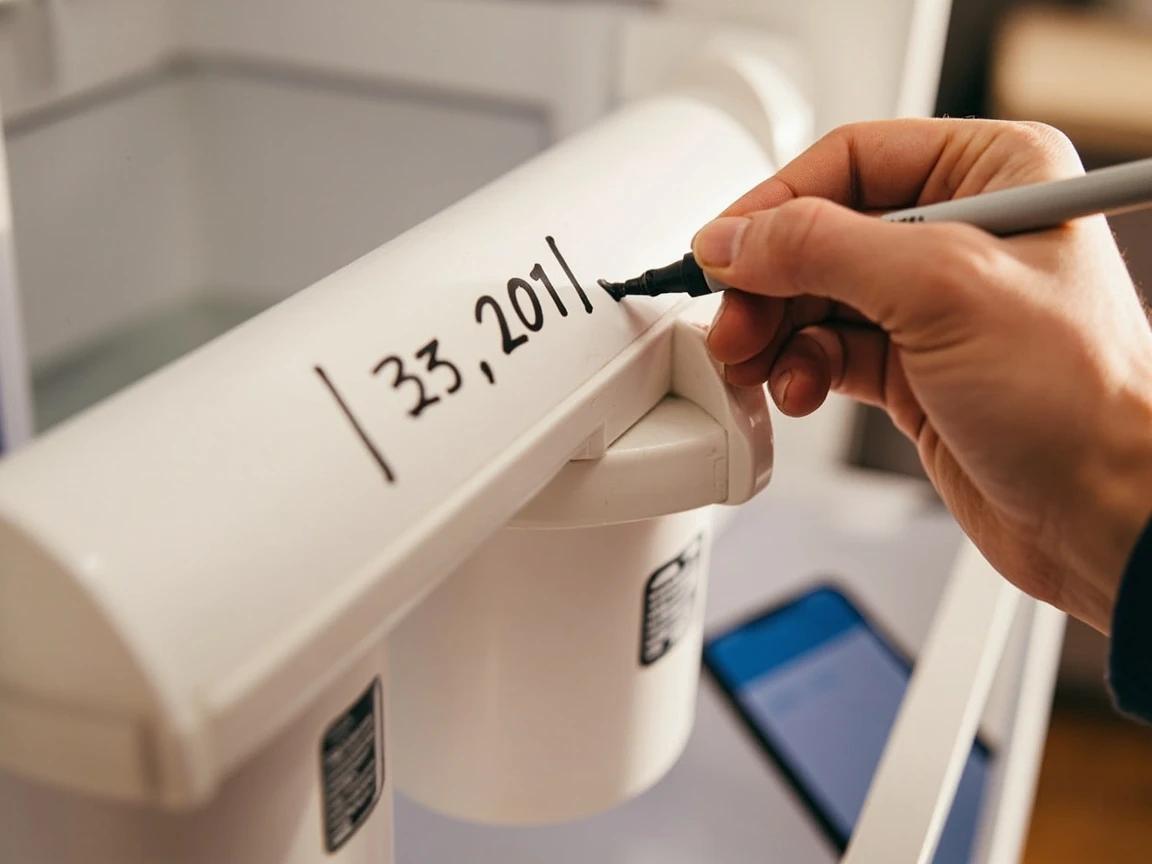
Wait 10-15 minutes, then look at the filter housing area, the floor in front of and behind the fridge, and the back wall water line for any drips. A properly seated filter will not leak at all — if you see even a small drop, twist the filter out, re-check the O-rings, and reinstall. Once you confirm no leaks, write the install date on the new filter body with a Sharpie or set a recurring 6-month reminder on your phone so you remember to swap it again before the indicator nags you.
Frequently Asked Questions
How often should I replace my refrigerator water filter?
+
Every 6 months or about 300 gallons, whichever comes first — that is the standard manufacturer recommendation across Whirlpool, Samsung, LG, GE, and Frigidaire (a few filters are rated for as little as 200 gallons, so check yours). If your household is larger or your municipal water has heavy chlorine, sediment, or scale, push that to every 3-4 months. The filter indicator light on most modern fridges is based on flow volume, not time, so trust it more than the calendar.
Do I have to turn off the water supply to change the filter?
+
No. The filter housing is designed with an internal shut-off valve that closes automatically the moment you twist or pop the old filter out, so water will not gush into the fridge. You will get a few tablespoons of residual drip from the cartridge itself — that is what the towel is for.
Can I use an off-brand filter instead of the OEM one?
+
Yes, as long as it carries NSF/ANSI 42 and 53 certifications and is listed as compatible with your exact model number. Brands like Waterdrop, Glacier Fresh, and IcePure cost $8-20 versus $40-60 for OEM and perform identically in third-party lab tests. Avoid uncertified Amazon knock-offs — they often have undersized O-rings that leak.
Why is my refrigerator leaking after I changed the filter?
+
Almost always a seating problem. Pull the filter out and check the two black rubber O-rings on the filter neck — if either is twisted, missing, or pinched, the seal will fail. Re-seat the O-rings, wipe the filter housing dry, and push the filter in firmly until you feel and hear it click into the locked position.
How do I reset the filter light after replacing it?
+
On most refrigerators, press and hold the "Filter" or "Filter Reset" button on the control panel for 3-5 seconds until the indicator turns from red back to green or blue. On Samsung models the button is labeled "Ice Type / Filter"; on LG it is the "Light/Filter" button; on Whirlpool and KitchenAid it is usually just "Filter."
Sources & further reading
- NSF/ANSI Standards for Drinking Water Treatment Units — NSF
- Ground Water & Drinking Water — U.S. Environmental Protection Agency
- Best Refrigerator Water Filters of 2026 — Consumer Reports
More Appliance Repair Guides
View all →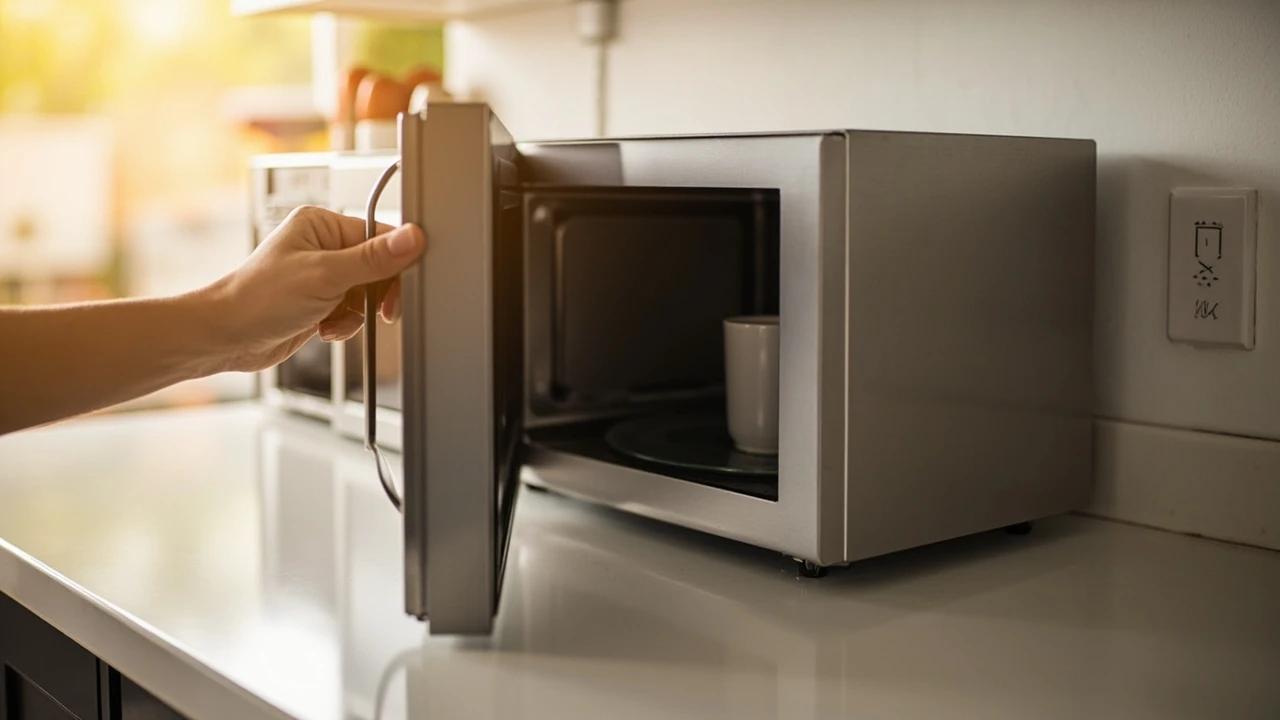 Medium30 min
How to Troubleshoot a Microwave That Won't Heat
A microwave that runs — light on, turntable spinning, timer counting down — but leaves food stone cold is one of the most common appliance failures, and about half the time the cause is something you can fix in five minutes for free. This guide walks the diagnosis from the easy stuff (demo mode, power level, a tripped GFCI, a dirty door latch) to reading the failure signature that tells you the high-voltage circuit is gone, then helps you make the repair-or-replace call with real numbers.
 Easy15 min
How to Fix a Garbage Disposal Jam
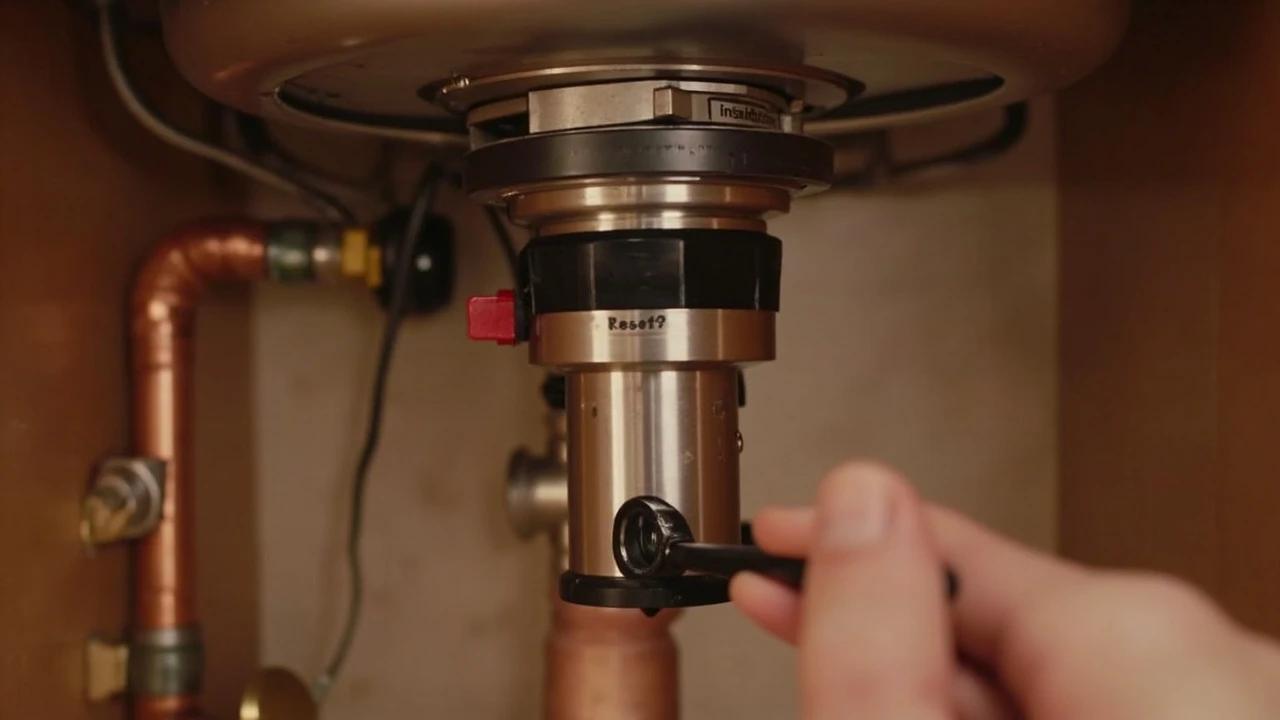
A garbage disposal that hums but will not spin, or trips off the moment you flip the switch, is almost always jammed — a peach pit, a chicken bone, a teaspoon, or a wad of fibrous celery wedged between the spinning impeller plate and the grind ring. The fix is genuinely a 15-minute DIY job that costs nothing if the original 1/4-inch hex wrench is still taped to the unit, and somewhere between $5 and $15 if it is not. A plumber would charge $75 to $200 for the same five-minute crank-and-reset, so this is the highest-ROI repair in the kitchen — assuming you do it safely.
 Easy1 hr
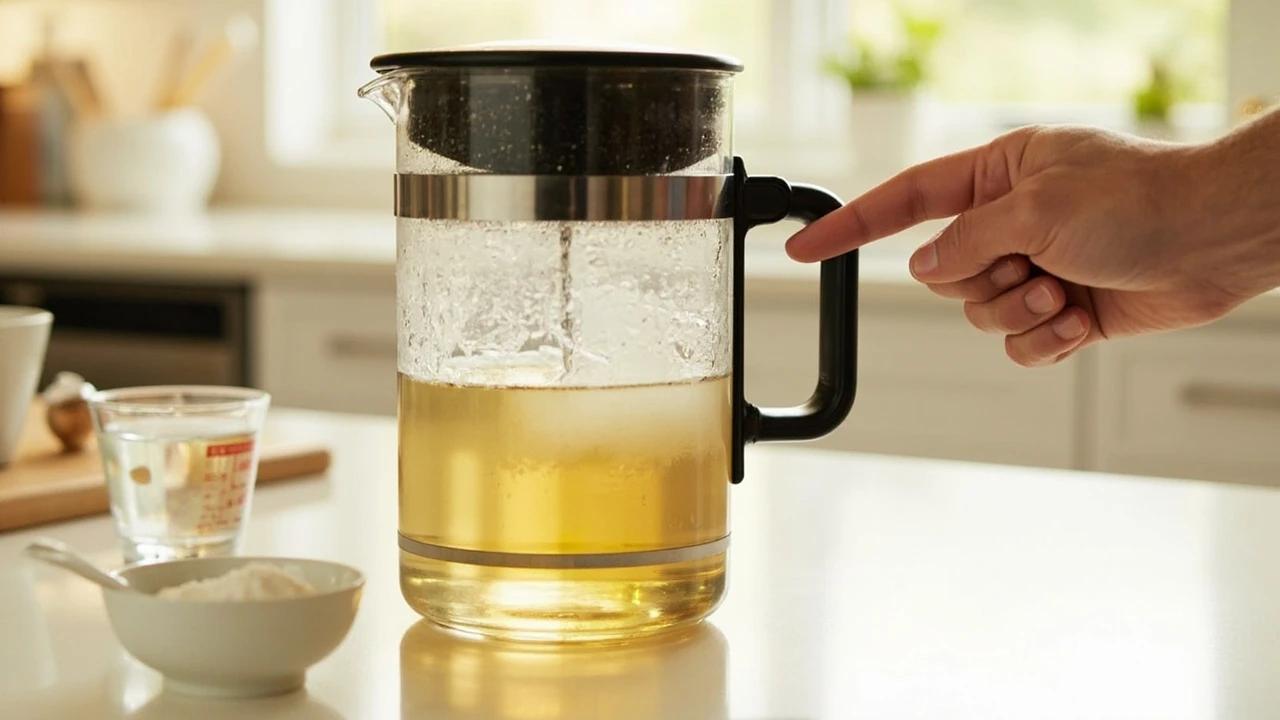
How to Descale a Coffee Maker
Slow brewing, lukewarm coffee, a sputtering carafe, or a flashing "Descale" light all point to the same culprit: a layer of calcium and magnesium scale clinging to the inside of your heating element and water lines. Left unchecked, scale doubles your brew time and eventually burns out the heater. The fix takes about an hour, costs under $5 in white vinegar (or $1 in citric acid), and is the same procedure for drip machines, Keurigs, and most pod brewers — with a few small differences this guide will walk you through end to end.
You Might Also Like
 Medium6 hrs
How to Paint a Room
A fresh coat of paint is the fastest, cheapest way to transform any room — and doing it yourself saves $400-800 in labor for an average 12x12-foot bedroom. The job takes a weekend from prep to final coat, and the difference between an amateur-looking result and a professional finish comes down to technique, not talent. This guide covers prep, cutting in, rolling, and cleanup so you get clean lines and even coverage the first time.
 Easy30 min
How to Replace an Electrical Outlet
A worn-out or discolored electrical outlet is one of the simplest electrical repairs you can tackle yourself — swapping one takes about 15-30 minutes and costs under $5 in parts versus $75-150 for an electrician visit. This guide walks you through safely replacing a standard duplex receptacle, including how to handle the wiring correctly and avoid the most common DIY mistakes.
 Medium45 min
How to Install a Ceiling Fan
Replacing a light fixture with a ceiling fan improves air circulation in summer and can reduce heating costs in winter by circulating warm ceiling air downward. Most installs take 45-60 minutes.