How to Replace a Thermostat (Non-Smart)
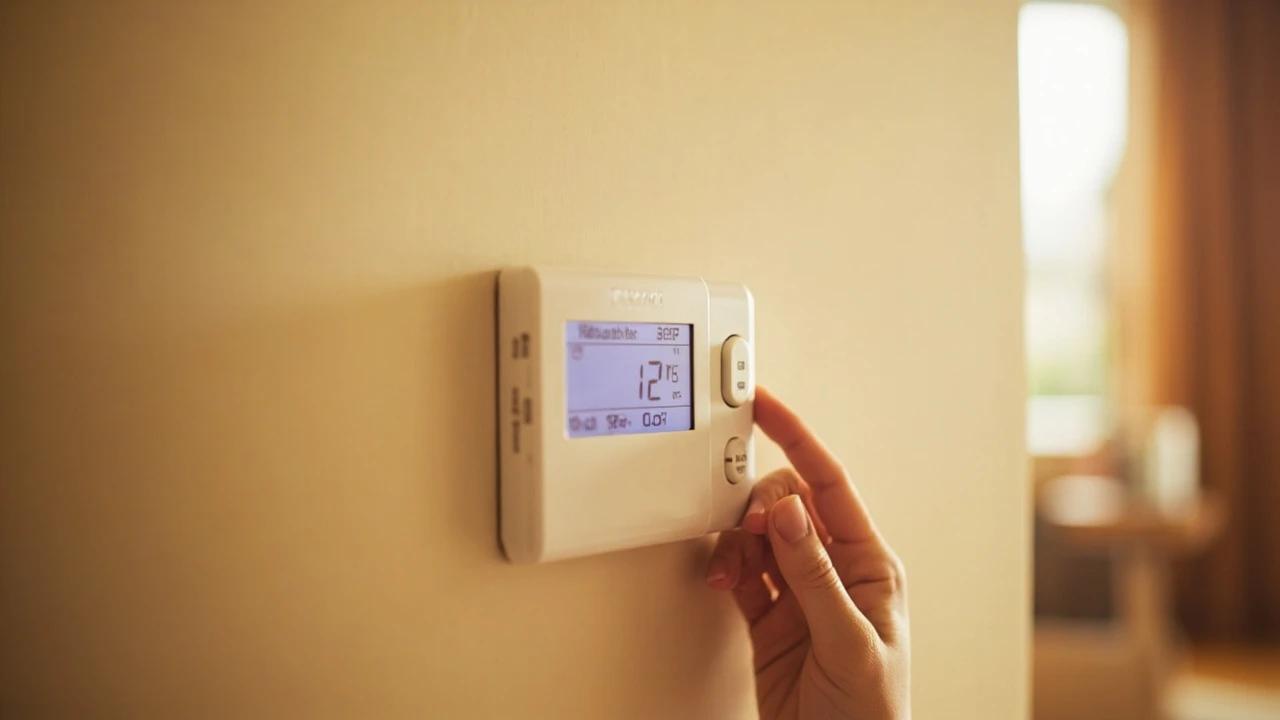

A faulty or outdated thermostat can cause uneven temperatures and inflate your energy bill by 10-20%. Swapping it for a new programmable or basic digital thermostat is a 30-minute job that requires only a screwdriver and costs $20-50 for the part. This guide walks you through safely disconnecting the old unit, labeling wires, mounting the new thermostat, and verifying your HVAC system responds correctly.
What You'll Need
🛠 Tools
📦 Materials
Safety First
- •Turn off the HVAC system at the circuit breaker before disconnecting any wires — thermostat wires carry 24V AC, which is low voltage and rarely dangerous but can deliver a mild tingle and can short and damage the HVAC control board if bare wires touch.
- •If you see thick high-voltage wires (line voltage — 120V or 240V), stop immediately and call a licensed electrician. This guide covers low-voltage (24V) thermostat wiring only.
Step-by-Step Instructions
Turn Off Power at the Circuit Breaker
Go to your home's electrical panel and flip the breaker labeled "HVAC," "Furnace," or "Air Handler" to the OFF position. If no breaker is clearly labeled, turn off the breaker that controls your furnace or air handler — you can verify by checking that your thermostat display goes dark or the system fan stops. Use a non-contact voltage tester at the thermostat wires after removing the cover in the next step to confirm power is off before touching anything.
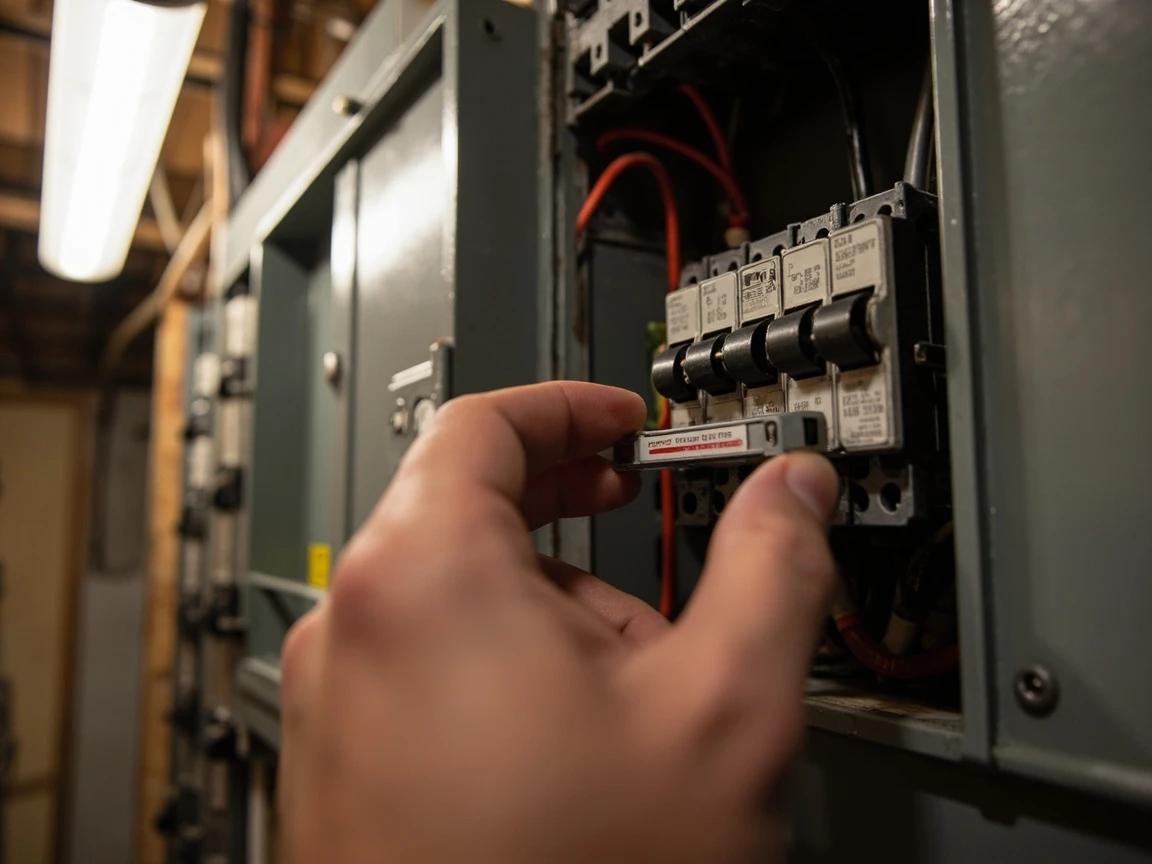
Never assume the power is off just because the thermostat screen is dark — some thermostats are battery-powered while the wires behind them are still live. Always test with a voltage tester.
Remove the Old Thermostat Faceplate
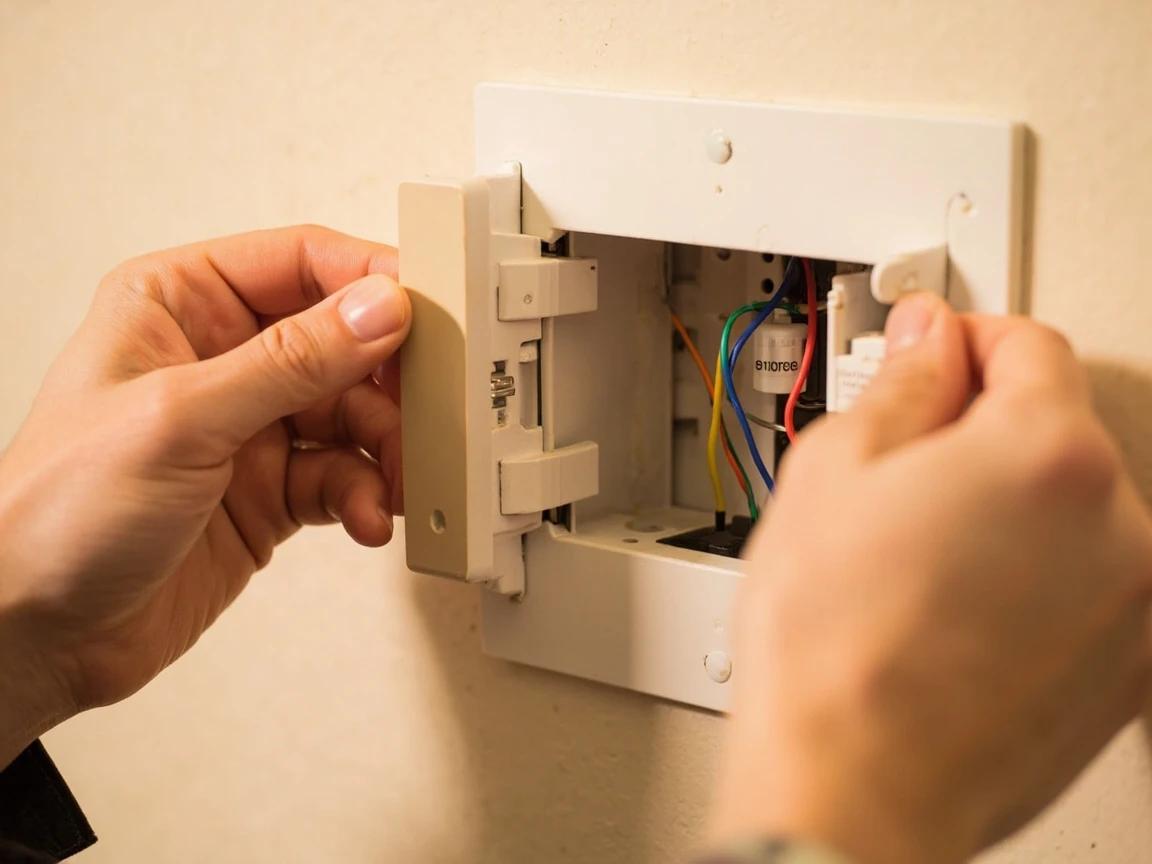
Most thermostats have a faceplate that pulls straight off the wall plate or unsnaps with a gentle upward tug. Some older models use a small screw at the bottom — check before pulling. Set the faceplate aside. You should now see the wall plate (also called the backplate or sub-base) with wires connected to labeled screw terminals.
Photograph and Label Every Wire
Take a clear, well-lit photo of the wiring from straight on so every terminal letter and wire color is visible — this is your most important reference. Then wrap a small piece of masking tape around each wire and write the terminal letter it's connected to (R, W, Y, G, C, etc.) on the tape with a fine-point marker. Do not rely on wire colors alone — they are not standardized across HVAC systems, and the same color can mean different things in different homes.
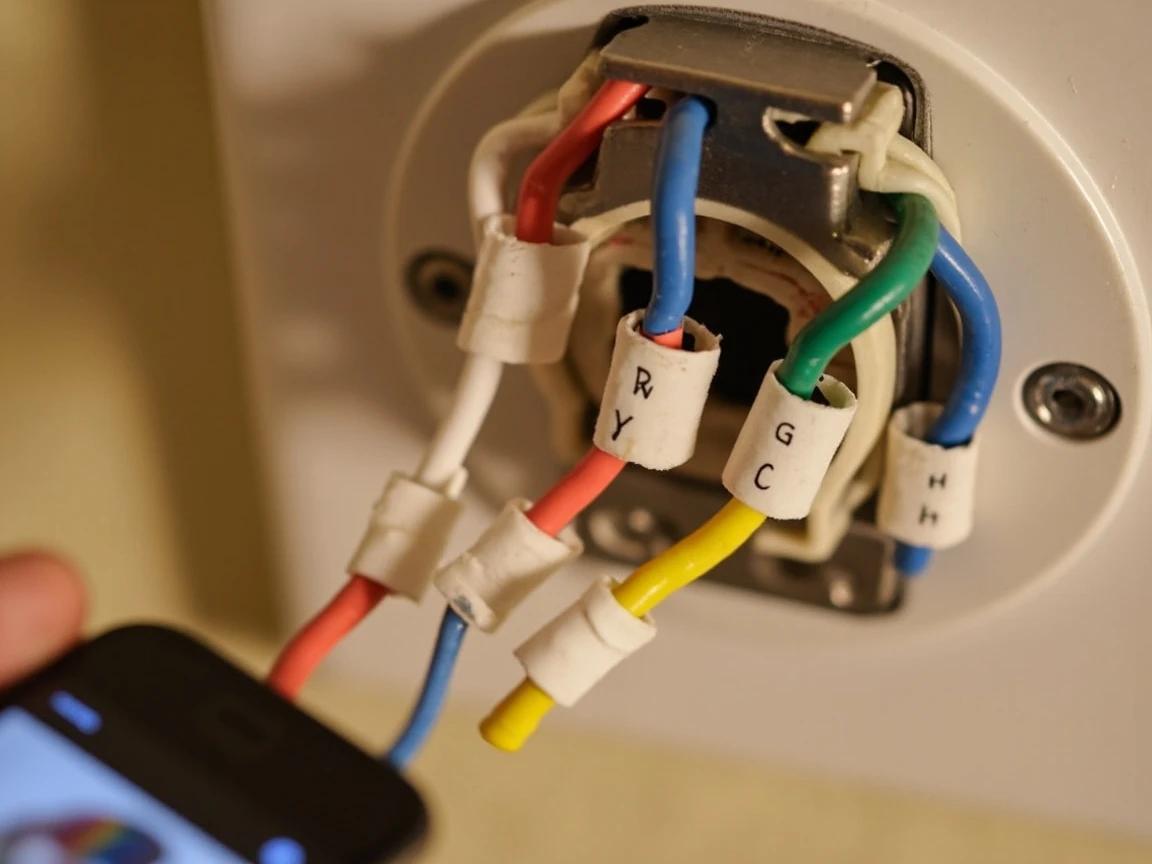
Take multiple photos from different angles. If a wire comes loose later during installation and your label falls off, the photos will save you from guessing — and guessing wrong can damage your compressor.
Disconnect the Wires and Remove the Old Wall Plate
Loosen each terminal screw counterclockwise with your flathead screwdriver and gently pull the wire free. As you disconnect each wire, wrap it around a pencil or tape it to the wall so it doesn't slip back into the hole — fishing wires out of the wall cavity is frustrating and sometimes impossible without cutting drywall. Once all wires are free, unscrew the wall plate mounting screws and remove it from the wall.
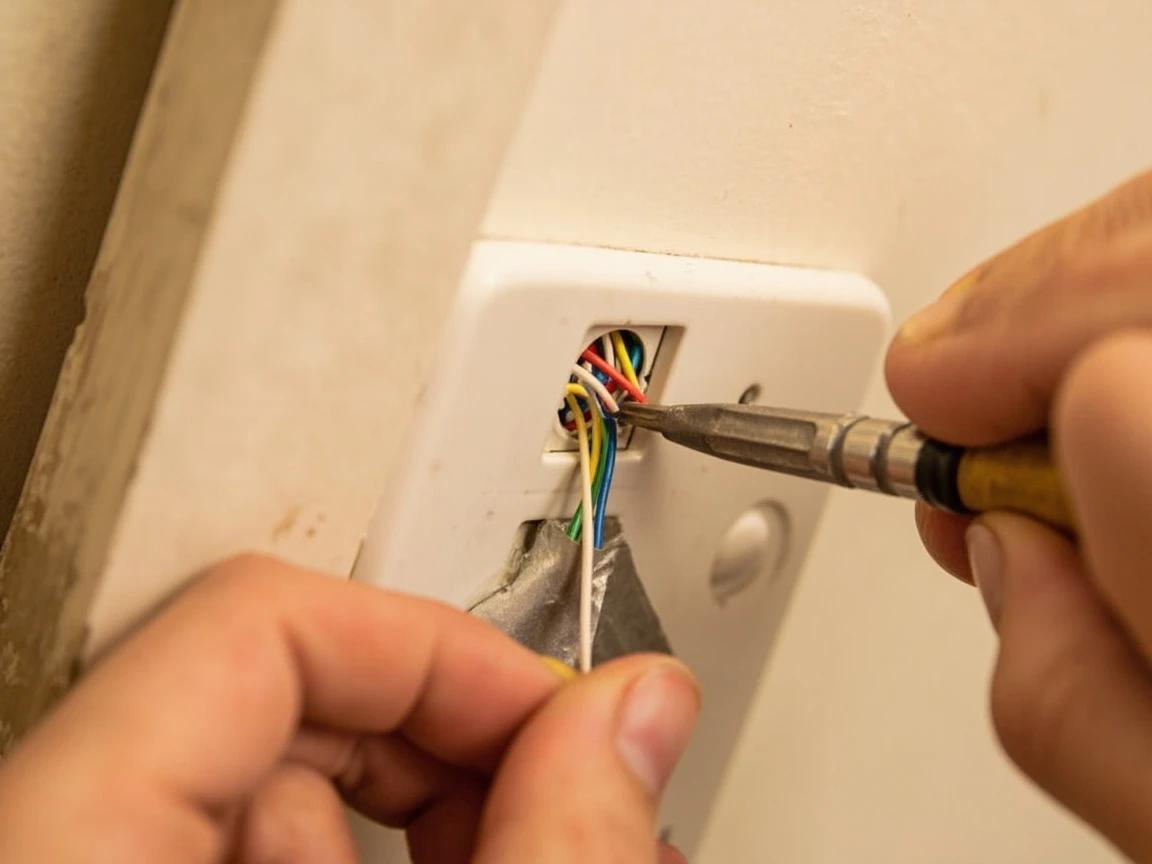
If any wire has damaged or frayed insulation, trim it back to clean copper with wire strippers and strip 1/4 inch of fresh insulation. Bare copper touching another wire or the wall plate can short-circuit your HVAC control board.
Mount the New Thermostat Wall Plate
Thread the labeled wires through the wire opening on the new wall plate. Hold the plate against the wall, place a small torpedo level on top, and adjust until it's perfectly level. Mark the screw hole locations with a pencil. If the old mounting holes don't align, drill new holes using a 3/16-inch bit and insert the provided wall anchors. Secure the wall plate with the included screws — snug them firmly but don't overtighten, which can crack the plastic.
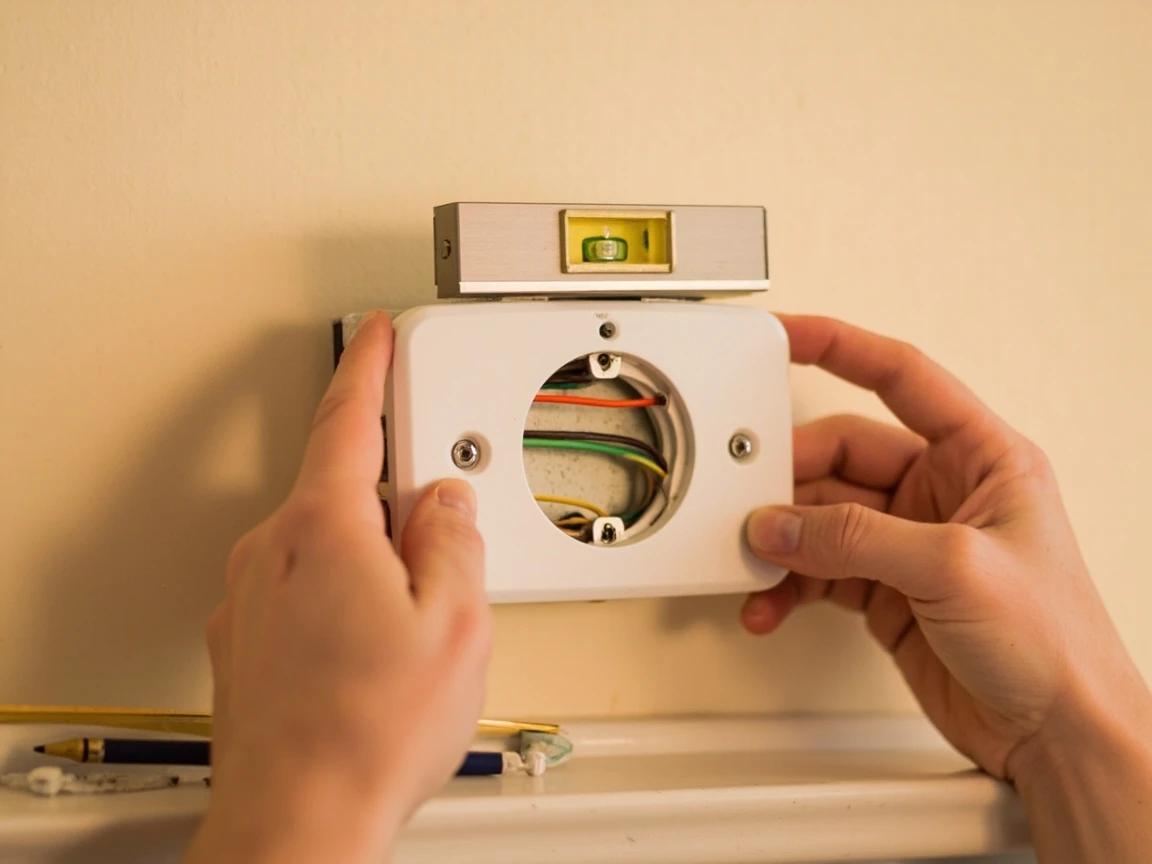
If the old thermostat left a paint shadow or discolored rectangle on the wall, choose a new thermostat with a wall plate that's the same size or larger to cover the mark — otherwise you'll need to touch up the paint.
Connect the Wires to the New Terminals
Refer to your labeled tape and photo to match each wire to the correct terminal on the new wall plate. The terminal letters are stamped or printed next to each screw. Insert each wire under its terminal screw and tighten clockwise until the wire is held firmly — give each a gentle tug to confirm it won't pull free. Common terminals: R (power — usually red wire), W (heat — usually white), Y (cooling — usually yellow), G (fan — usually green), and C (common — usually blue, if present). If your new thermostat has a C terminal and your old one didn't, leave it empty unless you have a blue or spare wire available.
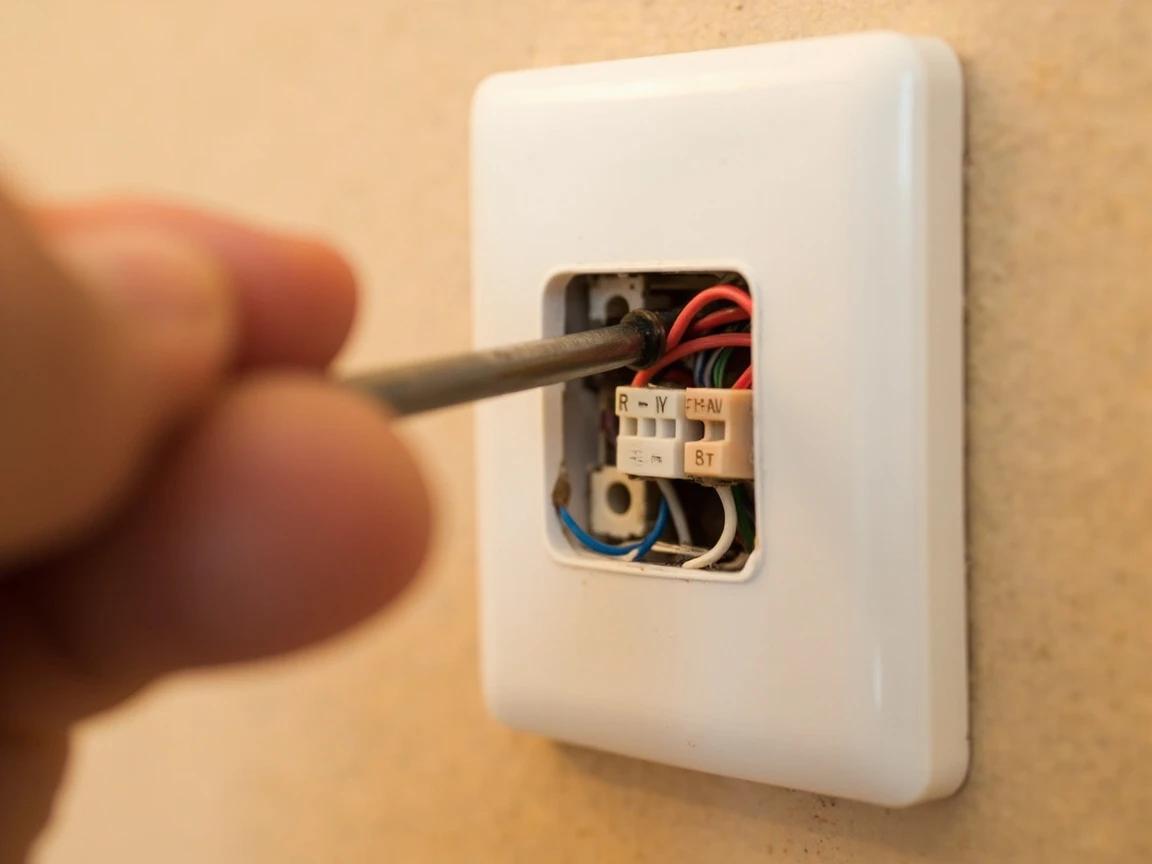
Double-check every connection against your photo before powering on. A wire on the wrong terminal can blow the HVAC control board fuse — a $5 wire mistake can turn into a $150 repair.
Attach the New Thermostat Faceplate
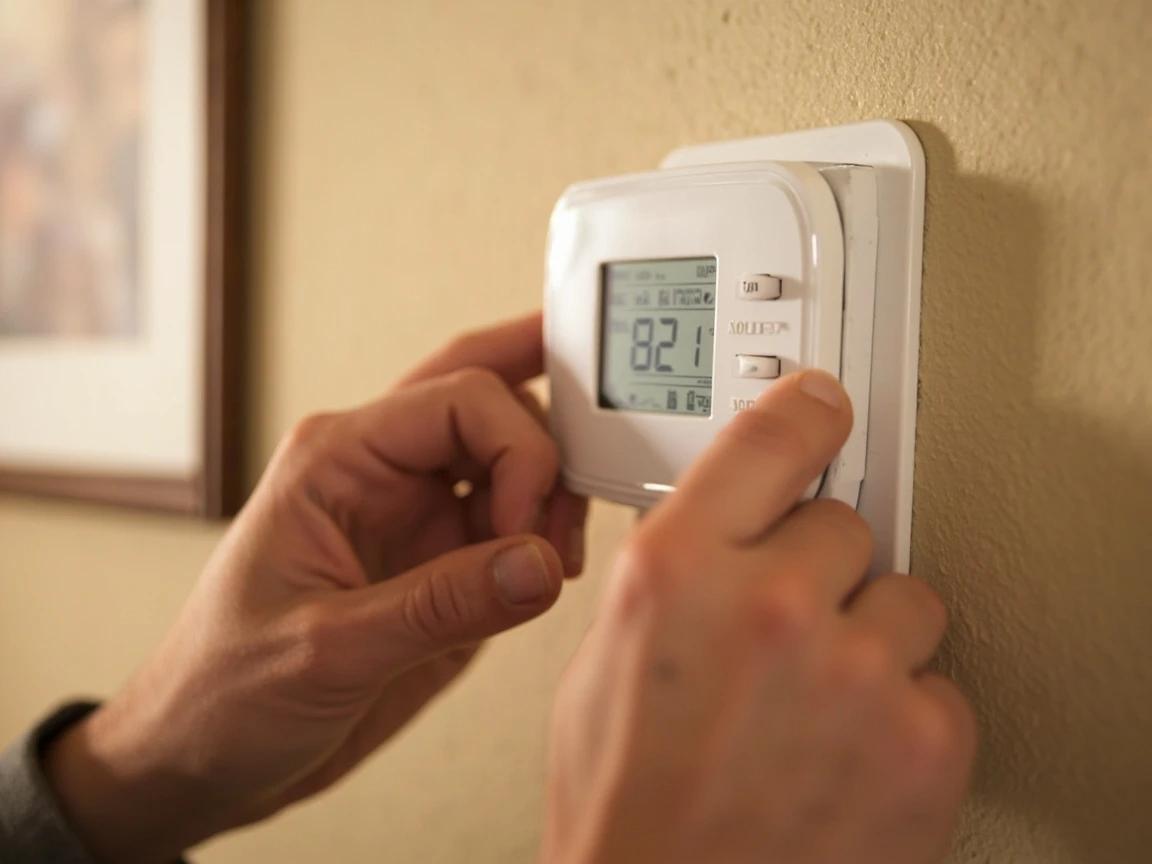
If your new thermostat requires batteries, install them now before snapping on the faceplate. Align the faceplate with the wall plate and press firmly until it clicks into place — most models snap on from the top and pivot down, or push straight on. Confirm it sits flush against the wall with no wobble or gaps. If it doesn't seat properly, a wire may be pushing the plate out — open it back up and tuck any excess wire neatly into the wall cavity.
Restore Power and Test Heating and Cooling
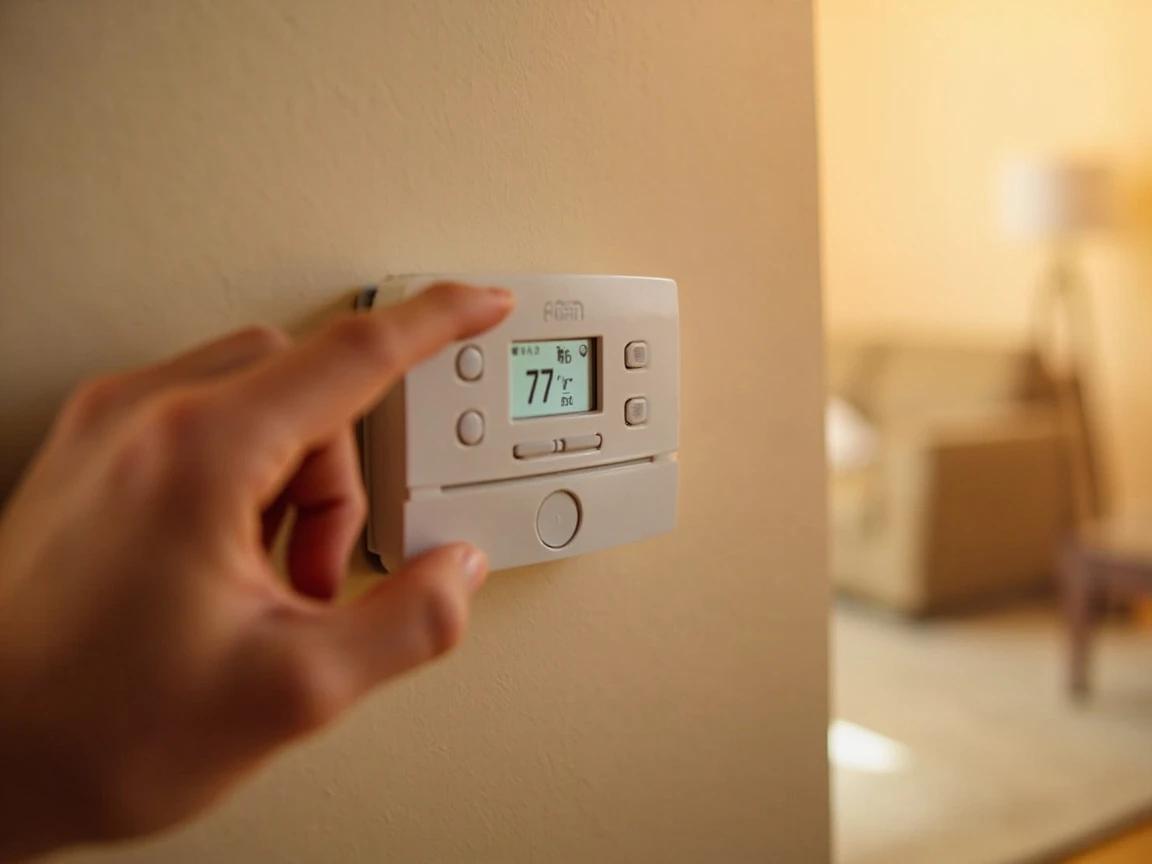
Return to your electrical panel and flip the HVAC breaker back to ON. The thermostat display should power up within a few seconds. Set it to HEAT mode and dial the temperature 5 degrees above room temperature — you should hear the furnace or heat pump kick on within 1-2 minutes. Then switch to COOL mode and set it 5 degrees below room temperature — the compressor and blower should start. Finally, test the FAN switch in ON mode to verify the blower runs independently. If any mode doesn't respond, power off and recheck your wiring connections.
If the system doesn't respond at all, check the HVAC control board for a blown 3-amp fuse — it's the most common result of a wiring mistake and costs under $1 to replace.
Program Your Schedule and Verify Operation
Set your preferred temperature schedule using the thermostat's programming buttons — most programmable models let you set different temperatures for wake, leave, return, and sleep periods on weekdays and weekends. A common energy-saving schedule is 68°F when home in winter (78°F in summer) and 60°F when away or sleeping (85°F in summer). Let the system run through one full heating and cooling cycle over the next 24 hours to confirm it follows the programmed schedule correctly. Tape the thermostat's user manual inside the furnace access panel for future reference.
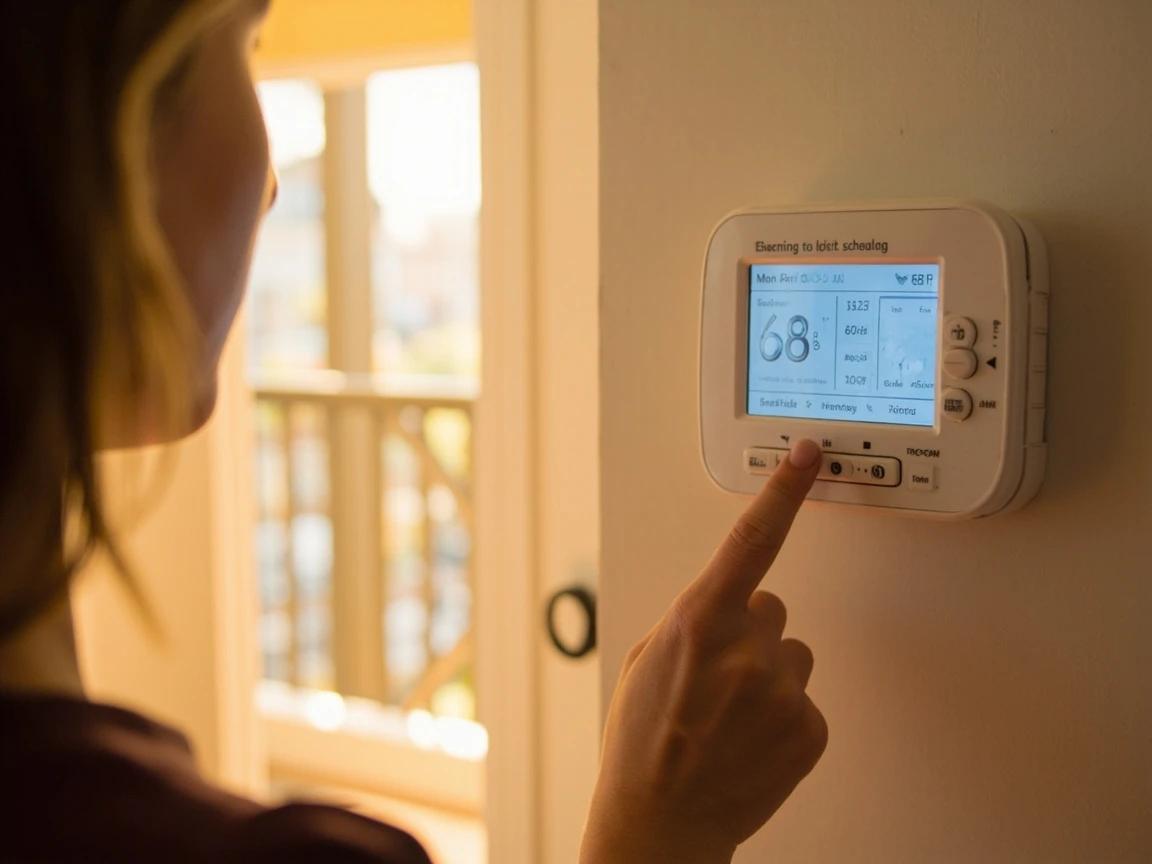
The Department of Energy estimates you can save about 10% per year on heating and cooling by setting your thermostat 7-10°F lower (or higher in summer) for 8 hours a day — a programmable thermostat does this automatically while you sleep or work.
Frequently Asked Questions
Do I need to turn off the breaker to replace a thermostat?
+
Yes. A standard thermostat runs on 24-volt low-voltage control wiring, which will not seriously shock you, but shorting two of those wires together can blow the 3-amp fuse on the furnace or air-handler control board — turning a 30-minute swap into a service call. Switch off the breaker for the HVAC equipment, not just the thermostat's own mode switch.
What do I do if I lose track of which wire goes where?
+
Photograph the old thermostat's terminal block with your phone before you disconnect anything, and label each wire with tape as it comes off. Do not rely on wire color alone — color conventions are common but not guaranteed, and installers substitute freely. Go by the letter printed at the terminal (R, W, Y, G, C) and match it to the same letter on the new unit.
How do I know if I have a line-voltage thermostat?
+
Look at the cable behind the old unit. Low-voltage systems use a thin bundle of 18-gauge wires, typically four to six of them. If you instead find thick high-voltage cable, you have a line-voltage system running at 120V or 240V — common with electric baseboard and some wall heaters — and it requires a line-voltage-rated thermostat and an electrician. A standard 24V thermostat will not work and installing one is genuinely dangerous.
My new thermostat powers on but the heat or AC will not start — why?
+
Work through it in order: confirm the breaker is back on, confirm each wire landed on the matching lettered terminal, and check that the C (common) wire is connected if the model requires one. If everything is correct and no mode triggers the equipment, the likely culprit is a blown 3-amp fuse on the air-handler control board or a failing 24V transformer — both are worth a technician rather than more guessing.
Will a programmable thermostat actually save money?
+
Only if you use the schedule. A faulty or badly set thermostat can inflate a heating and cooling bill by 10-20 percent, and the savings come from setting back the temperature while you are asleep or out — not from the hardware itself. Programming a genuine setback period and leaving it alone is what produces the difference; overriding it daily gives you a more expensive manual thermostat.
Sources & further reading
- Programmable Thermostats — U.S. Department of Energy
- Smart Thermostats FAQs — ENERGY STAR
More HVAC Guides
View all →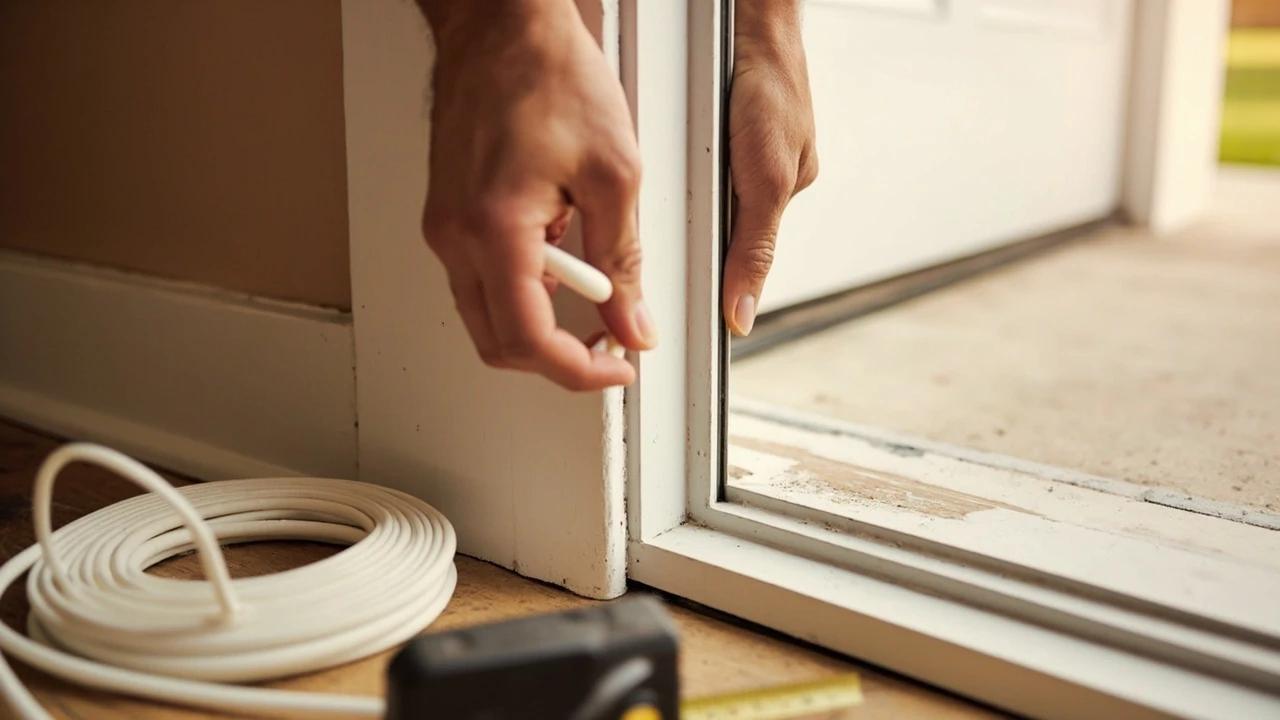 Easy1h 15m
How to Replace Weatherstripping on an Exterior Door
If you can see daylight around a closed front door, you are heating and cooling the yard — and worn weatherstripping is almost always the reason. Replacing the jamb seal and the door sweep runs about $15 to $60 in parts and takes an hour, which is a rounding error next to the cost of a new door. This guide covers the four weatherstrip types and how to tell which one your door uses, how to measure and fit each, how to set the compression so the door still latches, and the geometry problem that no amount of new sealing will fix.
 Medium4 hrs
How to Seal and Insulate Ductwork
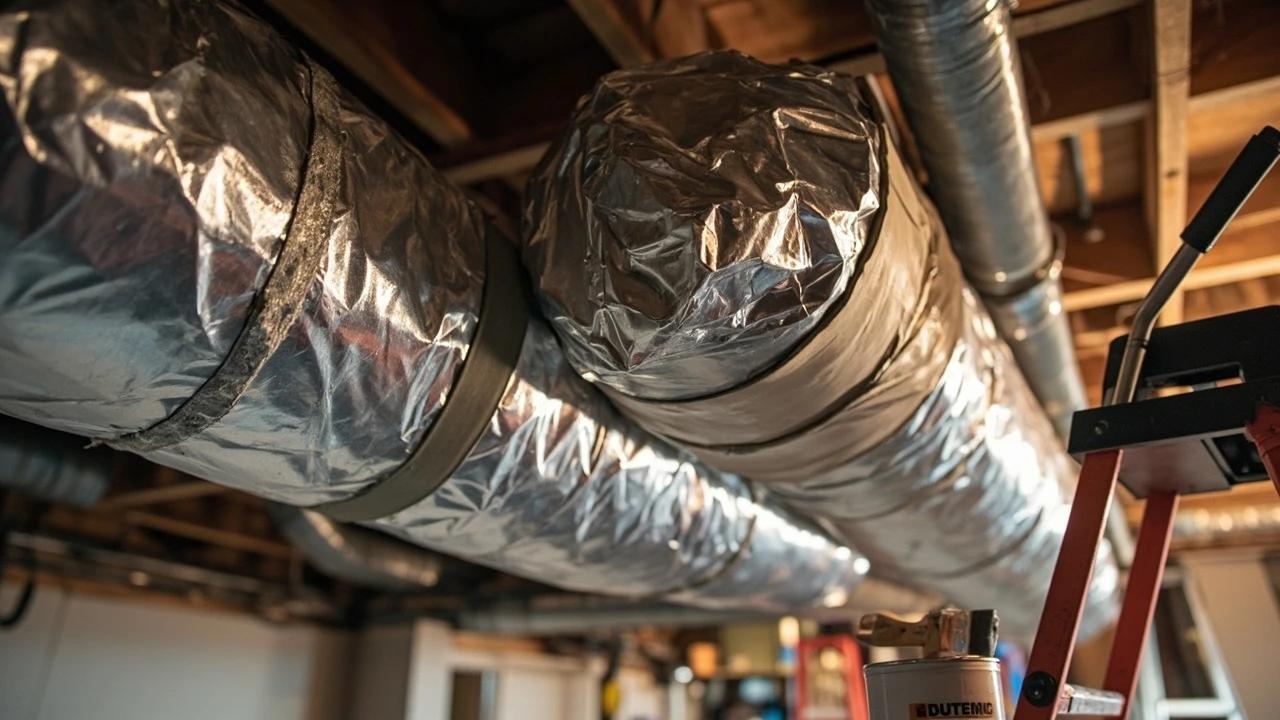
Leaky, uninsulated ducts in crawlspaces, basements, and attics leak 20-30% of your heated and cooled air before it ever reaches a register — that is money pouring out of joints and seams every time the system runs. Sealing leaks with mastic and wrapping ducts in R-8 foil-faced insulation is a weekend project that costs $80-150 in materials and typically pays itself back in a single heating or cooling season through lower energy bills.
 Medium45 min
How to Troubleshoot a Furnace That Won't Start
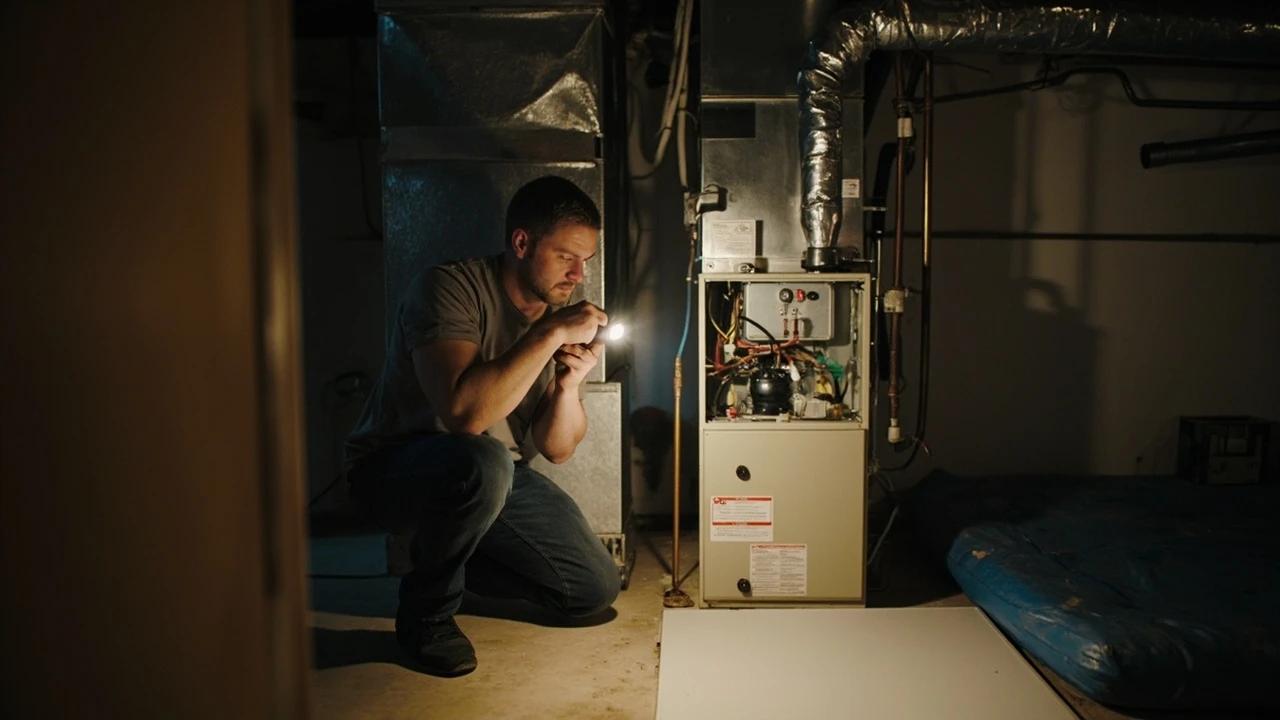
When a gas furnace won't fire, the cause is usually something simple and free to fix — a thermostat set wrong, a flipped power switch, a filter clogged solid, or a sooted flame sensor — not a dead furnace. This guide walks the checks in order of likelihood, starting with gas safety, so you can get the heat back in about 45 minutes without a $150 service call. It also draws a clear line at the repairs that are genuinely a pro's job.
You Might Also Like
 Medium6 hrs
How to Paint a Room
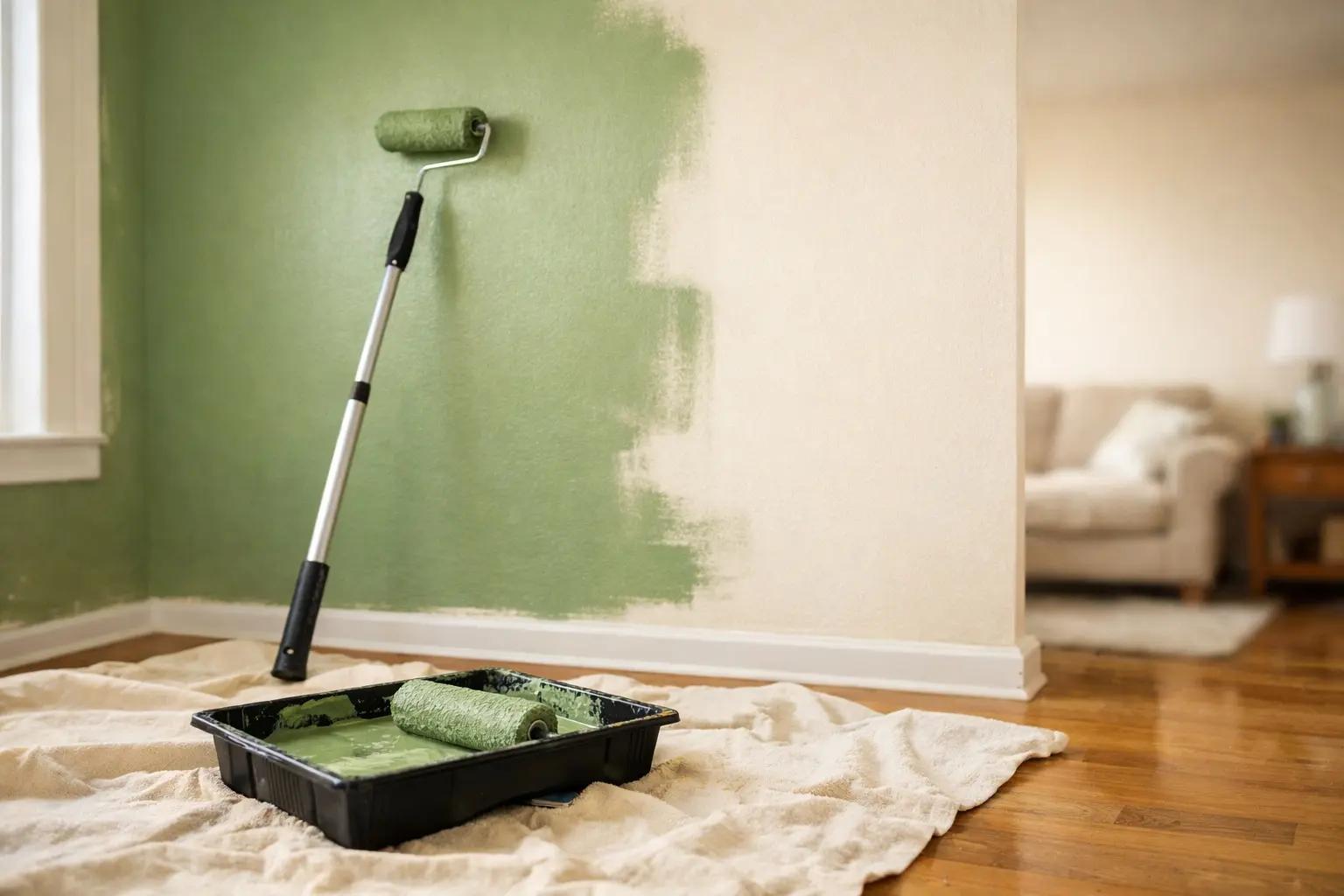
A fresh coat of paint is the fastest, cheapest way to transform any room — and doing it yourself saves $400-800 in labor for an average 12x12-foot bedroom. The job takes a weekend from prep to final coat, and the difference between an amateur-looking result and a professional finish comes down to technique, not talent. This guide covers prep, cutting in, rolling, and cleanup so you get clean lines and even coverage the first time.
 Easy30 min
How to Replace an Electrical Outlet
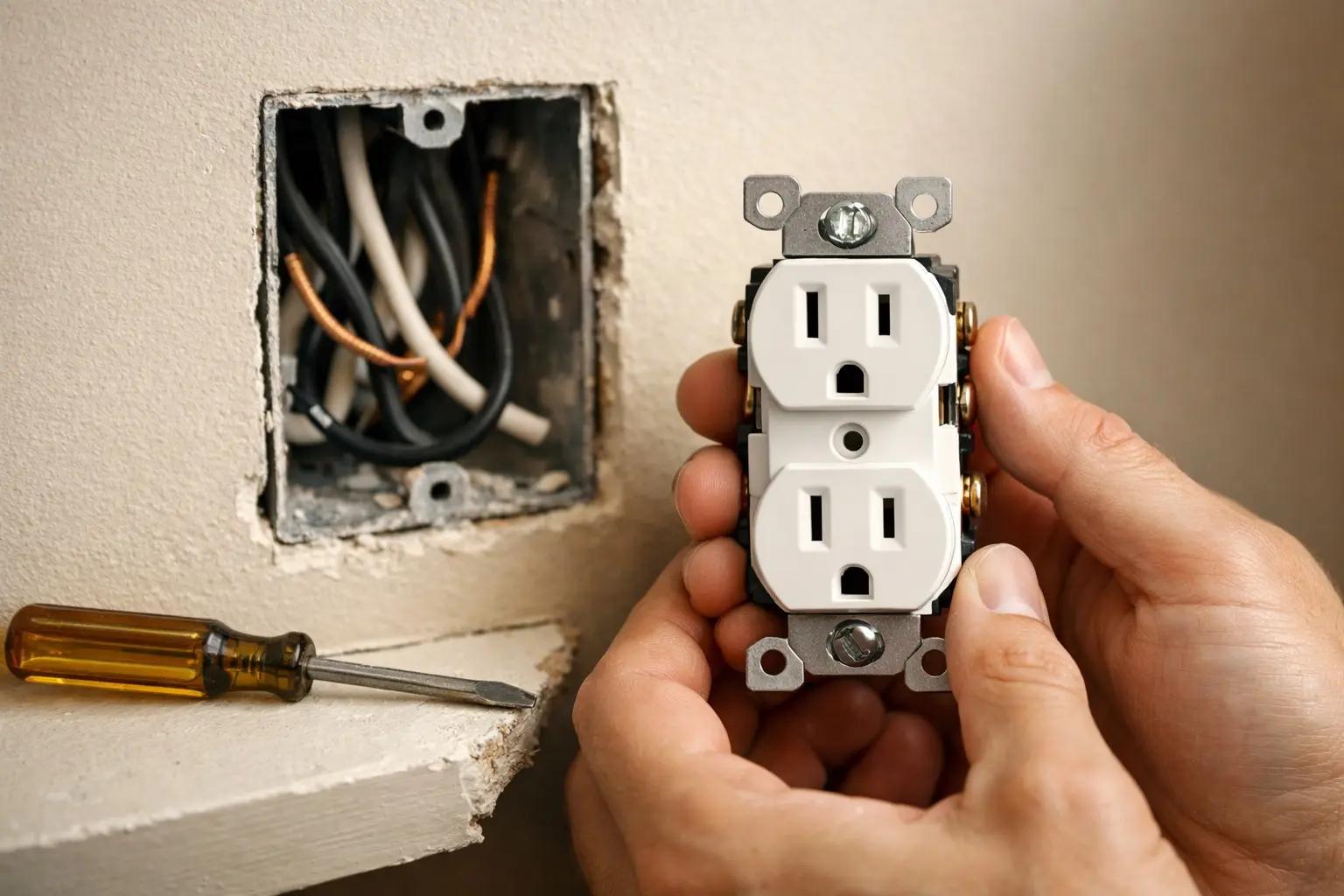
A worn-out or discolored electrical outlet is one of the simplest electrical repairs you can tackle yourself — swapping one takes about 15-30 minutes and costs under $5 in parts versus $75-150 for an electrician visit. This guide walks you through safely replacing a standard duplex receptacle, including how to handle the wiring correctly and avoid the most common DIY mistakes.
 Medium30 min
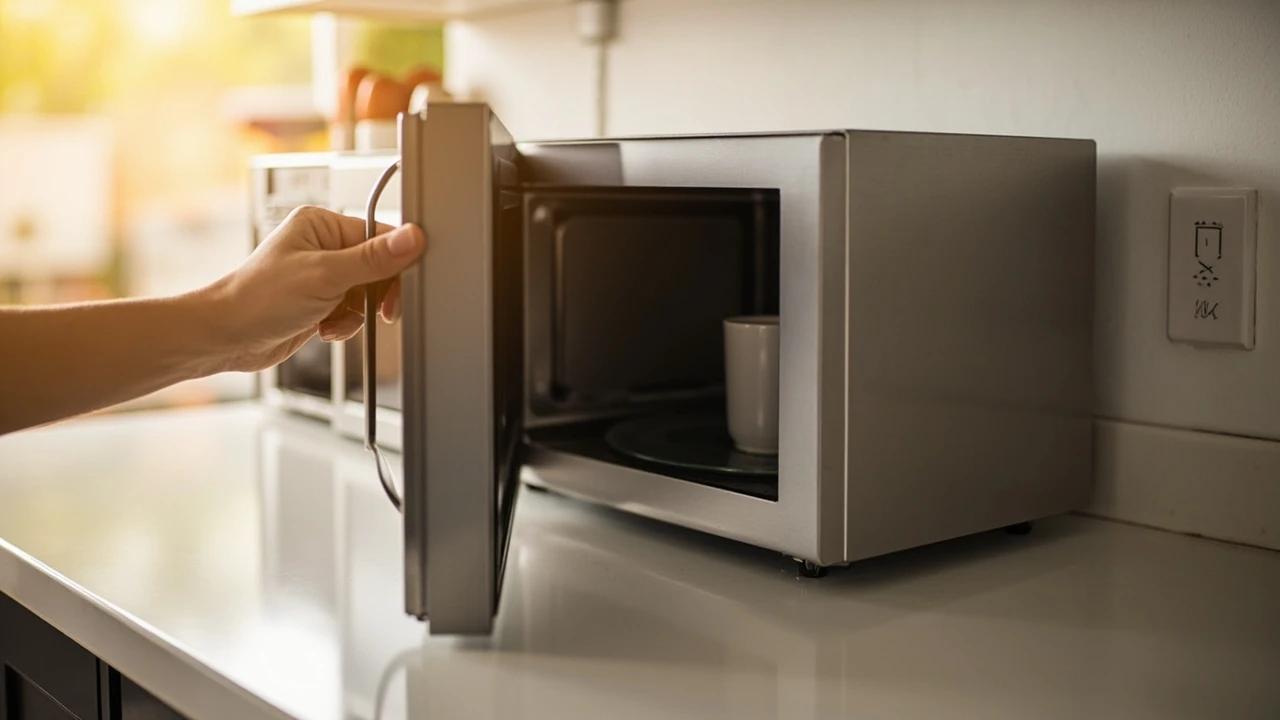
How to Troubleshoot a Microwave That Won't Heat
A microwave that runs — light on, turntable spinning, timer counting down — but leaves food stone cold is one of the most common appliance failures, and about half the time the cause is something you can fix in five minutes for free. This guide walks the diagnosis from the easy stuff (demo mode, power level, a tripped GFCI, a dirty door latch) to reading the failure signature that tells you the high-voltage circuit is gone, then helps you make the repair-or-replace call with real numbers.