How to Install Under-Cabinet Lighting
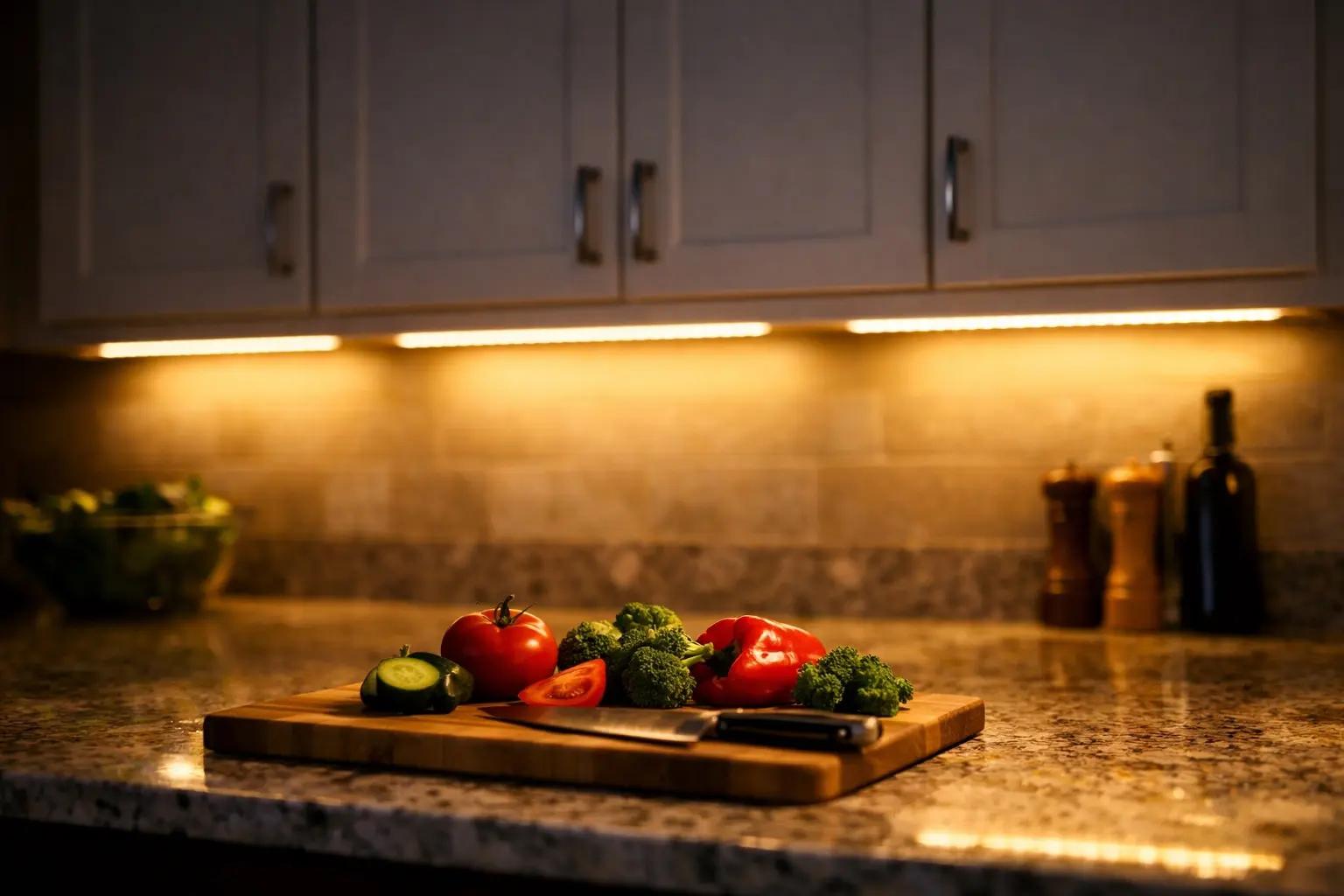

Adding LED strip lights beneath your kitchen cabinets is one of the highest-impact upgrades you can do in a single afternoon — it eliminates countertop shadows, makes food prep safer, and instantly modernizes the space. This guide covers plug-in LED strip lights, which require zero electrical wiring and cost $25-60 for an average kitchen.
What You'll Need
🛠 Tools
📦 Materials
Safety First
- •Always use a UL-listed or ETL-listed LED power adapter rated for the total wattage of your strip length. Cheap unrated adapters can overheat and pose a fire risk.
- •Do not cover LED strips with flammable materials like paper or fabric. The aluminum channels recommended in this guide double as heat sinks that keep strips running cool.
Step-by-Step Instructions
Plan Your Layout and Measure Each Cabinet Run
Use a tape measure to record the length of each cabinet section that will receive lighting, measuring along the front edge of the underside where the strip will be mounted. Write down every measurement and add them together to get the total strip length needed — then add 10% for cutting waste. Decide where the power supply will plug in and trace the cable path back from that outlet to the first strip section. If your countertop has a dark surface (granite, dark quartz), warmer light (3000K) looks best; lighter countertops pair well with 4000K neutral white.
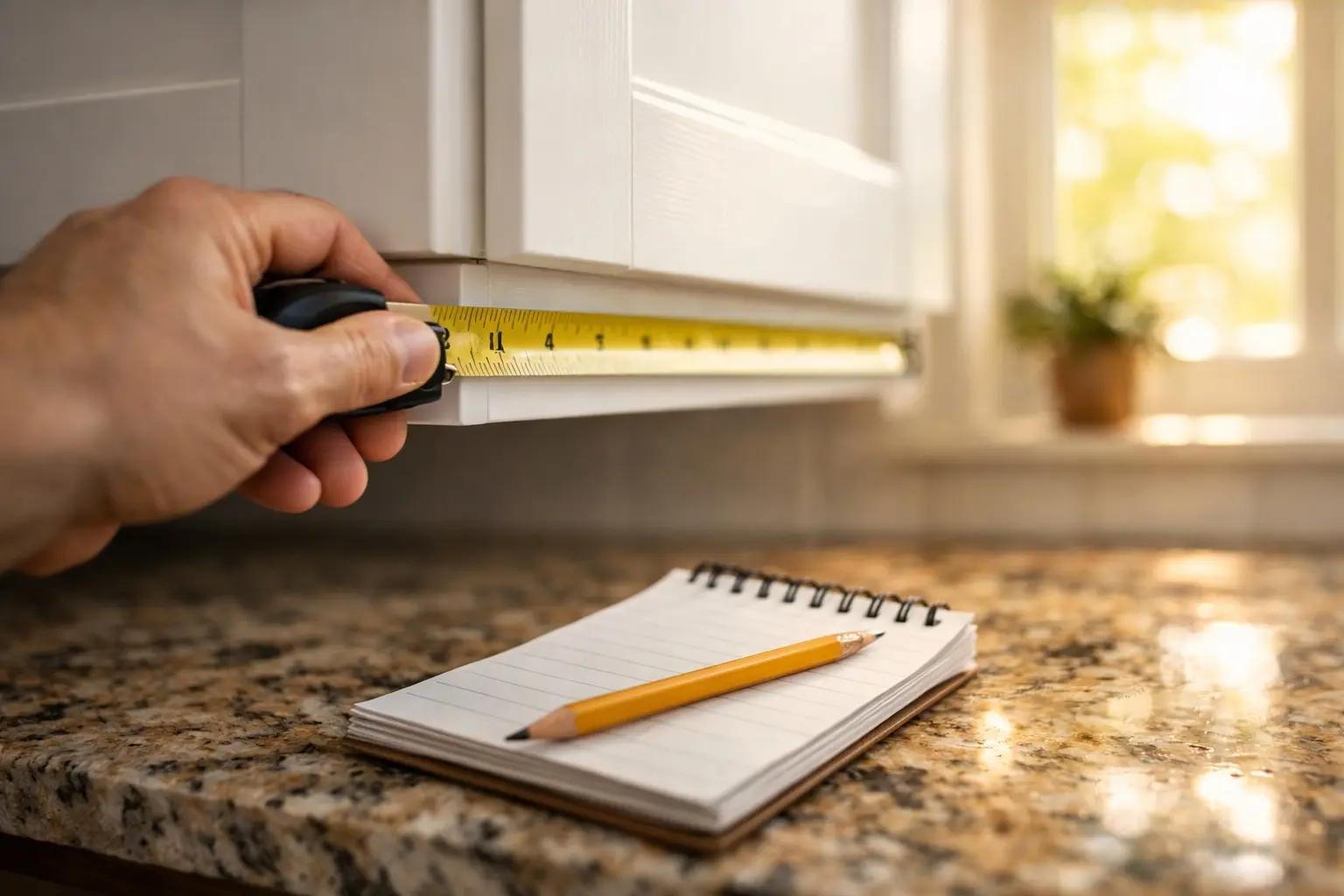
Sketch a simple bird's-eye diagram of your cabinets with measurements noted. Mark the outlet location and where connectors will bridge gaps between cabinet sections — this prevents buying the wrong lengths or too few connectors.
Test the LED Strips Before Installing
Unbox all components and lay them out on the countertop. Connect the LED strip to the power adapter and dimmer, then plug it into an outlet. Turn the strip on and check for dead spots, color inconsistencies, or flickering along the full length. Test the dimmer across its full range from bright to low. This five-minute test catches defective products before you commit adhesive to your cabinets — returns are much easier when nothing has been cut or mounted yet.
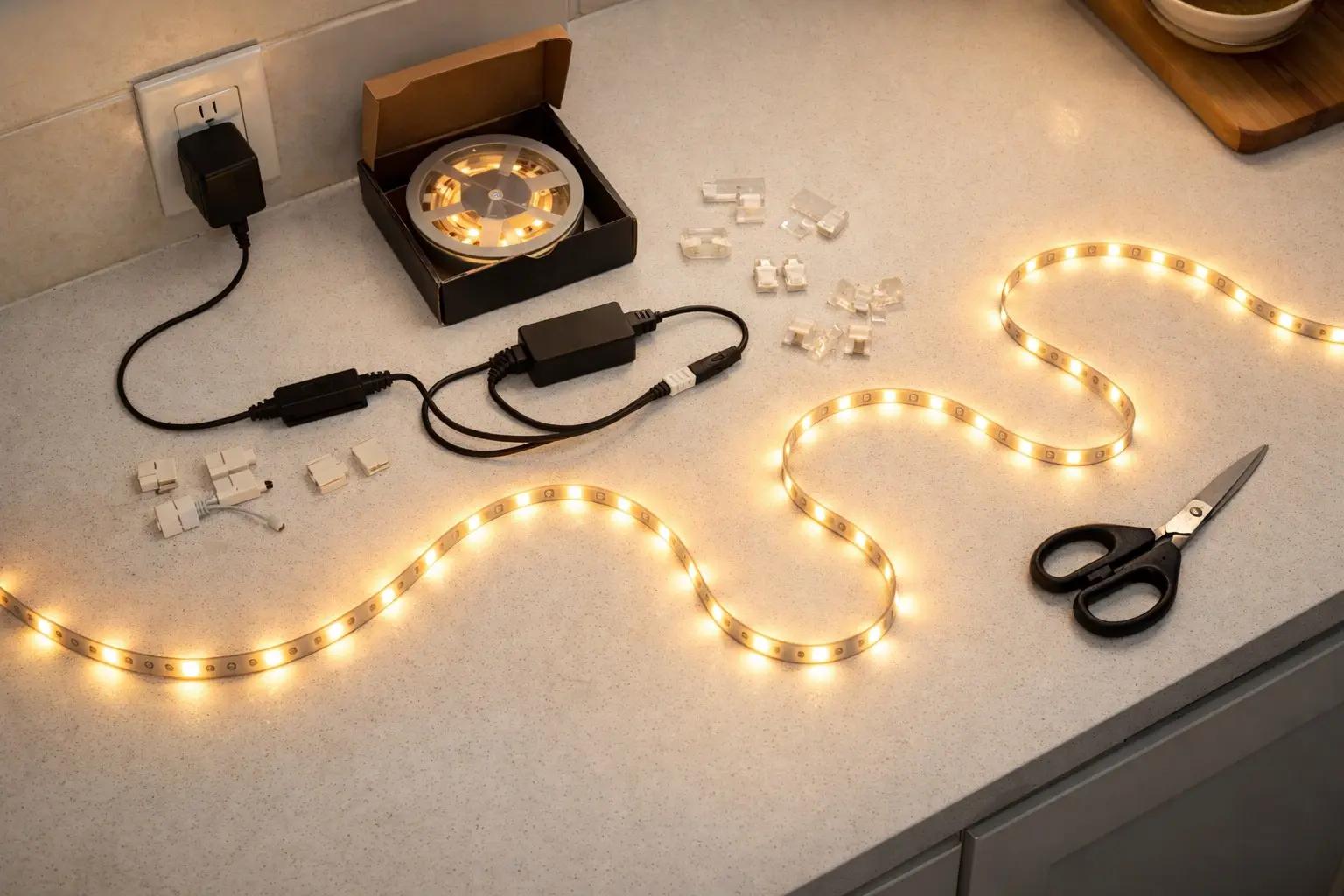
If any section of the strip is dim, flickering, or a different color temperature, do not install it — contact the manufacturer for a replacement. A defective strip will only get worse after installation.
Clean the Mounting Surface Thoroughly
Dampen a clean cloth with rubbing alcohol (isopropyl 90% or higher) and wipe the entire underside front edge of each cabinet where the strips or channels will mount. Kitchen cabinets accumulate a film of cooking grease and dust that prevents adhesive from bonding properly — this is the number one reason strips fall down within weeks. Wipe in one direction, flip the cloth to a clean side, and make a second pass. Let the surface dry completely for at least two minutes before proceeding.
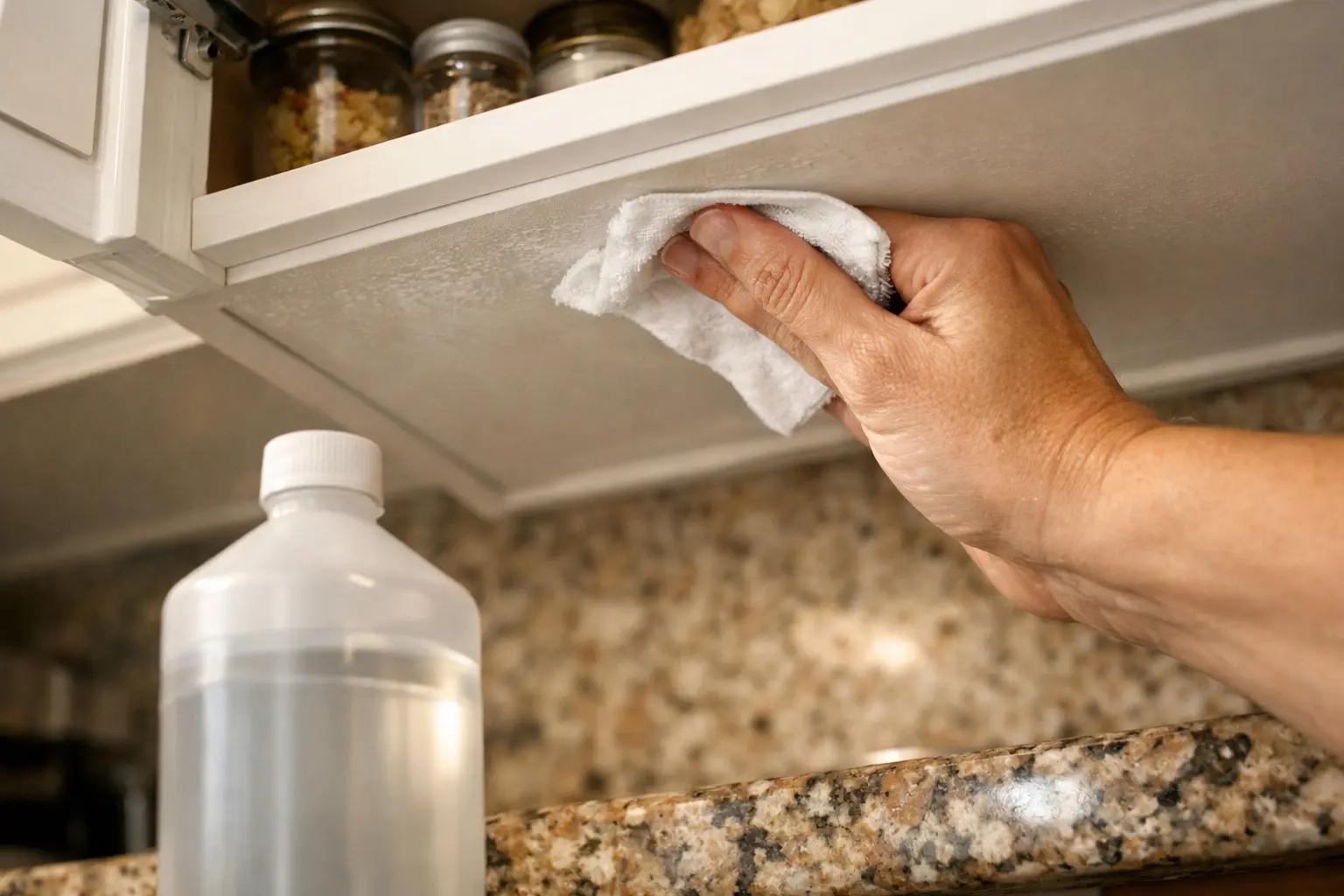
For stubborn grease buildup, use a degreaser like TSP substitute first, then follow with rubbing alcohol. The surface should feel completely smooth and dry to the touch — if your finger drags, it's clean enough.
Install Aluminum Channels (Recommended)
Cut the aluminum LED channel to match each cabinet section length using a hacksaw or the scissors that came with the channel. Peel the adhesive backing from the channel and press it firmly along the front edge of the cabinet underside, about 1 inch back from the front lip — this setback prevents the light from shining directly into your eyes when standing at the counter. Use a level to keep the channel straight. Hold firm pressure for 30 seconds on each section. For extra security on textured surfaces, add a small screw at each end of the channel.
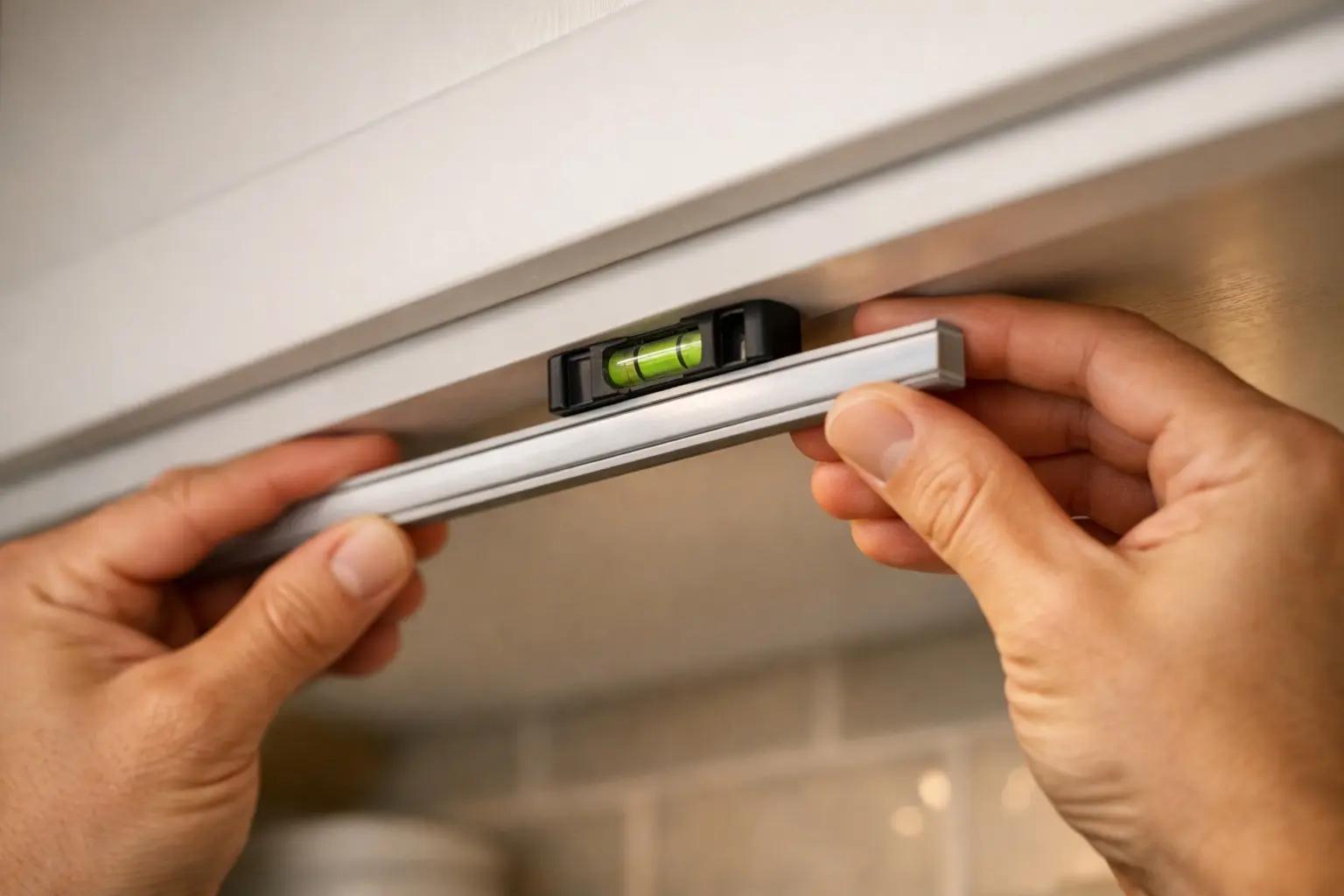
Position the channel so the light faces slightly toward the backsplash rather than straight down. This "wall wash" angle eliminates the harsh hot spot directly below and creates a more even, professional-looking spread across the countertop.
Cut LED Strips to Length and Install
Unroll the LED strip and find the copper cut marks — they appear every 1-2 inches and are usually marked with a scissors icon or dotted line. Measure carefully, find the nearest cut mark to your desired length, and cut straight across with scissors. Peel the adhesive backing from the strip and press it firmly into the aluminum channel (or directly onto the cabinet if skipping the channel). Start from the end nearest the power supply and work outward, pressing firmly every few inches to ensure full contact. If the strip needs to turn a corner or bridge a gap, use a solderless strip-to-strip connector — just slide the exposed copper pads into the connector clips and snap it closed.
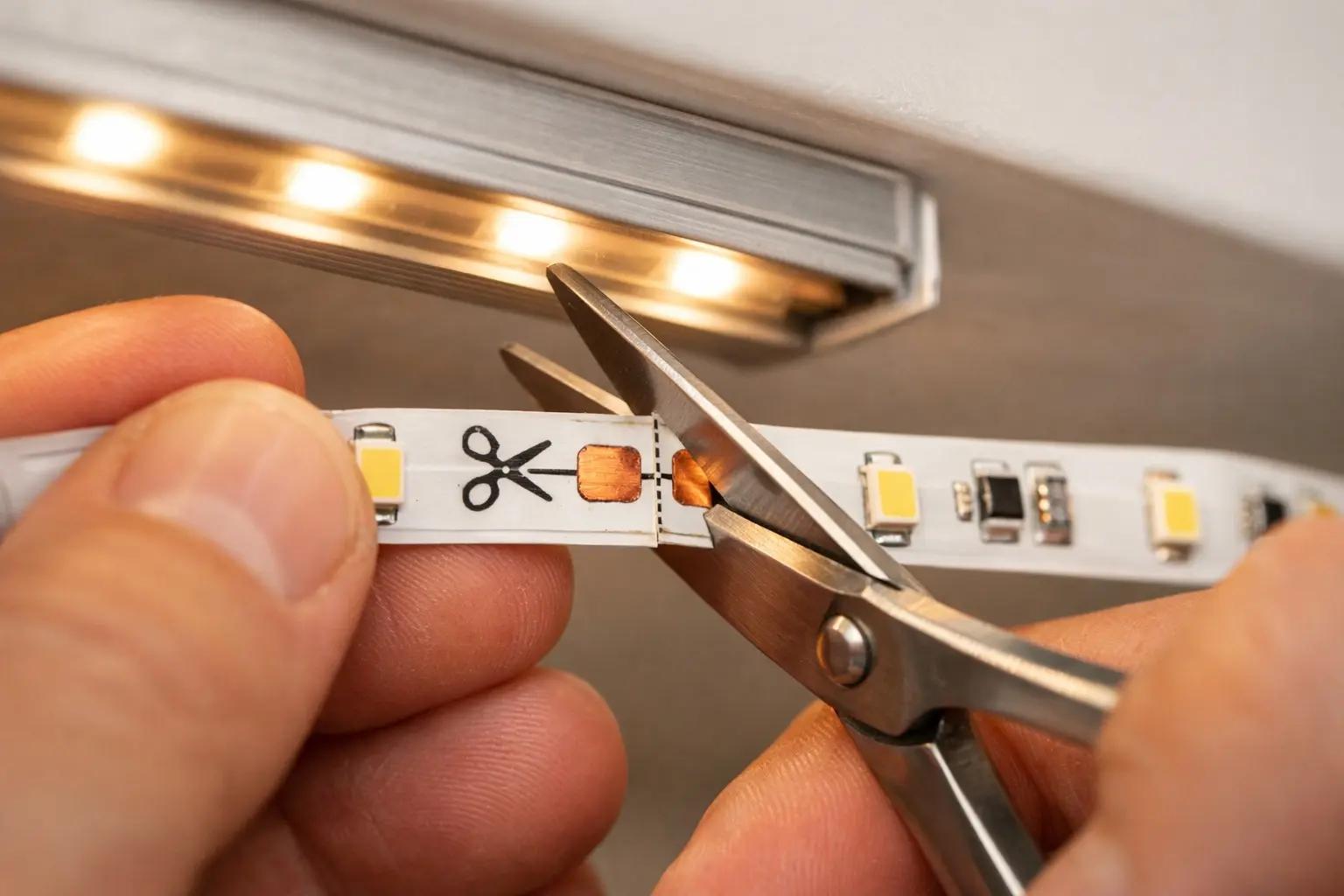
Only cut at the designated copper pad marks. Cutting between marks will kill the LEDs in that section and void the warranty.
Connect Sections and Route the Power Cable
If your installation spans multiple cabinet sections, connect each strip segment using solderless connectors — match the positive (+) and negative (−) markings on the strip to the connector. Run the extension wires along the back wall of the cabinet interior or through a small hole drilled in the cabinet side panel with a 1/4-inch bit. Connect the first strip's input end to the dimmer, then the dimmer to the power adapter. Route the power cable along the least visible path toward your outlet — inside the cabinet, along the wall behind the backsplash, or through a cable raceway.
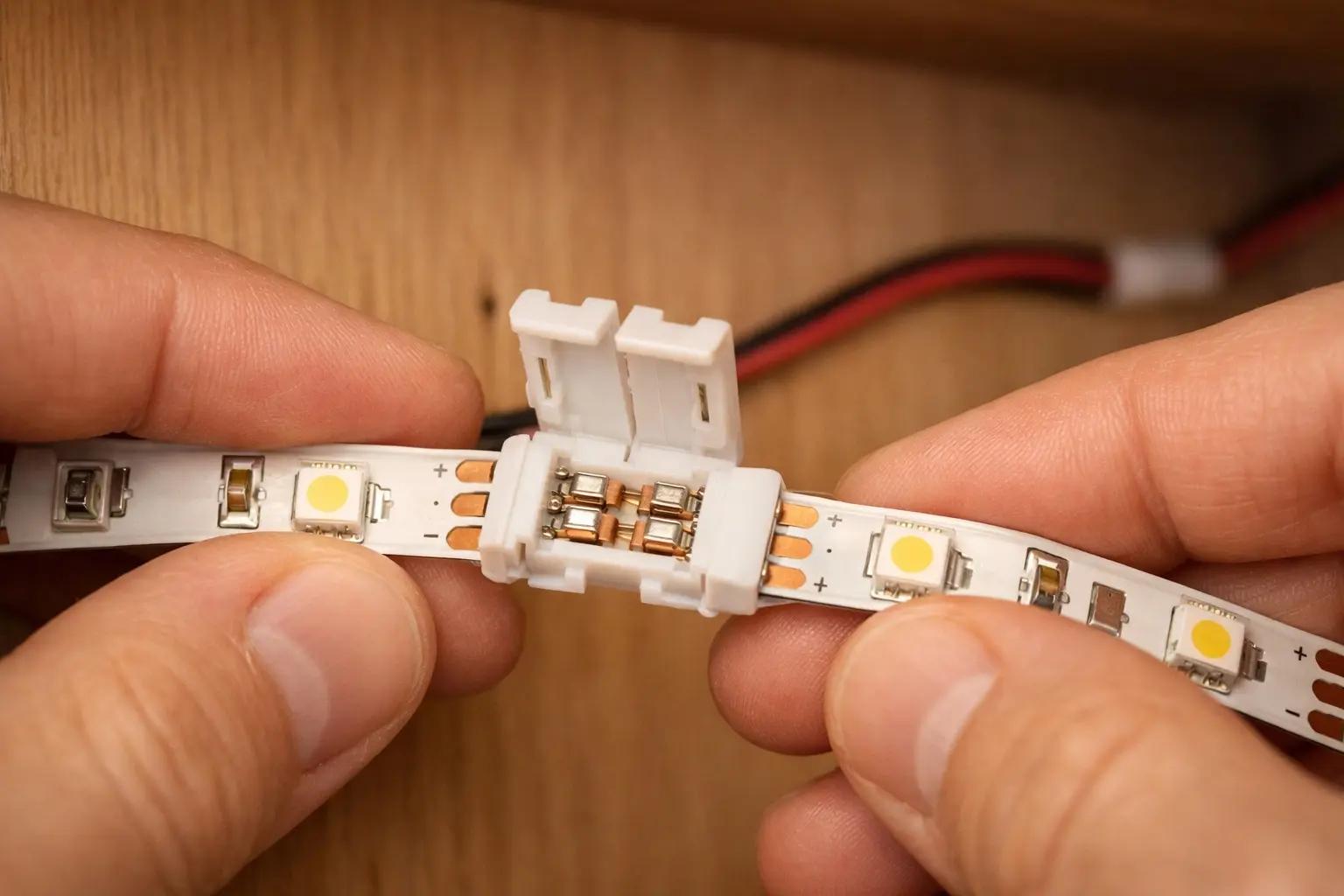
Use adhesive cable raceways (paintable plastic channels) along the wall or cabinet back to hide all wiring. A $5 raceway pack from any hardware store turns a messy install into a clean, professional-looking job.
Snap On the Diffuser Covers
If you installed aluminum channels, snap the frosted diffuser covers into the channel grooves along the full length. The diffuser eliminates visible LED "dots" and blends the light into a smooth, continuous glow — this single step makes the difference between a cheap-looking install and a professional one. Press the cover in starting from one end, working along the channel until it clicks in fully. Trim the diffuser to length with scissors if it extends past the channel.
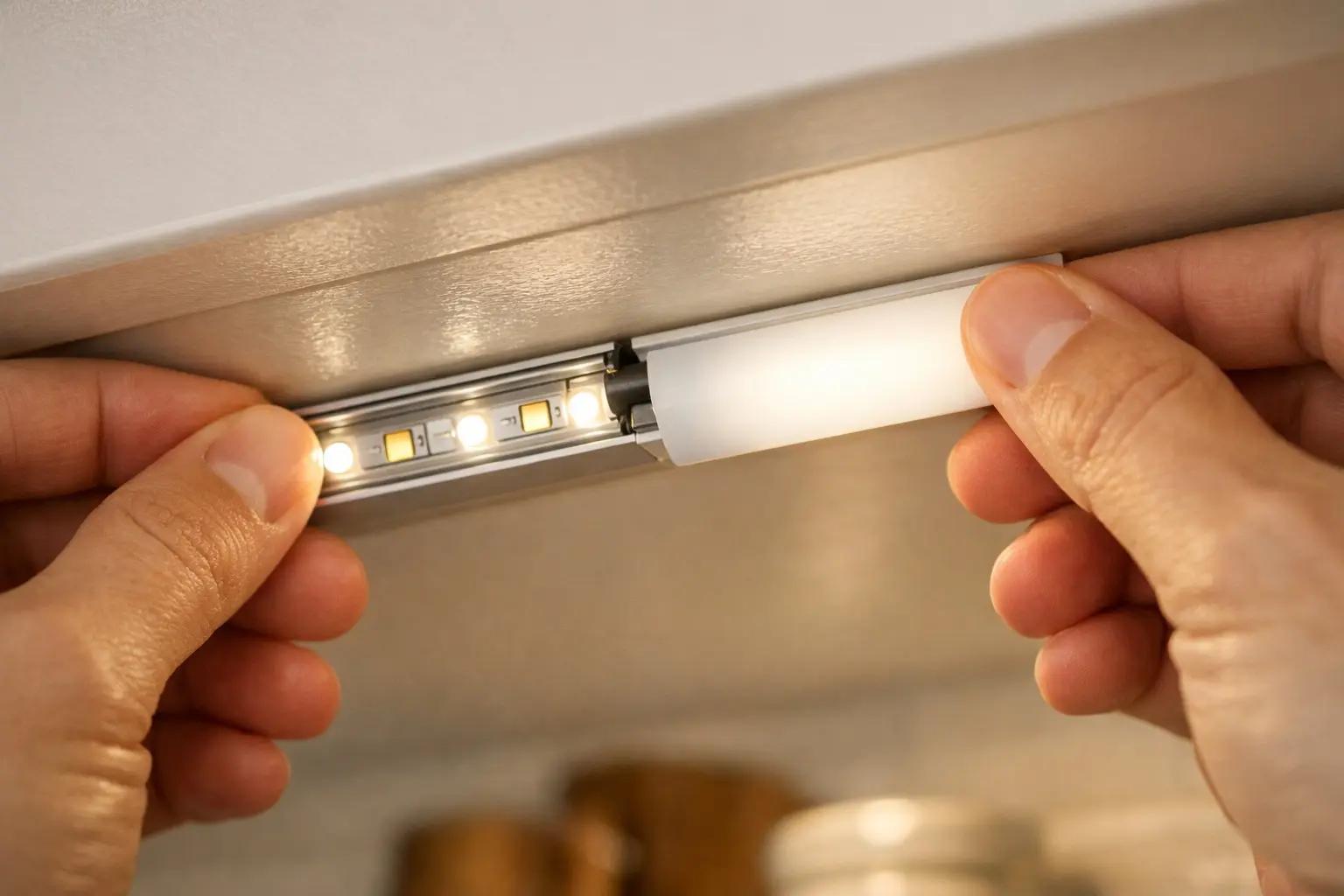
Power On, Adjust, and Fine-Tune
Plug in the power adapter and turn on the lights. Dim the room lights to see the full effect. Check every strip section for even brightness and color consistency — a noticeably dimmer section means a loose connector that needs to be reseated. Adjust the dimmer to your preferred brightness level for task lighting (food prep) and a lower level for ambient evening mode. Wait 30 minutes with the lights on and feel the power adapter and strip channels — they should be warm but never hot to the touch. If anything is hot, unplug immediately and check for wattage mismatches between the adapter and strip length.
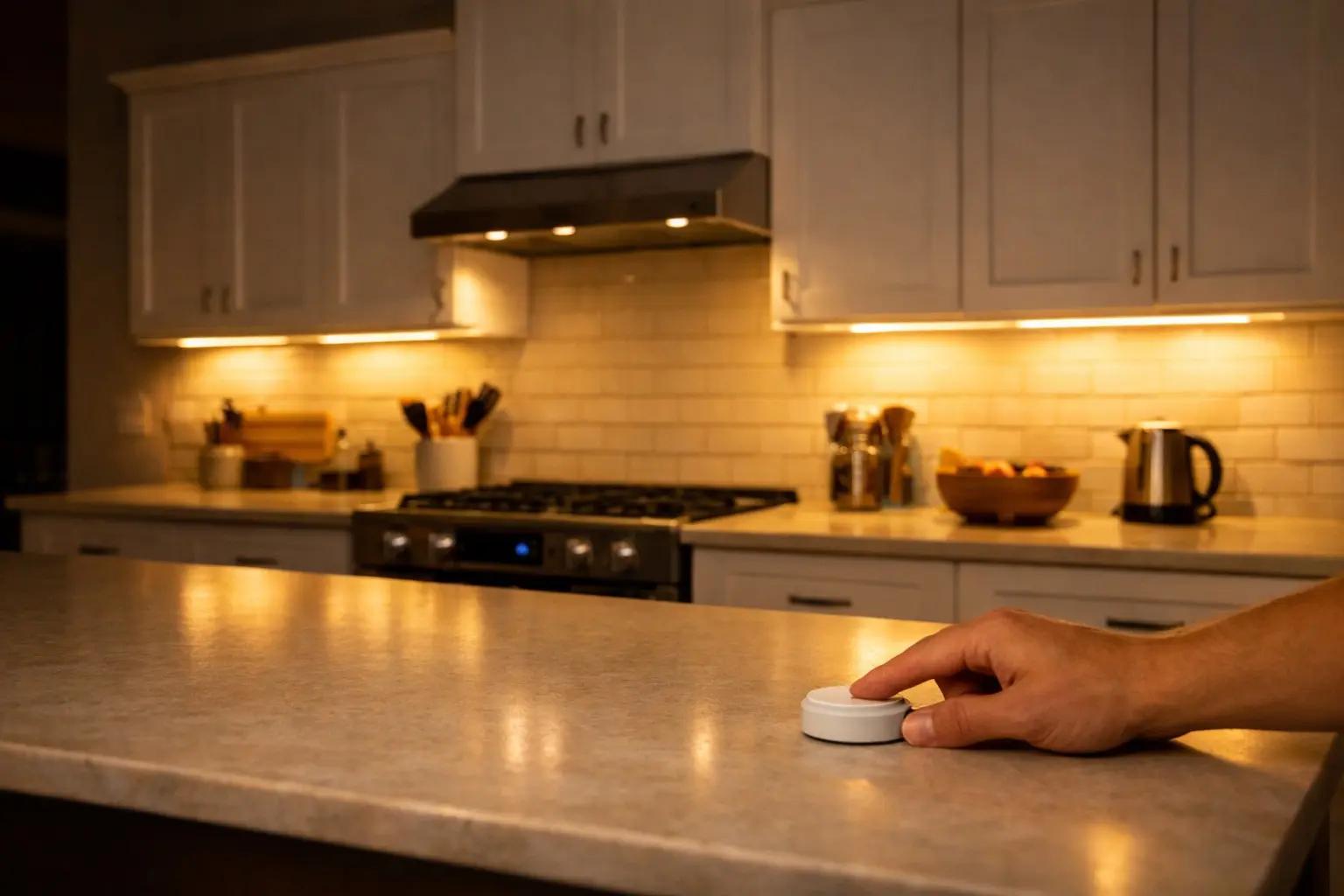
Set one dimmer level for task lighting while cooking (around 80%) and a lower level (around 30%) for evening ambiance. If your dimmer supports it, program these as presets so you can switch with one press.
Frequently Asked Questions
Do I need an electrician to install under-cabinet lighting?
+
Not for plug-in LED strips — they connect to a power adapter and an existing outlet, so there is no wiring involved and nothing to permit. You do need an electrician for a hardwired install: adding a dedicated wall switch, putting a new outlet inside a cabinet, or feeding power off the countertop circuit. Kitchen branch circuits generally require AFCI protection under current code, and receptacles within 6 feet of a sink must be GFCI-protected.
Should I test LED strips before installing them?
+
Yes, and it is the step most people skip. Lay everything out on the counter, connect the strip to the adapter and dimmer, and run it across the full brightness range looking for dead segments, color mismatch between reels, or flicker. It takes five minutes, and it matters because the adhesive backing is essentially one-shot — returning a defective strip is easy before it is cut and stuck to your cabinets, and miserable afterward.
Can I cut LED strip lights to length?
+
Yes, but only at the marked cut lines printed on the strip, usually every few inches between the copper solder pads. Cutting anywhere else severs the circuit for that whole segment and it goes dark. Measure each cabinet run first and plan where the cuts land, because you cannot add length back — connectors let you bridge gaps between runs, but a strip cut too short is scrap.
Are aluminum channels worth it for LED strips?
+
Yes, for three reasons. They pull heat away from the strip, which is the main driver of LED lifespan; the frosted diffuser cover blends the individual diodes into a continuous line instead of a row of visible dots; and they give the installation a finished look rather than exposed tape. Mount them about an inch back from the cabinet's front lip so the light does not shine straight into your eyes at the counter.
How do I keep the strip from falling off later?
+
Surface prep does most of the work — the underside of a kitchen cabinet carries cooking grease film, and adhesive will not hold to it. Clean thoroughly and let it dry before mounting, then press each section firmly for a solid 30 seconds. On textured or previously painted surfaces where the adhesive has less to grip, add a small screw at each end of the channel as insurance.
Sources & further reading
- How to Install Undercabinet LED Lighting — This Old House
- How to Install Under Cabinet Lighting in Your Kitchen (DIY) — Family Handyman
More Electrical Guides
View all →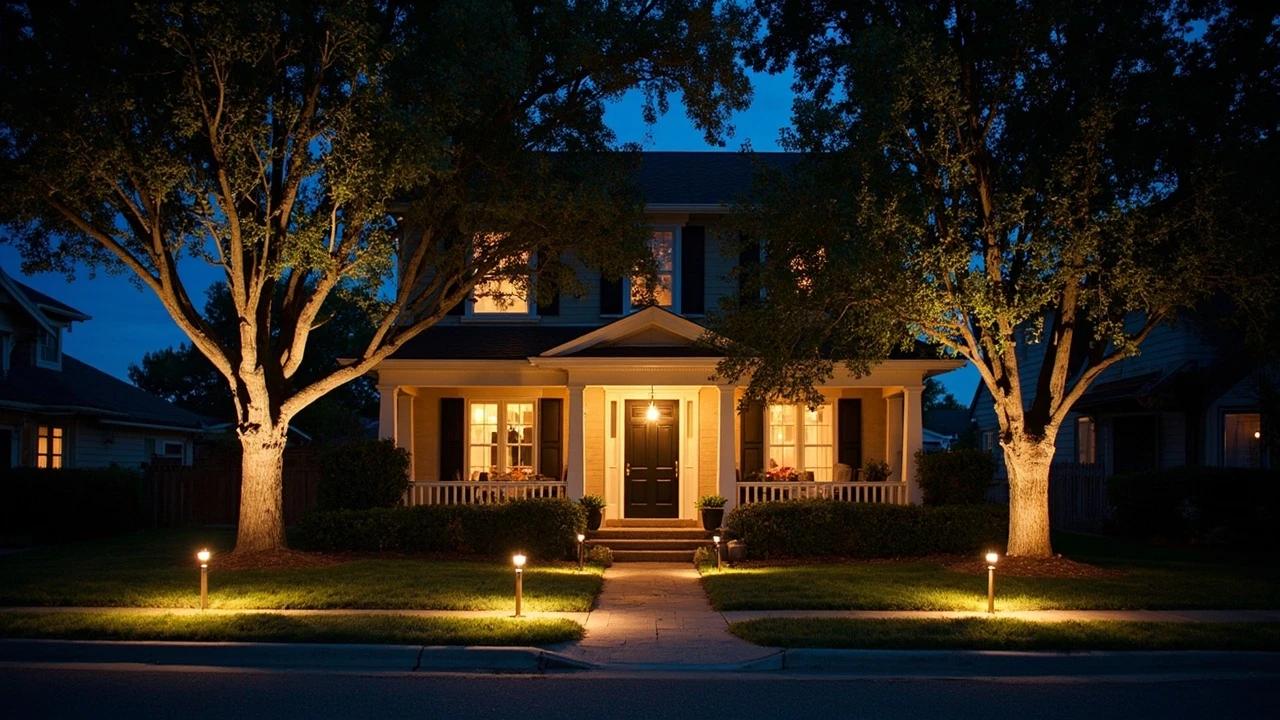 Medium3 hrs
How to Install Outdoor Landscape Lighting
Low-voltage landscape lighting transforms a yard after dark — highlighting walkways, trees, and architectural features while adding real security value — and it's one of the most approachable electrical projects a homeowner can tackle because the entire system runs on safe 12-volt power. A typical 8-to-10 fixture installation costs $150-300 in materials and takes an afternoon. This guide walks you through planning the layout, sizing the transformer, running burial-rated wire, connecting fixtures, and testing for voltage drop before you bury everything.
 Easy25 min
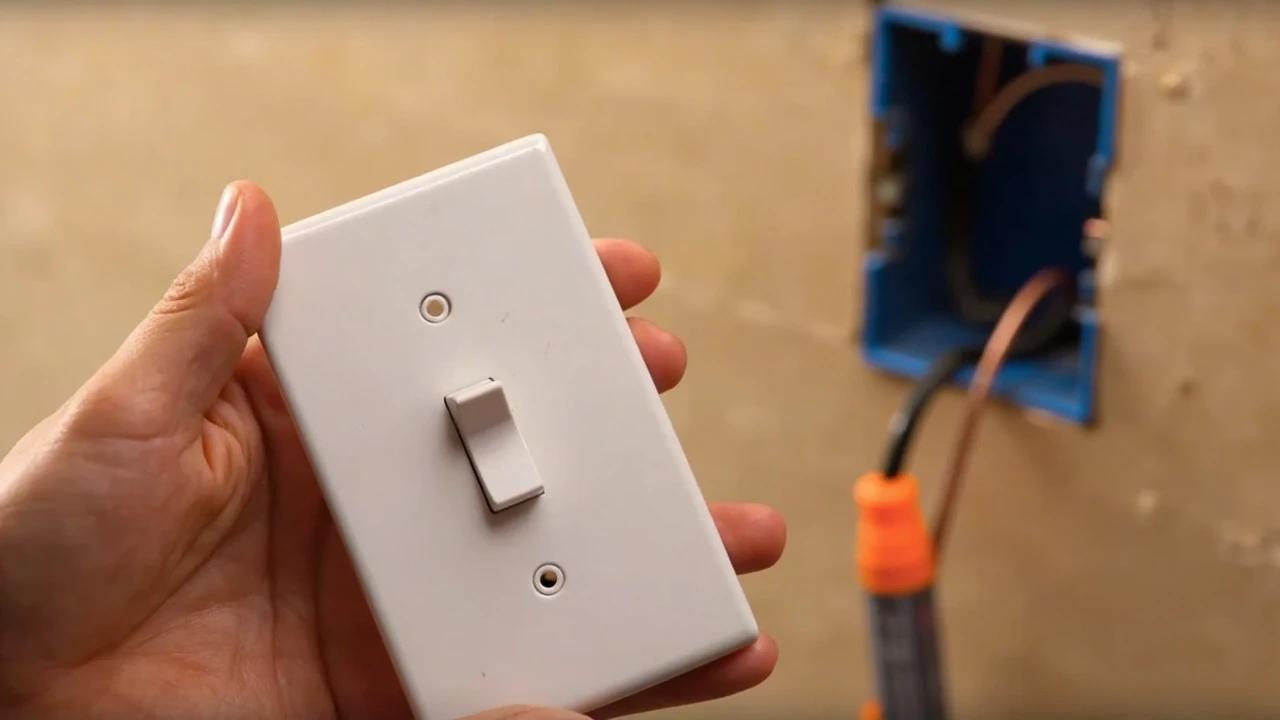
How to Replace a Light Switch
A worn, cracked, or misbehaving light switch is one of the easiest electrical fixes in the house — the job takes about 20-30 minutes, costs $2-10 in parts, and replaces a device that an electrician would charge $100-150 to swap. This guide walks through safely replacing a standard single-pole toggle or decora switch, from cutting the power to wiring the new device and testing the circuit.
 Easy30 min
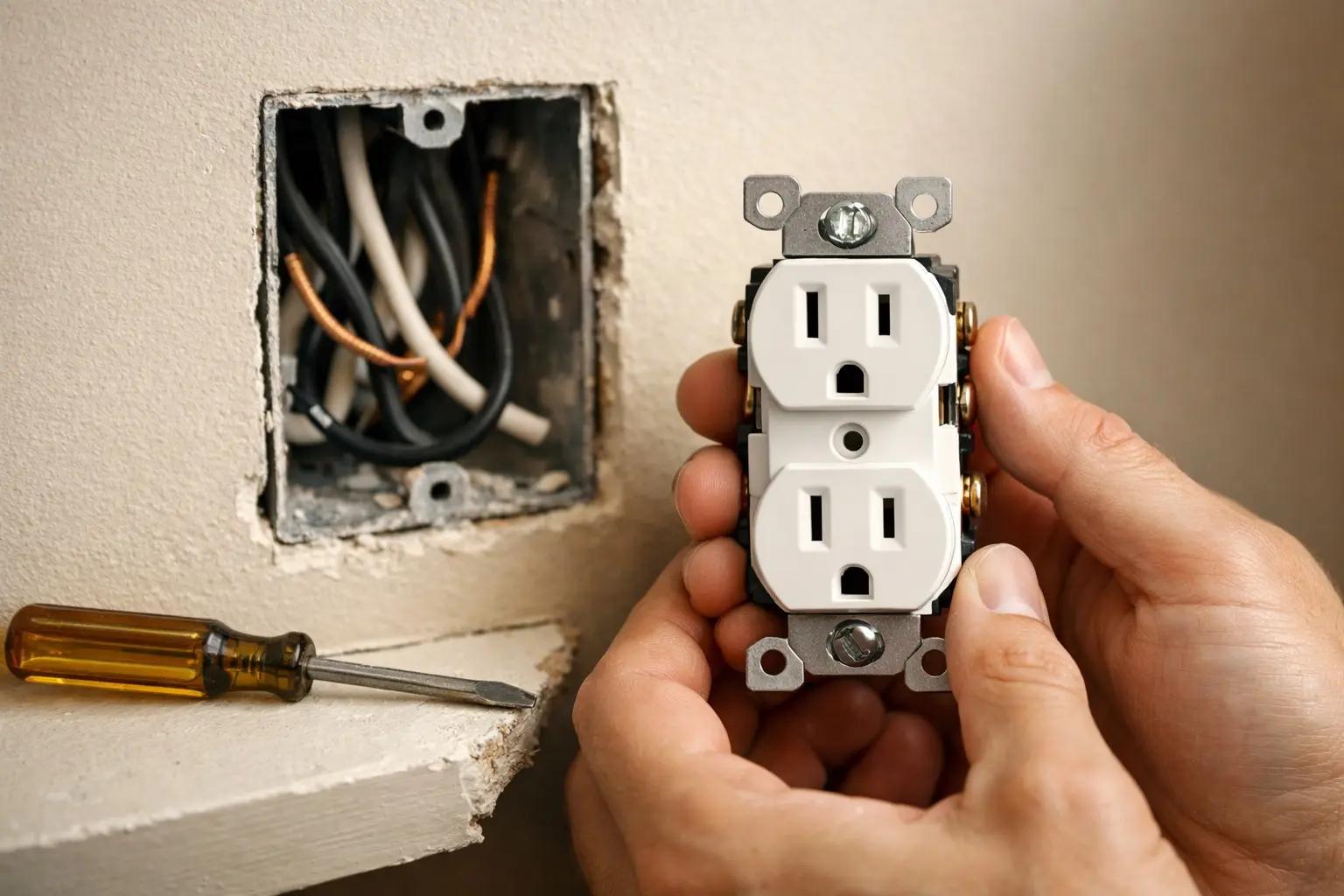
How to Replace an Electrical Outlet
A worn-out or discolored electrical outlet is one of the simplest electrical repairs you can tackle yourself — swapping one takes about 15-30 minutes and costs under $5 in parts versus $75-150 for an electrician visit. This guide walks you through safely replacing a standard duplex receptacle, including how to handle the wiring correctly and avoid the most common DIY mistakes.
You Might Also Like
 Hard8 hrs
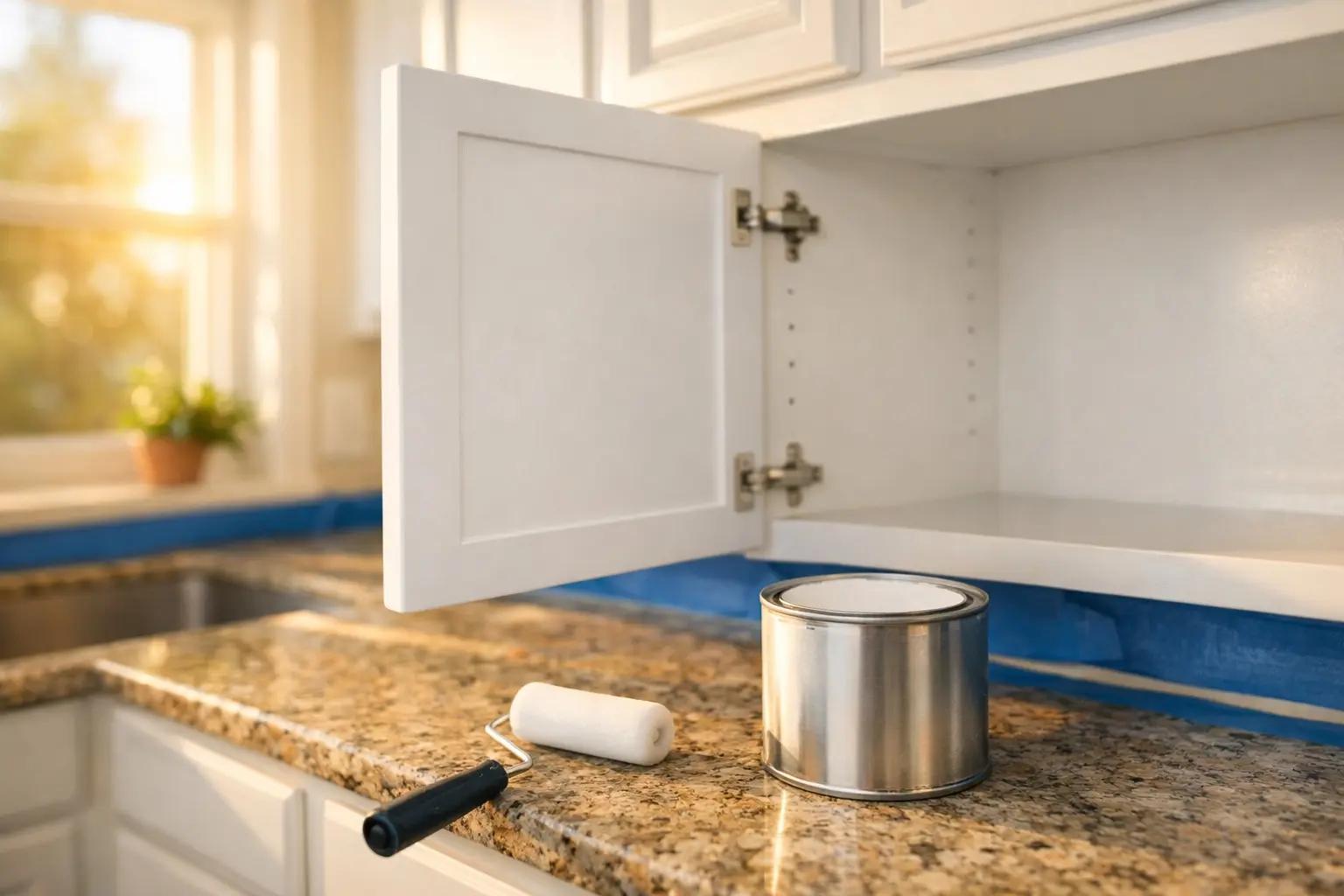
How to Paint Kitchen Cabinets
A professional cabinet refinish costs $3,000-8,000, but painting them yourself with the right prep and materials delivers the same transformation for under $200 in a long weekend. The secret is thorough degreasing, a bonding primer, and thin coats with proper dry time between each — skip any of those and the paint will chip within months. This guide walks through the full process from door removal and labeling to final reassembly, covering both brush and roller techniques for a smooth, factory-like finish.
 Medium6 hrs
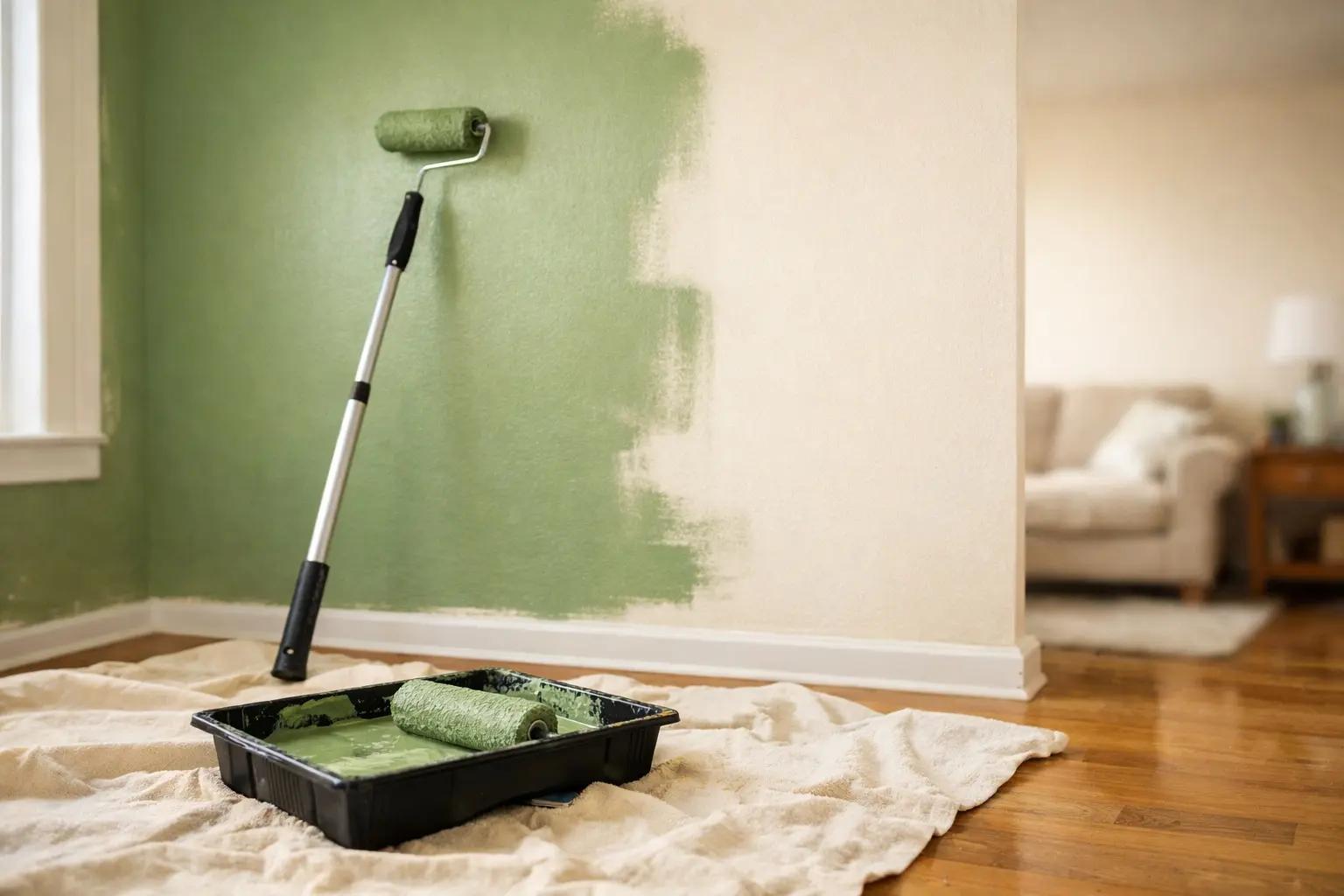
How to Paint a Room
A fresh coat of paint is the fastest, cheapest way to transform any room — and doing it yourself saves $400-800 in labor for an average 12x12-foot bedroom. The job takes a weekend from prep to final coat, and the difference between an amateur-looking result and a professional finish comes down to technique, not talent. This guide covers prep, cutting in, rolling, and cleanup so you get clean lines and even coverage the first time.
 Medium30 min
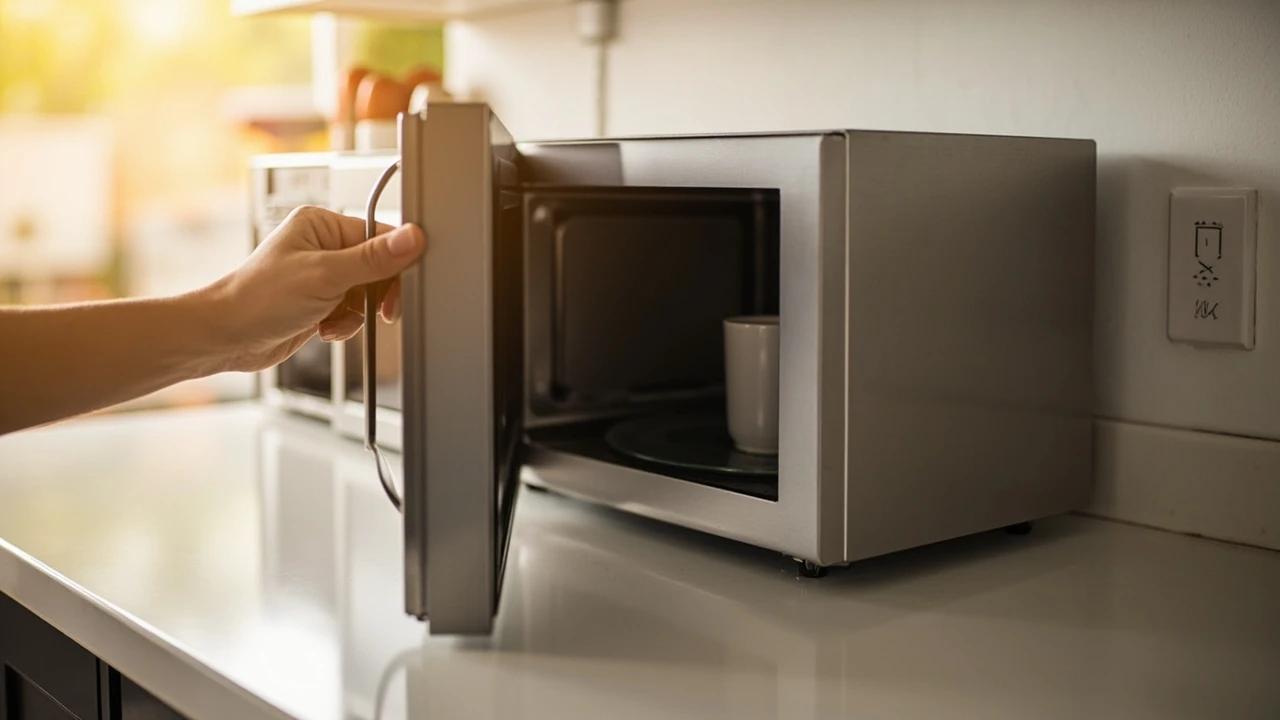
How to Troubleshoot a Microwave That Won't Heat
A microwave that runs — light on, turntable spinning, timer counting down — but leaves food stone cold is one of the most common appliance failures, and about half the time the cause is something you can fix in five minutes for free. This guide walks the diagnosis from the easy stuff (demo mode, power level, a tripped GFCI, a dirty door latch) to reading the failure signature that tells you the high-voltage circuit is gone, then helps you make the repair-or-replace call with real numbers.