How to Install a Whole-House Surge Protector
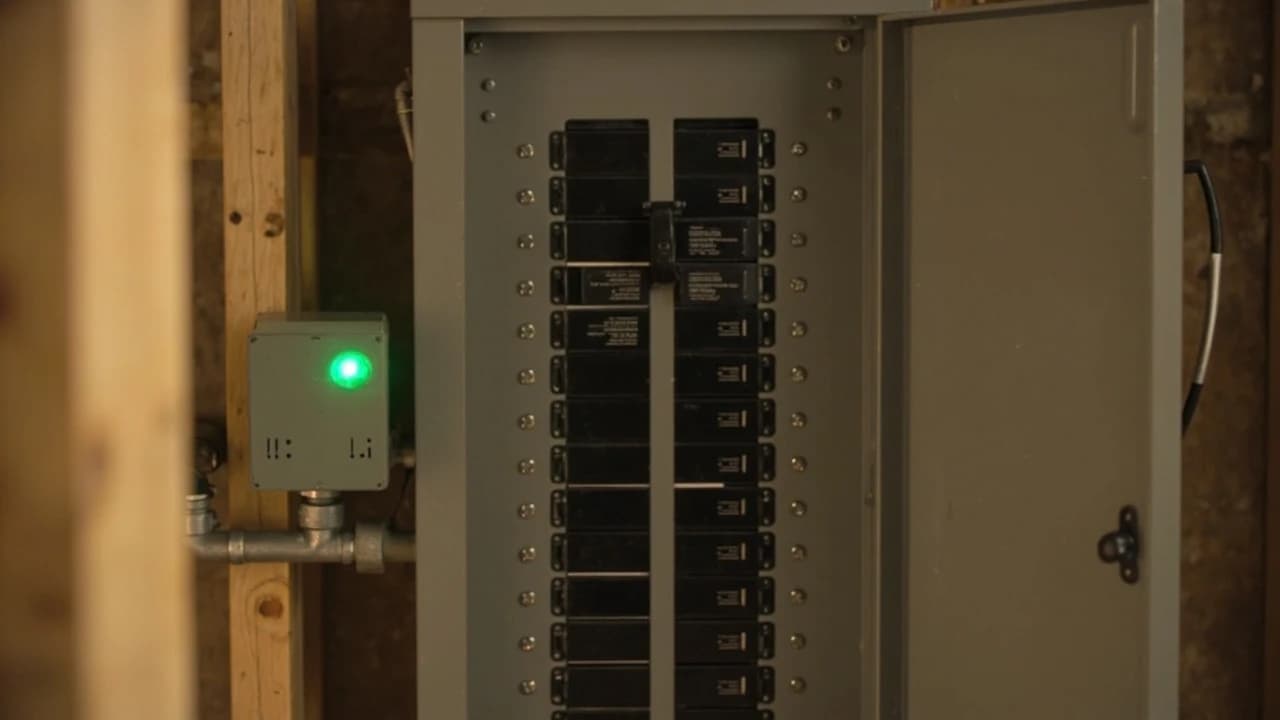

A whole-house surge protector mounts at your main electrical panel and helps protect every circuit from voltage spikes, including the furnace, air conditioner and appliance electronics a plug-in strip can't reach. With the main breaker off, wiring a Type 2 unit to a double-pole breaker takes about two hours, and most units cost $80 to $300.
What do you need to install a whole-house surge protector?
🛠 Tools
📦 Materials
Safety First
- •Turning off the main breaker kills the bus bars and branch circuits, but the service wires and the main breaker's line-side terminals stay live. Only the utility can shut those off, so never touch them.
- •Surge protector manufacturers specify installation by a qualified licensed electrician, and many jurisdictions require a permit for any panel work. Check both before you open the panel.
- •Prove the bus bars are dead with a tester you have just confirmed on a live outlet, wear safety glasses, and keep one hand out of the panel while you test.
How do you install a whole-house surge protector?
Choose a Type 2 Surge Protector That Fits Your Panel
Open the panel door and read the label inside: it lists the manufacturer, the panel series and the breaker types it accepts. A breaker-style surge protector snaps into two spaces like an ordinary breaker, but it must be made for your exact panel brand and series. A hardwired Type 2 unit mounts on the outside of the panel, works with any brand and is fed from a double-pole breaker. Either way, buy a UL 1449 listed device rated for 120/240-volt split-phase service, with an indicator light.
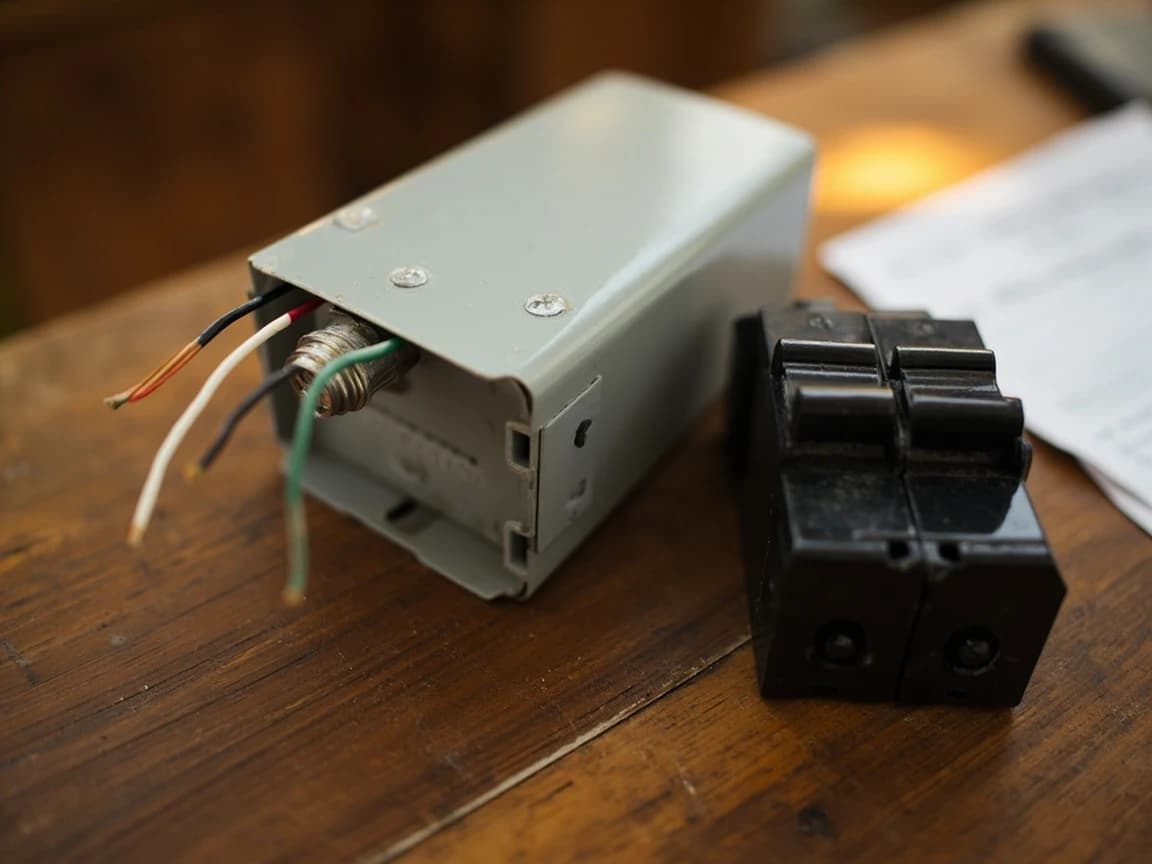
Type 2 is the right category for the main panel. Type 1 units are built for the line side of the service, ahead of the main breaker, which is work for an electrician and the utility.
Find Two Open Spaces Near the Main Breaker
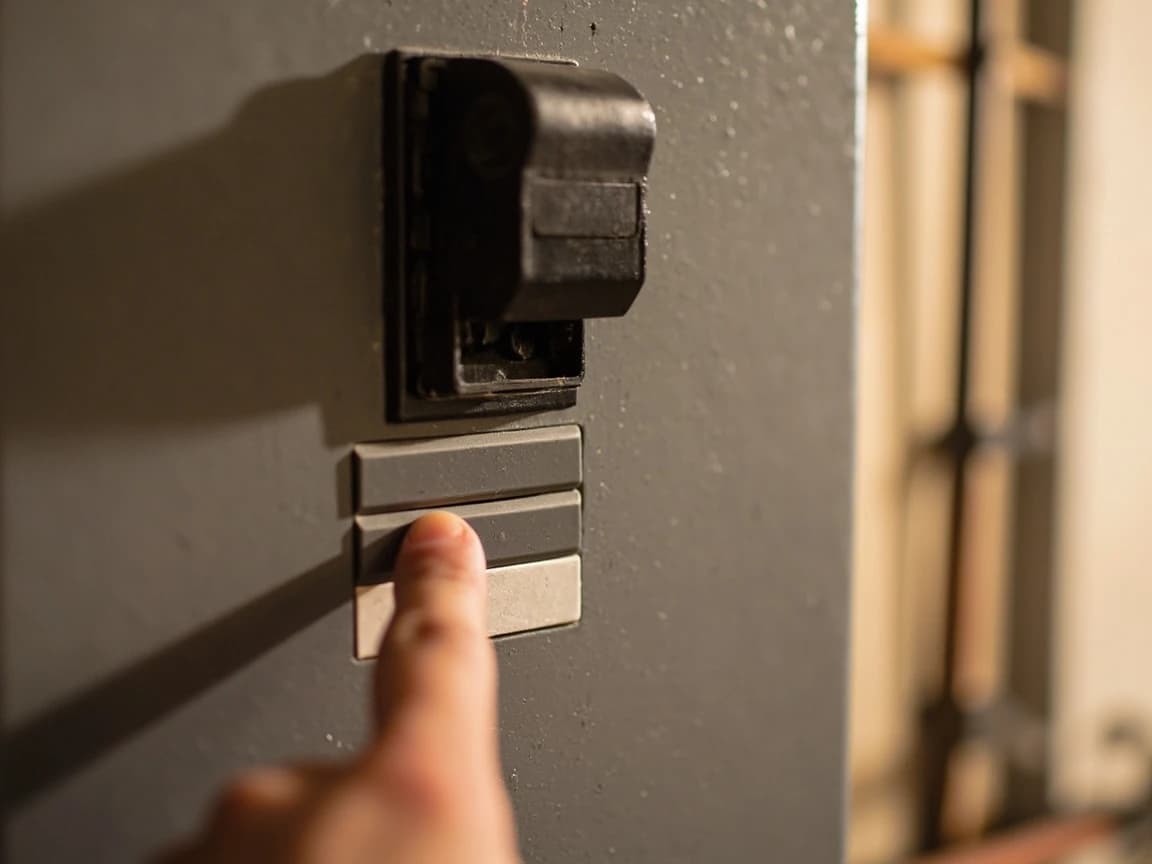
You need two adjacent open spaces for the double-pole breaker, ideally right below the main breaker, so the surge protector sits close to where power enters the panel. For a hardwired unit, also find a knockout on the side or top of the panel close to those spaces. If the panel is full, stop here: moving circuits or adding tandem breakers is a job for an electrician.
Pull a Permit and Plan the Power Outage
Call your building department: many require a permit for panel work, and some allow only a licensed electrician to do it. Pick a daytime window, shut down computers and network equipment, and have a headlamp ready, because the whole house will be without power for an hour or two. Read the surge protector's instructions start to finish before you begin, because breaker size, lead routing and terminal torque vary by model.
Shut Off the Main and Prove the Panel Is Dead
Confirm your voltage tester works on a live outlet first. Then switch off the branch breakers, switch off the main breaker, and remove the panel's front cover (the dead front). Test across the terminals of several breakers and between each bus bar and the neutral bar until every reading is zero.
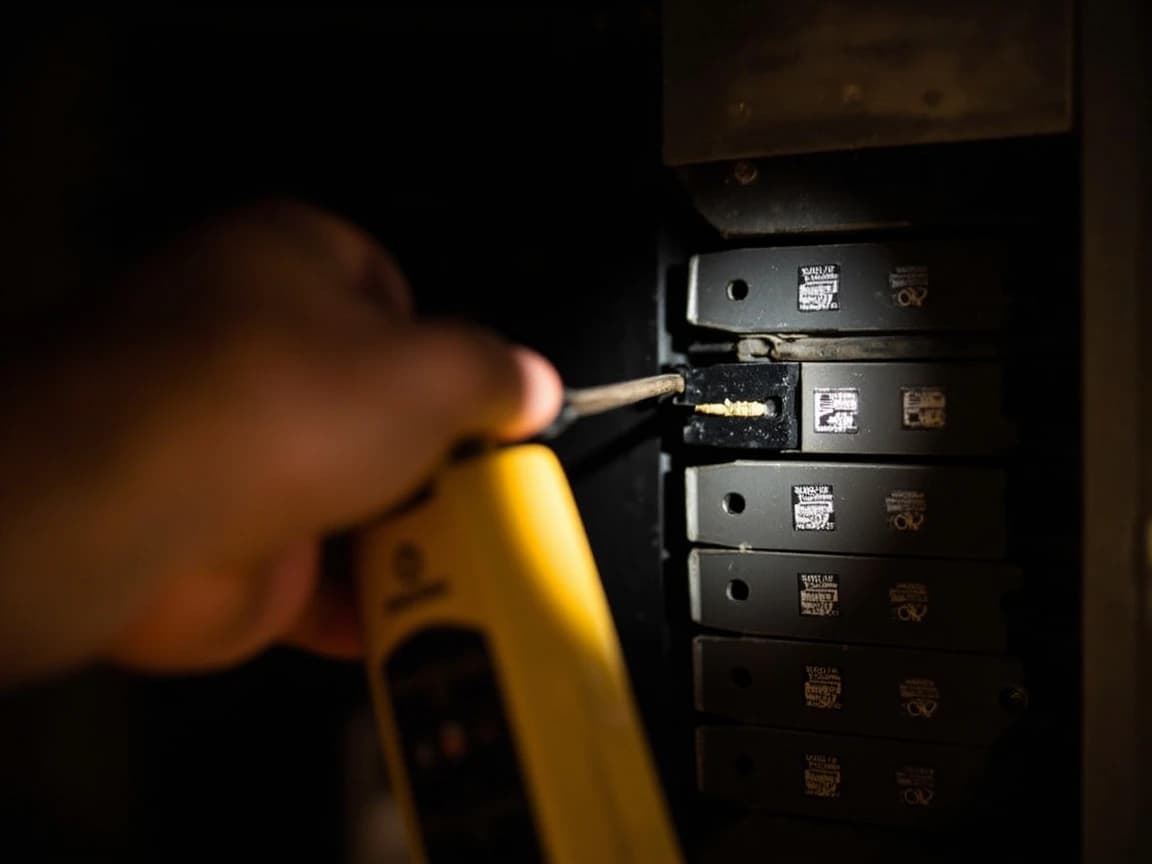
The service wires and the main breaker's line-side lugs stay energized even with the main off. Treat everything at and above the main breaker as live, and keep your hands and tools away from it.
Mount the Surge Protector at a Knockout
For a hardwired unit, remove the knockout closest to your chosen breaker spaces, feed the device's leads through, and secure it with its threaded nipple and locknut so it sits tight against the panel. Keep it as close to those spaces as you can, because longer leads make the device less effective. Skip this step for a breaker-style unit, which mounts on the bus like any breaker.
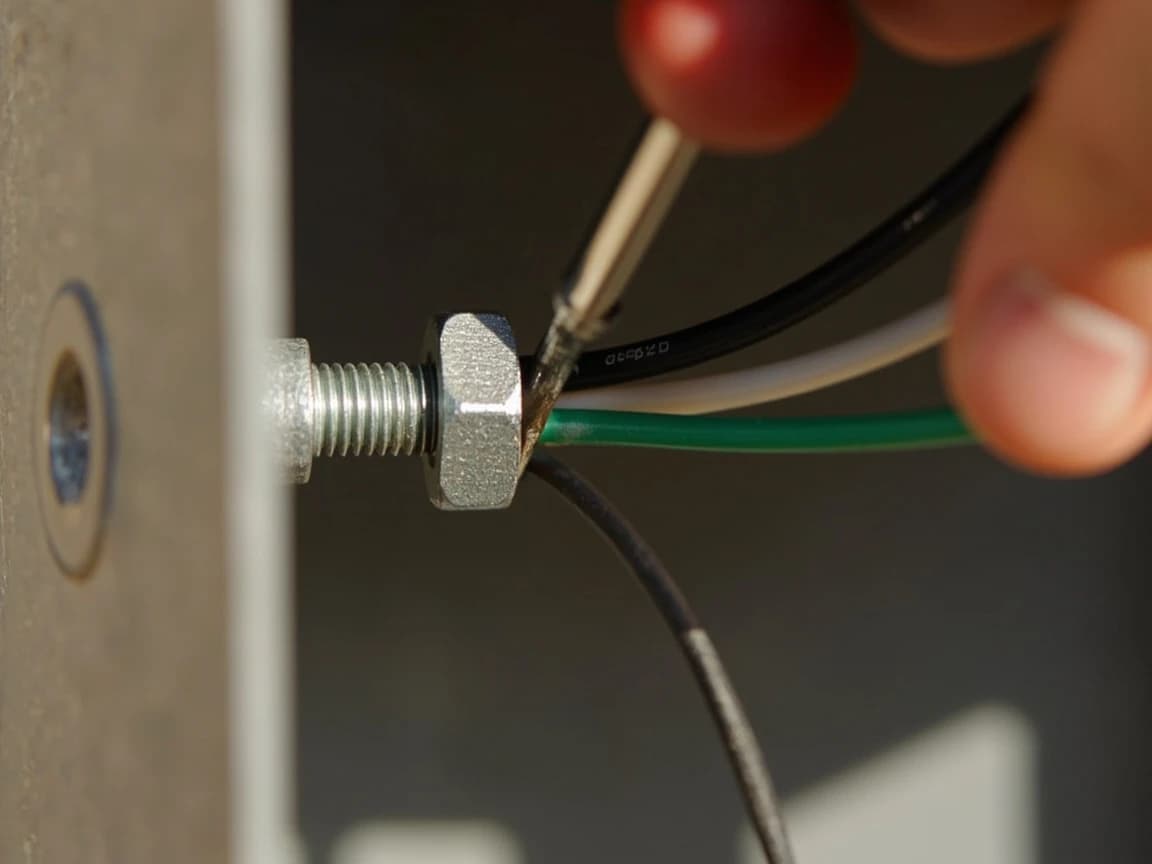
Connect the Ground and Neutral Leads
Run the green lead to the ground bar and the white lead to the neutral bar; in a main panel with one combined neutral and ground bar, both go on that bar. Cut each lead to length instead of coiling the extra, and make every bend a gentle curve. Intermatic's instructions call for about a 4-inch bend radius and warn that hard 90-degree bends reduce efficiency. Strip each end to the length marked on the terminal (often about 5/8 inch), seat it in an open terminal, and tighten it to the torque value on the panel label.
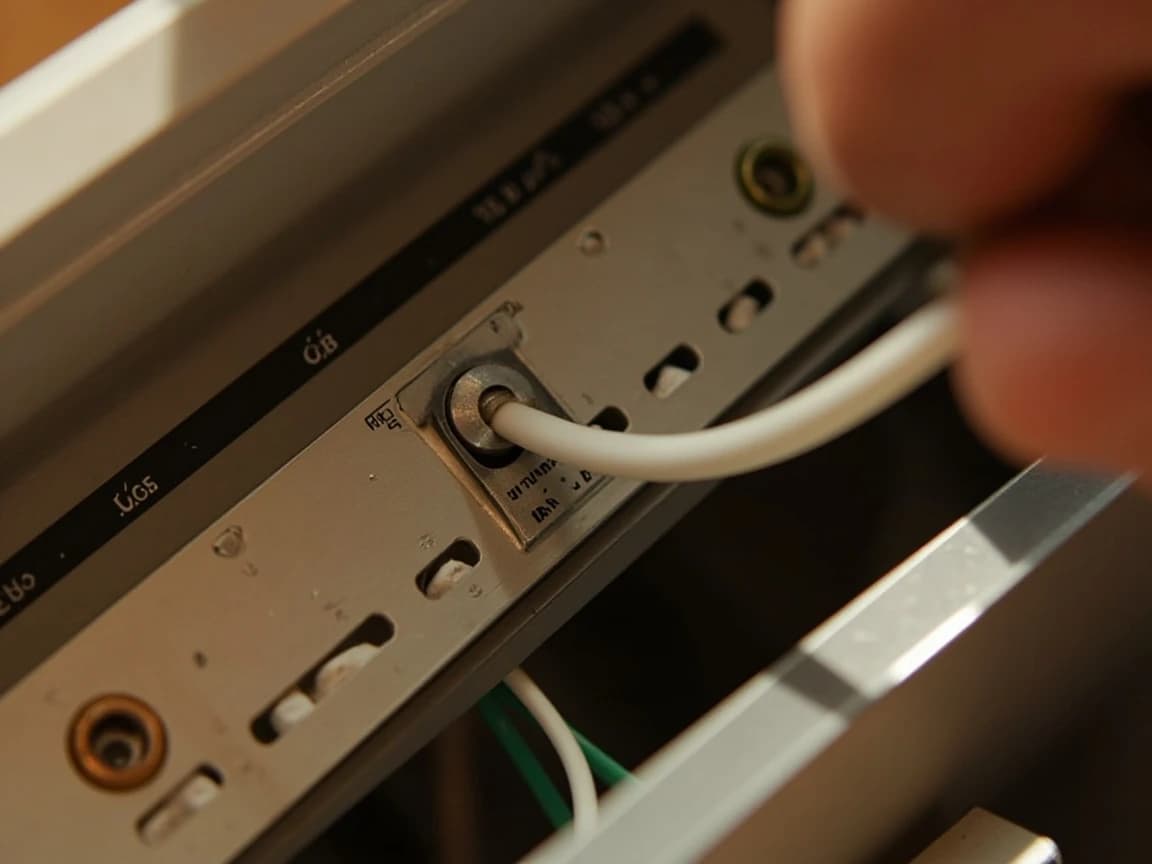
Give each lead its own open terminal. Don't double up under a screw that already holds a wire unless the bar is listed for two conductors.
In a subpanel, the neutral and ground bars must stay separate. Combining them is only correct in the main panel, where the service is bonded.
Wire the Hot Leads to a Double-Pole Breaker
Connect the two black leads to the two terminals of a new double-pole breaker; either black can go on either pole. Use the breaker size the surge protector's instructions call for (Intermatic, for example, recommends no larger than a 20-amp, 2-pole breaker for its panel unit), and make sure the breaker is listed for your panel. With the breaker switched off, hook it on the panel's mounting rail and press it firmly onto the bus in the spaces you chose. For a breaker-style surge protector, snap the unit in the same way and connect its white pigtail to the neutral bar.
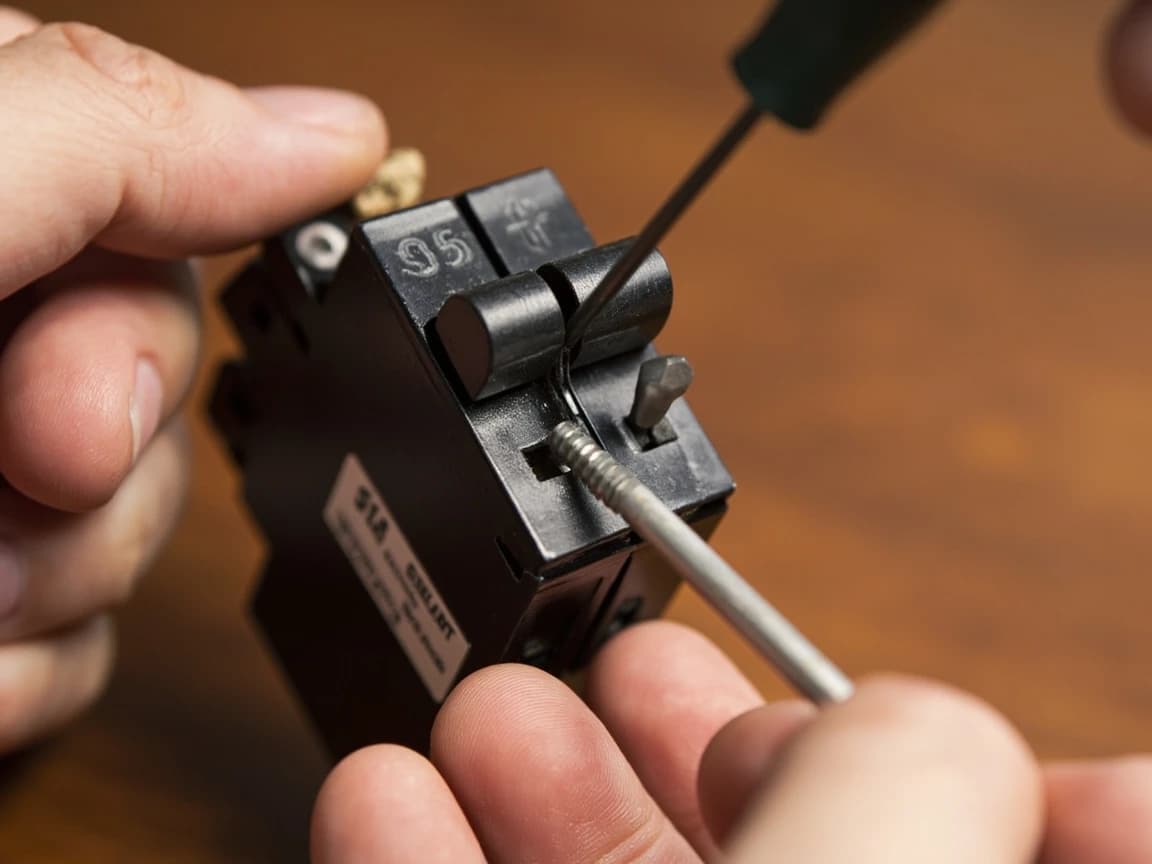
Never install a breaker that isn't listed for your panel, even if it seems to fit. A mismatched breaker can make poor contact with the bus, then arc and overheat.
Close the Panel and Restore Power
Snap out the filler tab in the dead front where the new breaker sits, reinstall the cover, and check that no wire is pinched. Turn on the main breaker, then the surge protector's breaker, then the branch breakers one at a time. The indicator light should come on (green on most units); if it doesn't, shut the main off again and recheck every connection against the instructions. If a branch breaker trips as you turn it back on, see how to fix a tripped circuit breaker.
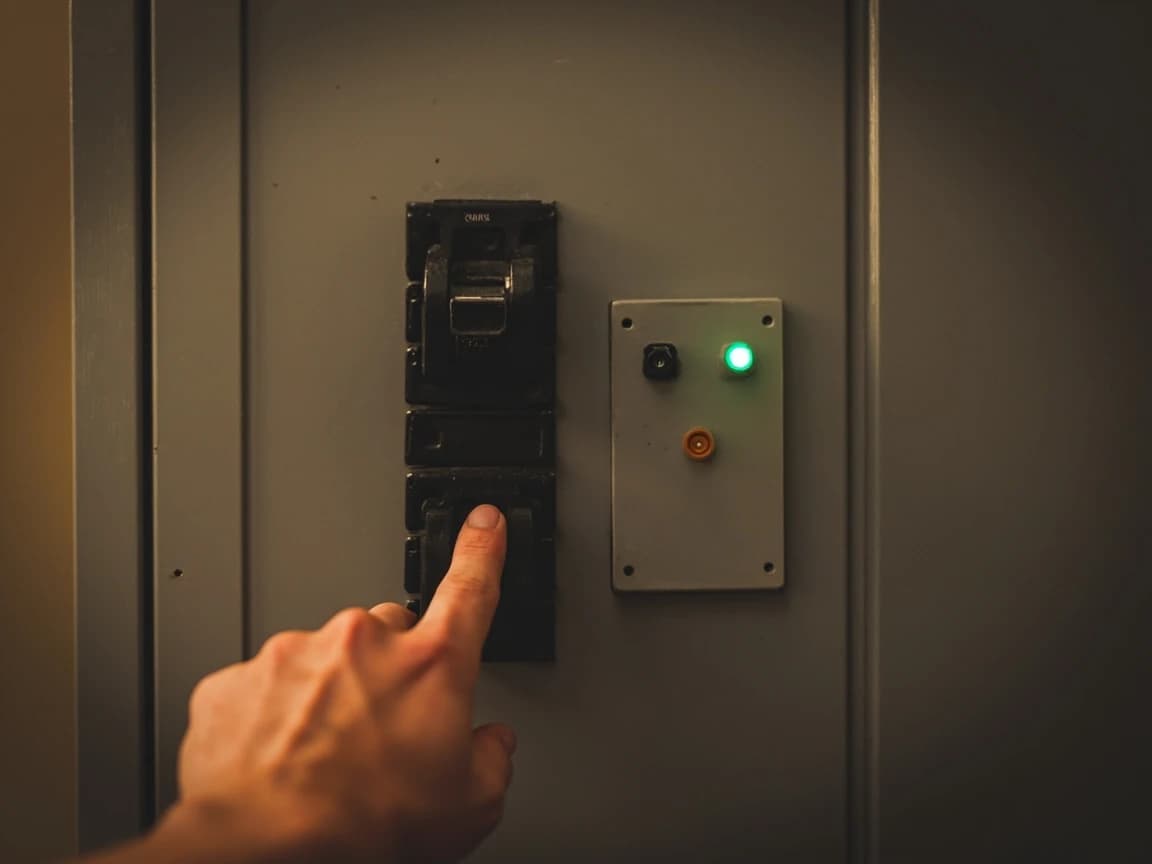
Label It and Check the Light Periodically
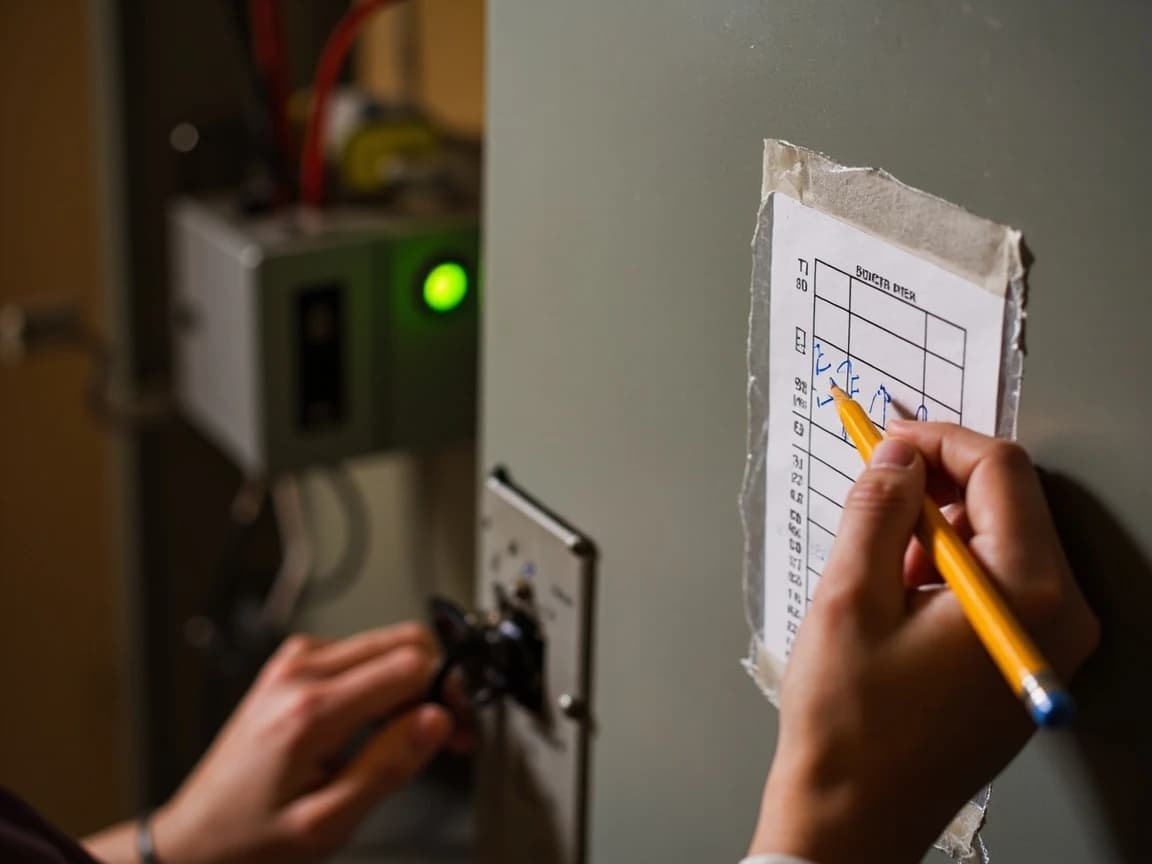
Note the surge protector on the panel directory so the next person knows what that double-pole breaker feeds. Check the indicator a few times a year and after major storms: Intermatic's instructions say that if the green light is off, protection has diminished and the device should be replaced immediately. Keep plug-in surge protectors on computers and TVs too, since Leviton recommends a point-of-use (Type 3) protector alongside the panel unit.
Frequently Asked Questions
Are whole-house surge protectors worth it?
+
For most homes, yes. One device at the panel helps protect hardwired equipment a plug-in strip never reaches: furnace and air conditioner control boards, appliance electronics, smoke alarms, and the electronics inside GFCI and AFCI devices. That vulnerability is why the 2020 National Electrical Code began requiring one on every new or replaced home service. Units cost roughly $80 to $300, or about $300 to $800 installed by an electrician.
Do I still need plug-in surge protectors with a whole-house unit?
+
Yes. The panel unit is the first layer of protection, and Leviton recommends adding a point-of-use (Type 3) protector at sensitive electronics for complete protection against disturbances created inside the house. Keep using quality plug-in protectors on computers, TVs and networking gear.
Is a whole-house surge protector required by code?
+
For new and replaced services, yes, wherever the 2020 or a later National Electrical Code has been adopted. Section 230.67 requires a Type 1 or Type 2 surge-protective device on every service supplying a dwelling unit, built into the service equipment or immediately next to it, and the rule applies when service equipment is replaced. Existing homes don't have to add one until the service is replaced, but your local building department has the final word.
What's the difference between a Type 1 and a Type 2 surge protector?
+
Type 1 units can install on the line side of the service, between the utility transformer and your main breaker, and don't need a breaker, which makes them work for an electrician and the utility. Type 2 units go on the load side, in or beside the main panel on a breaker, and that's the kind this guide installs. A Type 1 device can also be used in a Type 2 location.
How do I know if my whole-house surge protector still works?
+
Check its indicator light. On most units a green light means protection is active, and Intermatic's instructions say that if the green light goes out, protection has diminished and the unit should be replaced immediately. Look at it a few times a year and after big storms, because the parts that absorb surges wear out with use.
Sources & further reading
More Electrical Guides
View all → Easy15 min
How to Fix a Tripped Circuit Breaker
When a breaker trips, part of your home goes dark — and the breaker just did its job, cutting power before the wiring could overheat. This guide shows you how to reset it safely in about 15 minutes, how to read what the trip is telling you (overload, short circuit, ground fault, or arc fault), and the danger signs that mean you should leave it off and call an electrician.
 Medium45 min
How to Install a GFCI Outlet
A GFCI outlet cuts power in a fraction of a second when it senses electricity leaking to ground — the exact protection code now requires in kitchens, bathrooms, garages, basements, laundry rooms, and anywhere outdoors. Installing one yourself takes about 45 minutes and costs $15-25 in parts versus $120-250 for an electrician. This guide shows you how to wire the LINE and LOAD terminals correctly so the outlet actually works the first time — and how to protect a whole string of downstream outlets from a single device.
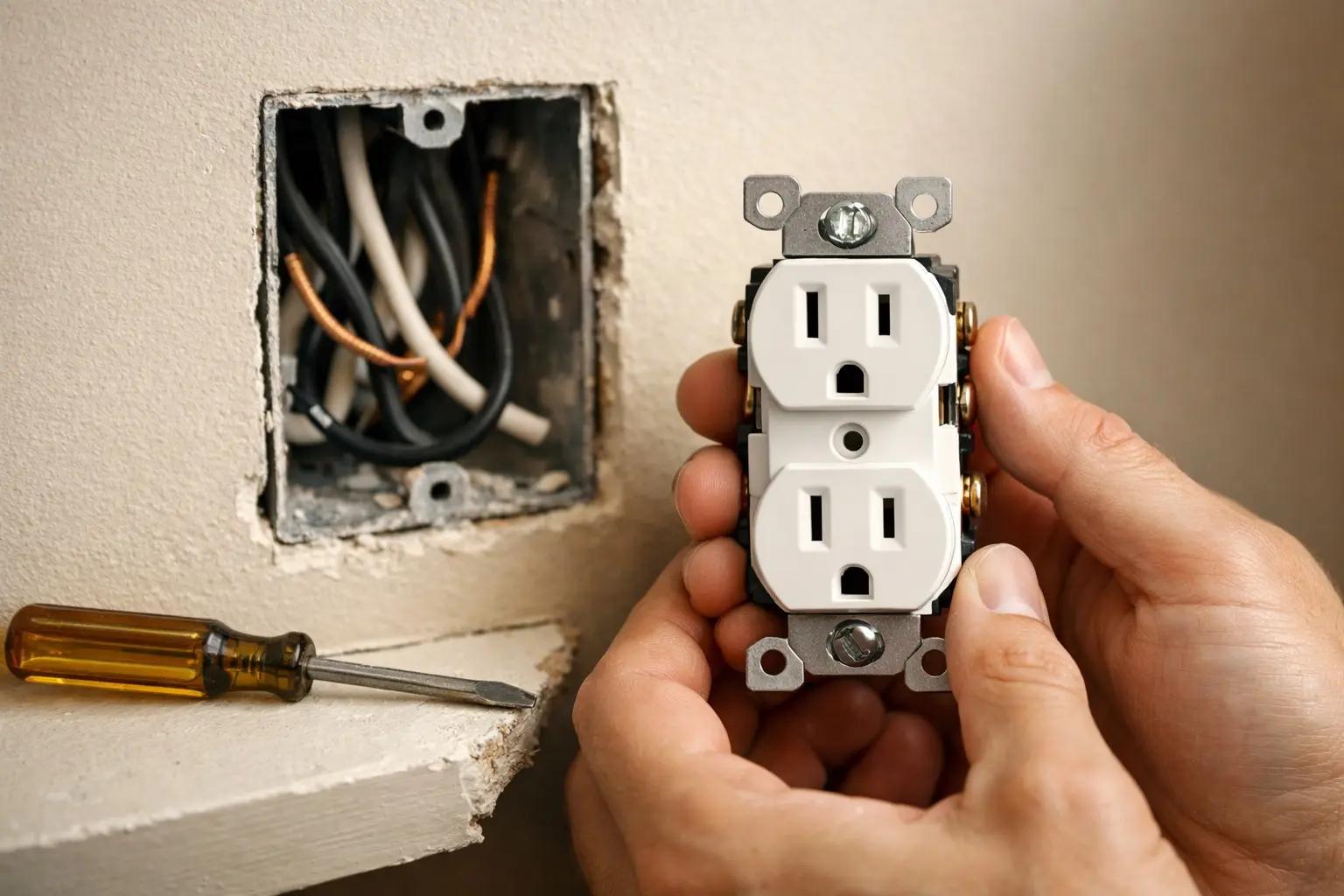 Easy30 min
How to Replace an Electrical Outlet
A worn-out or discolored electrical outlet is one of the simplest electrical repairs you can tackle yourself — swapping one takes about 15-30 minutes and costs under $5 in parts versus $75-150 for an electrician visit. This guide walks you through safely replacing a standard duplex receptacle, including how to handle the wiring correctly and avoid the most common DIY mistakes.
You Might Also Like
 Easy30 min
How to Fix a Dripping Faucet
A dripping faucet wastes more than 3,000 gallons of water per year and can add $20 or more to your monthly water bill. The fix is almost always a worn cartridge, washer, or O-ring — parts that cost under $10 and take 20-30 minutes to replace with basic tools.
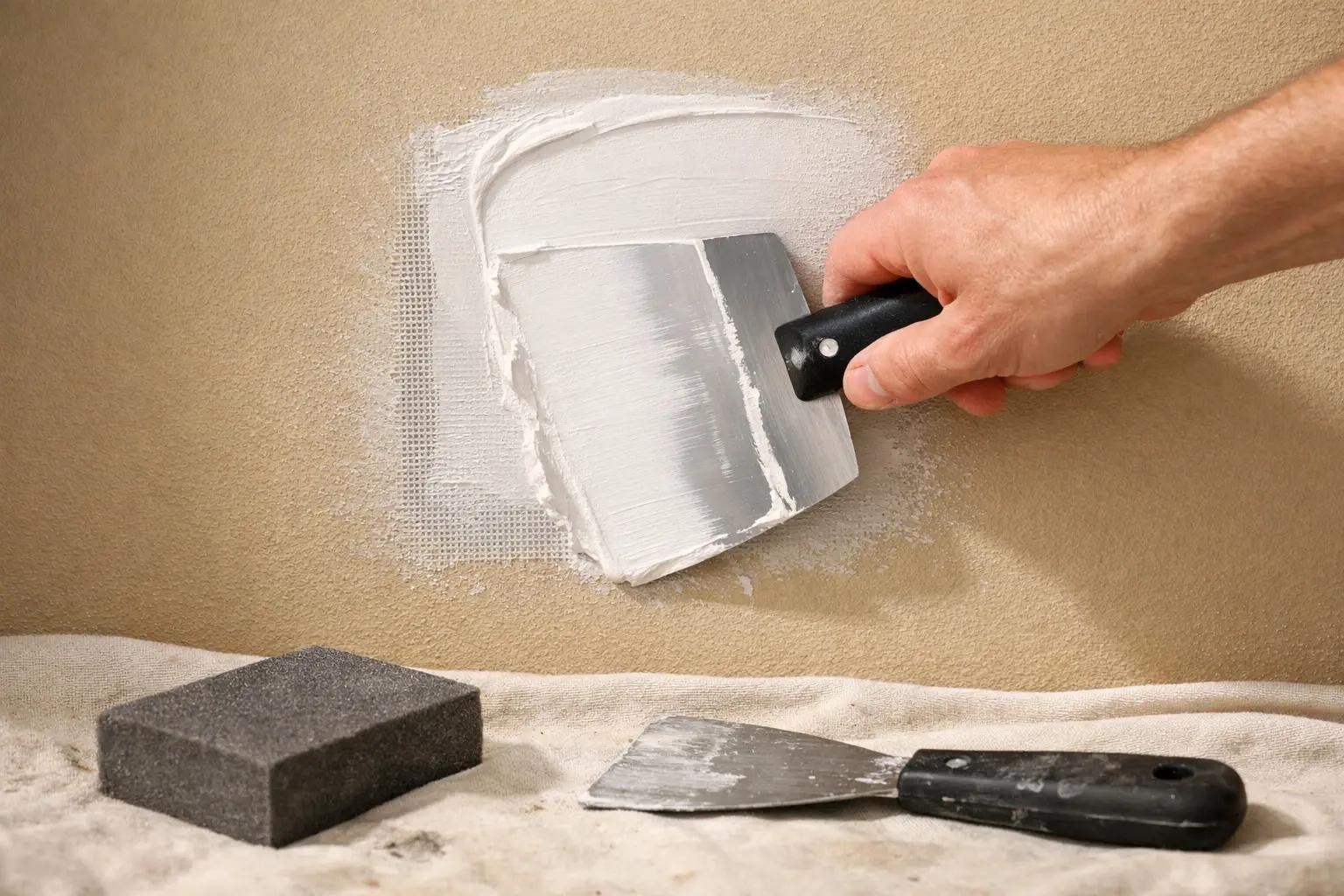 Medium2 hrs
How to Patch a Hole in Drywall (Any Size)
A nail hole, a doorknob punch-through, and a fist-sized hole from moving furniture each need a different repair. Match the hole to the method: spackle under 1/2 inch, a self-adhesive mesh patch up to 4 inches, a California patch from 4 to 8 inches, and a backer strip with a new drywall piece beyond that. Every method finishes with the same thin coats, sanding, and primer, and the materials cost under $40.
 Easy1 hr
How to Inspect Your Roof for Damage
Most roof failures announce themselves months in advance — a few lifted shingles, a stripe of missing granules, a rust line on the flashing — to anyone who actually looks. The good news: you can catch nearly all of it from the ground with binoculars and from inside the attic with a flashlight, no roof-walking required. This free 60-minute inspection, done twice a year and after every big storm, is the difference between a $300 repair and a $12,000 replacement.