How to Change Your HVAC Filter
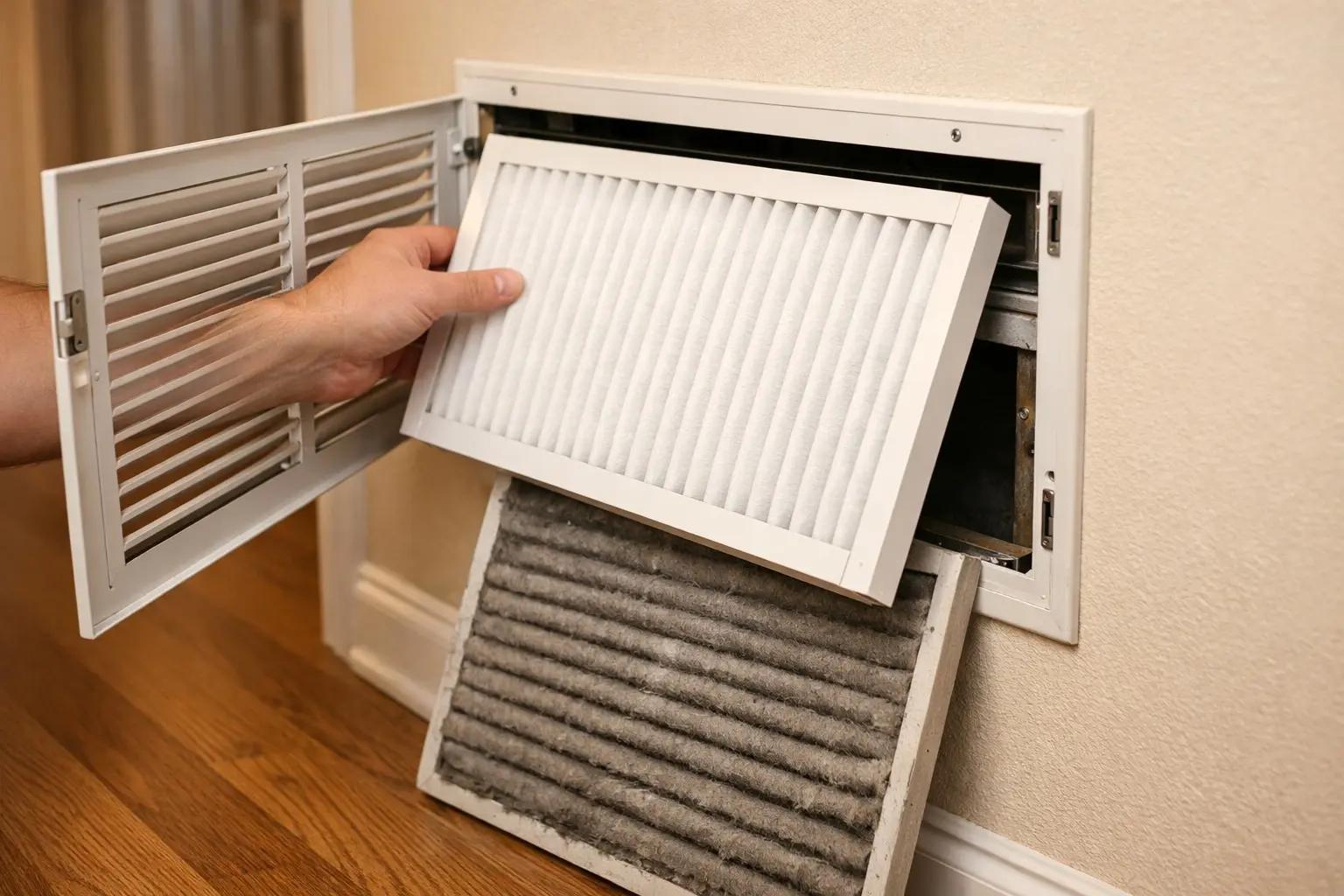

A clogged HVAC filter forces your system to work harder, raising energy bills by 5-15% and shortening equipment life — and a replacement filter costs just $5-25. Changing it takes under 5 minutes with zero tools, yet it's the single most neglected piece of home maintenance. This guide shows you how to find your filter, pick the right replacement, install it correctly, and set a schedule so you never forget again.
What You'll Need
🛠 Tools
📦 Materials
Step-by-Step Instructions
Turn Off the HVAC System
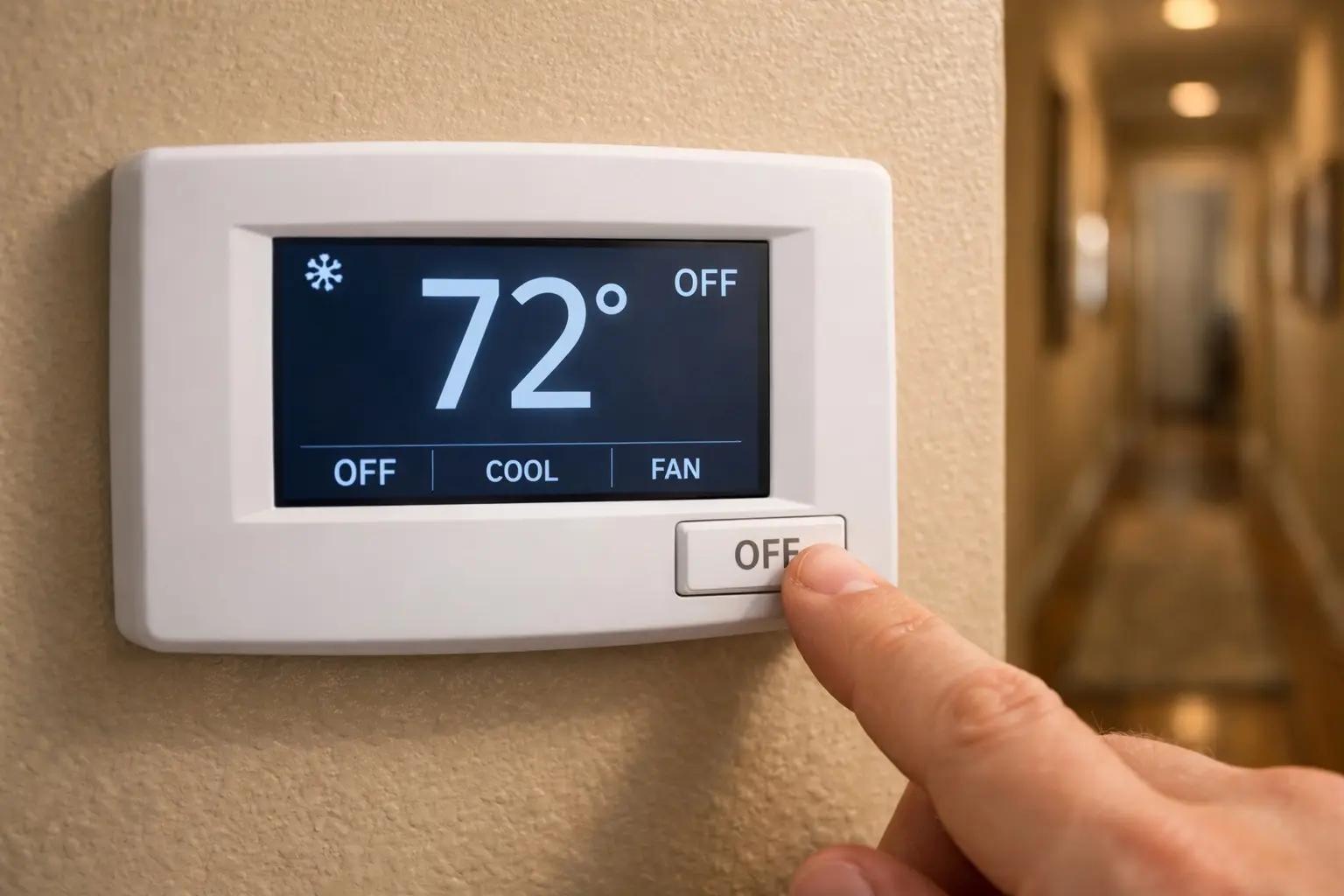
Go to your thermostat and switch the system to OFF (or set the fan to OFF). This prevents the blower from running while the filter is out, which would pull unfiltered dust and debris straight into the system and ductwork. It also keeps loose dust from blowing into your face when you remove the old filter. You'll turn the system back on after the new filter is installed.
Locate the Filter Compartment
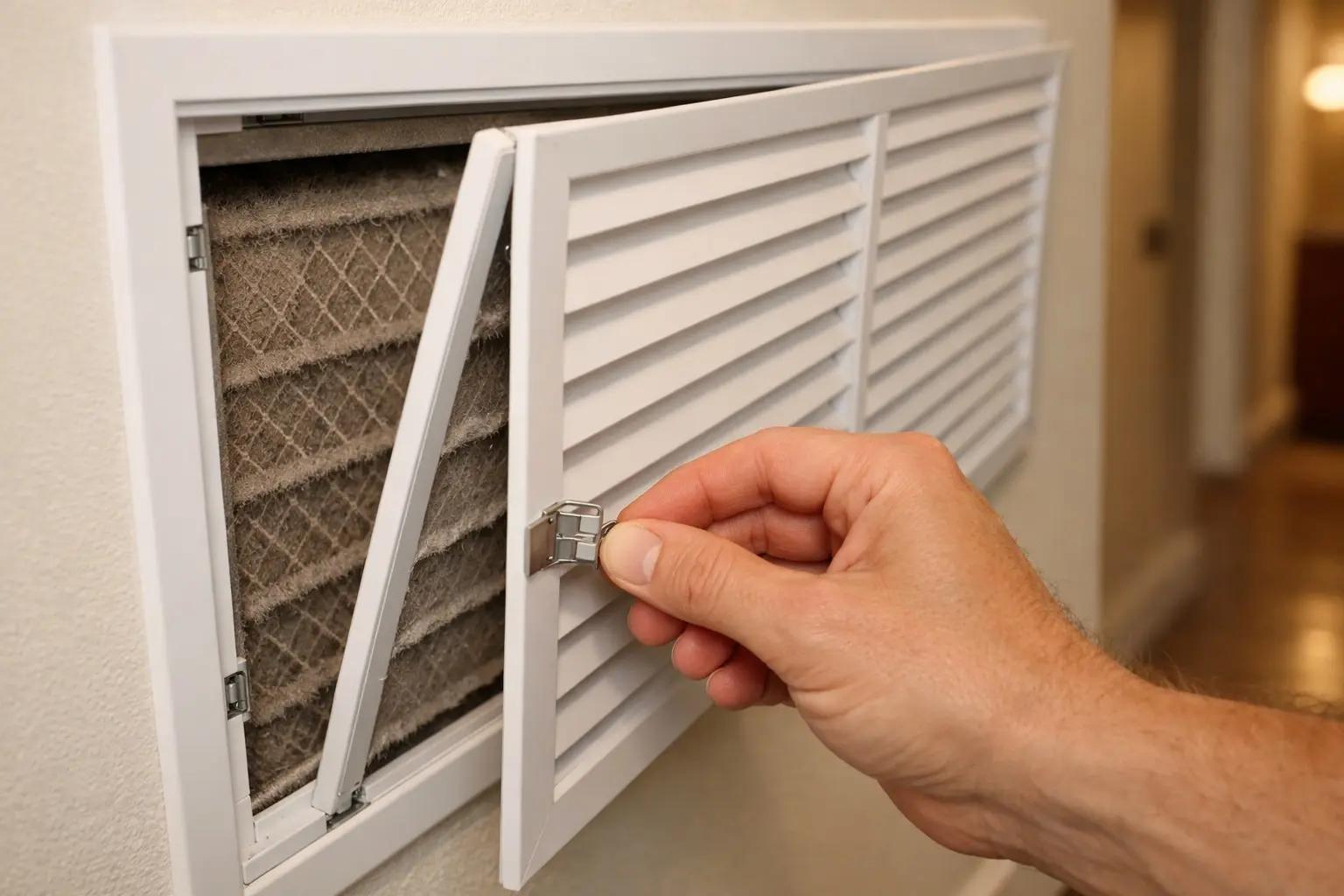
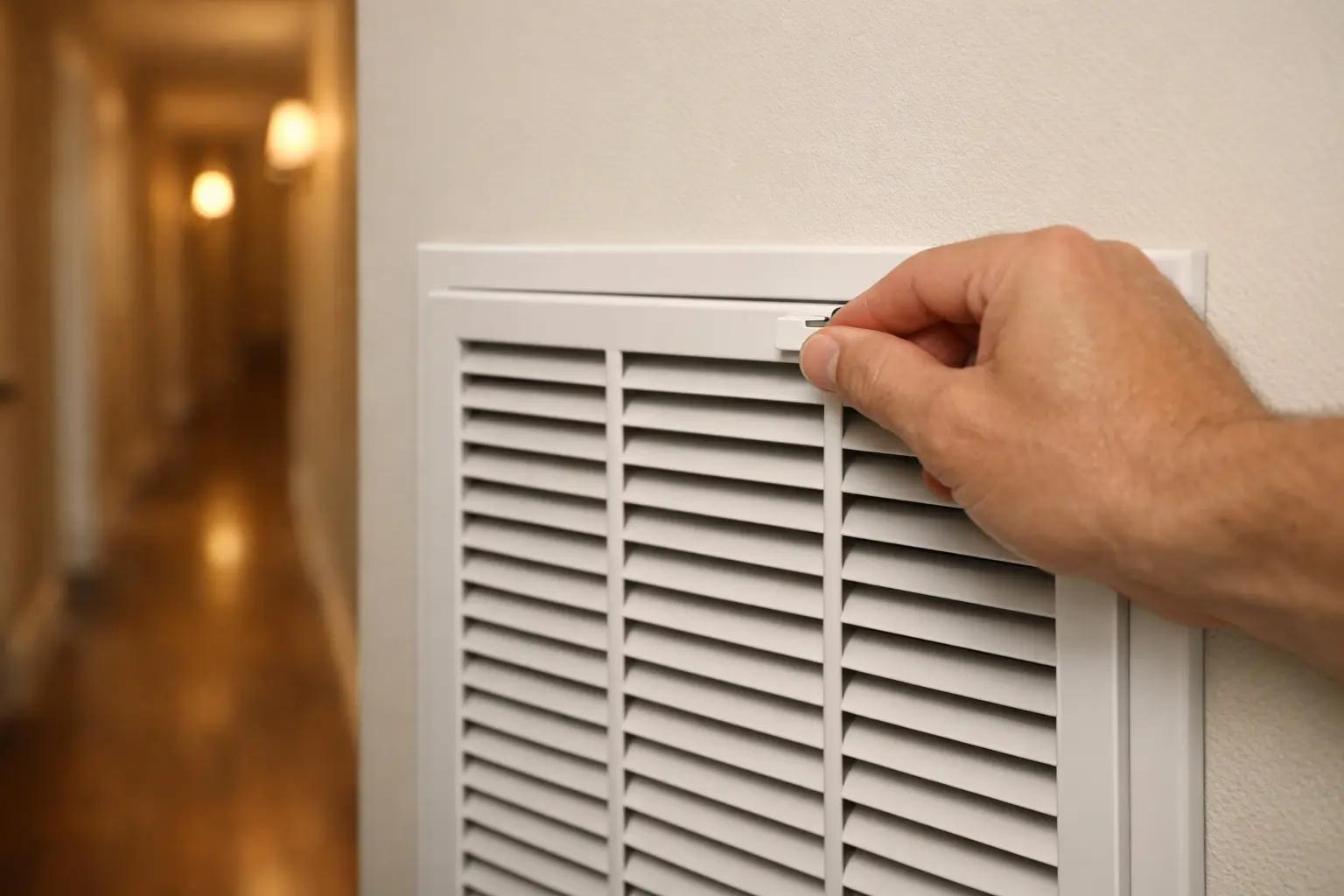
HVAC filters are in one of three places: behind a large return-air grille on a wall or ceiling (the biggest vent in the house — usually in a hallway or near the thermostat), in a slot on the side of the air handler or furnace unit (typically in a utility closet, basement, or garage), or in an external filter rack mounted on the return duct. If you have a return-air grille, unlatch the clips or remove the screws to swing the grille open. If the filter is at the air handler, look for a metal or plastic door with a handle that pulls off or hinges open.
If you're not sure where your filter lives, turn the fan to ON at the thermostat and walk around the house holding a tissue near each large vent. The return vent will suck the tissue toward it — that's where your filter is.
Remove the Old Filter and Note the Size
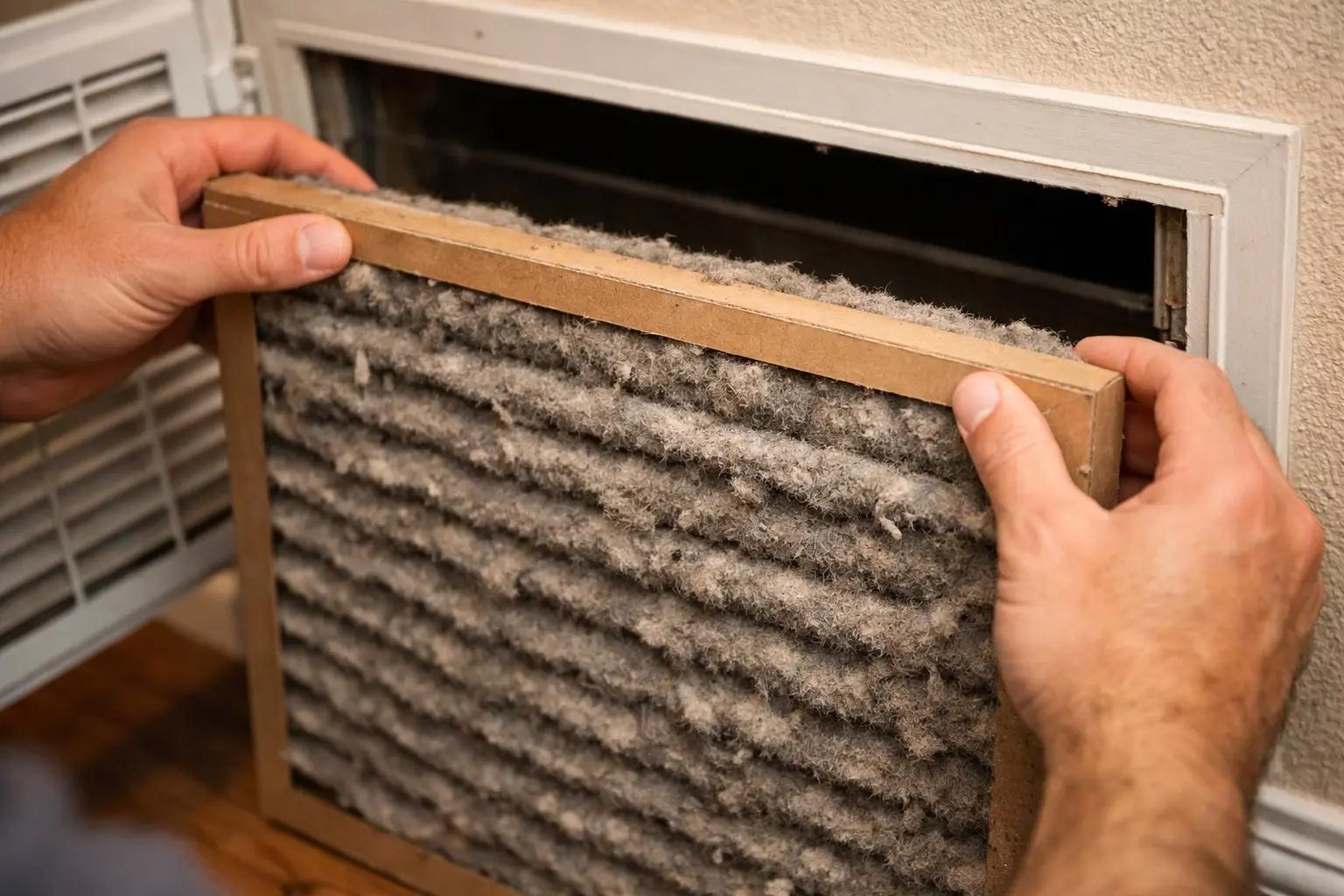
Slide the old filter straight out of its slot. Handle it carefully — a heavily clogged filter will shed dust if you shake or tip it. Immediately slide it into a trash bag to keep the dust contained. Look at the frame of the old filter for the printed size — it will be three numbers like 16x25x1 or 20x20x4 (width x height x depth in inches). Write this size down or snap a photo. You'll need the exact size to buy the replacement; even 1/2 inch off means the filter won't seat properly and air will bypass it.
Choose the Right Replacement Filter
Match the exact size from the old filter. For filter quality, look at the MERV rating (Minimum Efficiency Reporting Value) — MERV 8 is the minimum recommended for residential use, MERV 11-13 is ideal for homes with pets or allergies, and MERV 13 is the highest rating most residential systems can handle without airflow issues. Don't go above your system manufacturer's recommended MERV rating — a filter that's too restrictive forces the blower to work harder, increases energy costs, and can damage the compressor. Pleated filters ($8-20) outperform flat fiberglass filters ($2-5) and last longer.
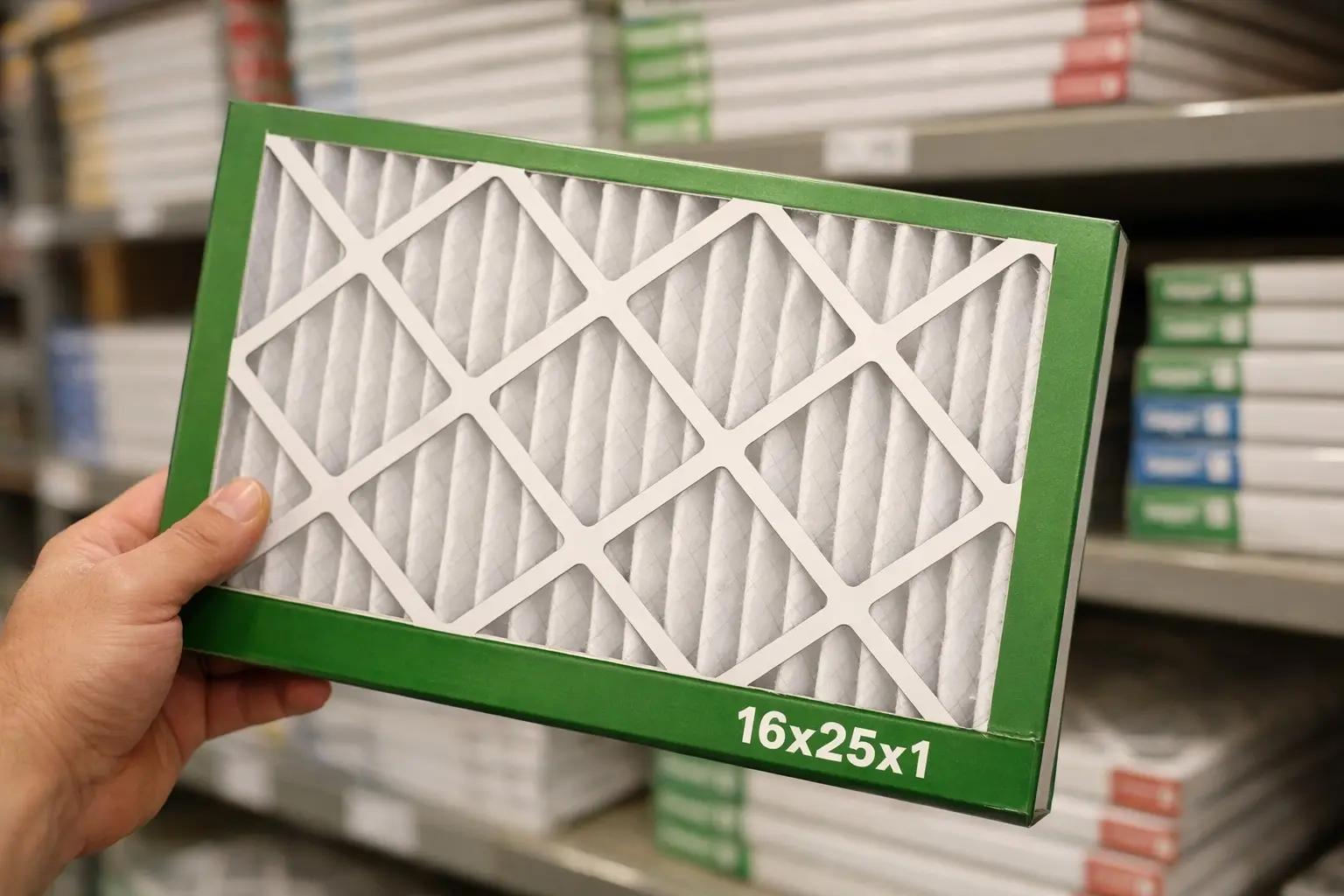
Buy filters in multi-packs (4 or 6) — they're 20-40% cheaper per filter than singles, and having spares at home means you'll actually change them on schedule instead of putting it off because you don't have one handy.
Install the New Filter with the Airflow Arrow Correct
Every disposable HVAC filter has an arrow printed on the frame that indicates the direction of airflow. The arrow must point toward the air handler or furnace — that is, toward the duct that leads away from the room and into the equipment. For wall or ceiling return vents, the arrow points into the wall (away from you). For filters at the air handler, the arrow points toward the blower. Slide the new filter into the slot, making sure it sits flat and flush with no gaps around the edges. A filter installed backwards still works, but it clogs faster and reduces efficiency.
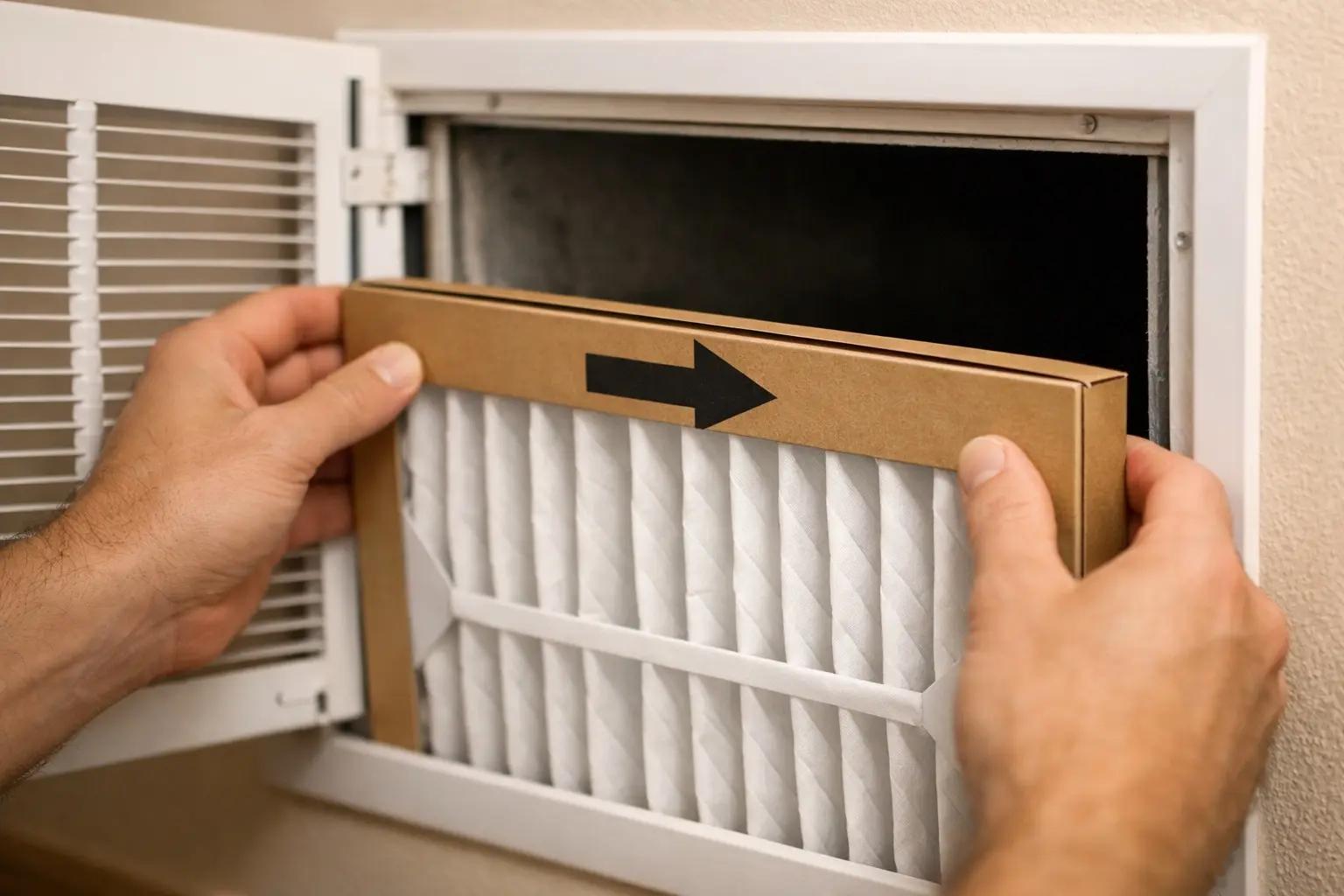
If the filter is loose and rattles in the slot, you have the wrong size. A gap as small as 1/4 inch lets unfiltered air bypass the filter entirely, defeating its purpose and allowing dust to coat the evaporator coil.
Close the Compartment and Restore Power
Swing the return grille closed and re-latch the clips or replace the screws. If the filter is at the air handler, slide the access door back into place. Go to the thermostat and switch the system back to your normal setting (AUTO or the previous heating/cooling mode). Listen for the system to start up normally — the blower should run smoothly with no unusual whistling or rattling. A whistling sound at the vent can mean the filter is too restrictive or not seated properly.
Write the Date and Set a Replacement Reminder
Use a permanent marker to write today's date on the edge of the new filter's frame — next time you check it, you'll know exactly how old it is. Set a recurring reminder on your phone or calendar: every 90 days for standard 1-inch pleated filters, every 30 days if you have pets or run the system heavily, and every 6 months for 4-inch or 5-inch media filters. During peak summer and winter, check monthly regardless — heavy use clogs filters faster. A $10 filter changed on time saves hundreds in energy costs and prevents expensive HVAC repairs.
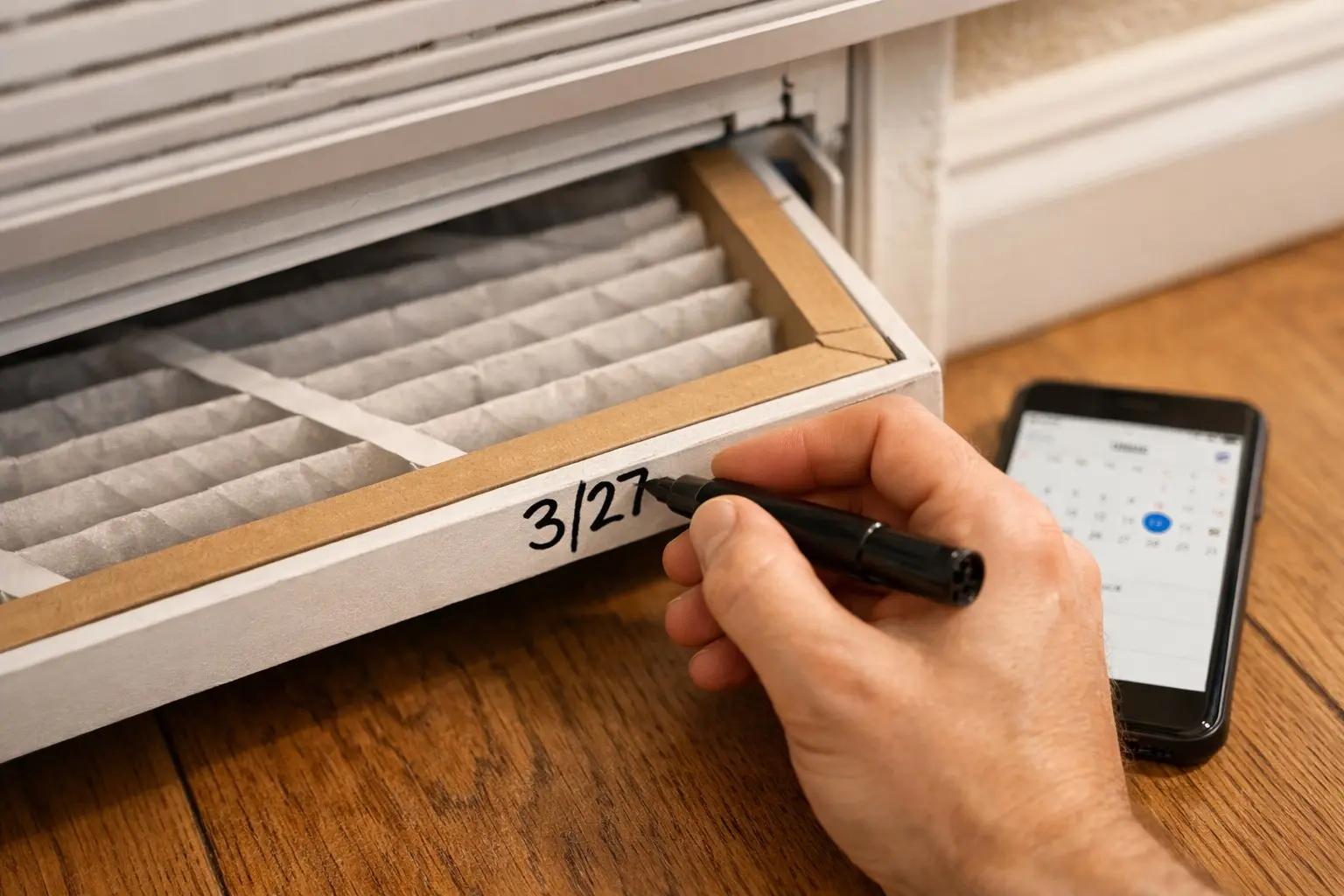
Subscribe to a filter delivery service (Filterbuy, Amazon Subscribe & Save, or your local HVAC company) — a new filter shows up at your door on schedule, which removes the number one reason people skip changes: not having one on hand.
Frequently Asked Questions
How long does it take to change your hvac filter?
+
This project typically takes about 10 min. The guide includes 7 steps with detailed instructions for each.
What tools do I need?
+
You will need: Stepladder (if your return vent is ceiling-mounted), Screwdriver (only if the vent grille has screws — most use spring clips). Materials include: Replacement HVAC filter (sized to match your existing filter — common sizes are 16x20x1, 16x25x1, 20x20x1, and 20x25x1 inches), Trash bag (for the dirty filter), Permanent marker or label (for writing the replacement date on the new filter).
Is this a good project for beginners?
+
Yes! This is rated as an easy project that most homeowners can complete with basic tools and no prior experience.
Sources & further reading
- Maintenance Checklist — ENERGY STAR
- What is a MERV rating? — U.S. EPA
- Guide to Air Cleaners in the Home — U.S. EPA
More HVAC Guides
View all →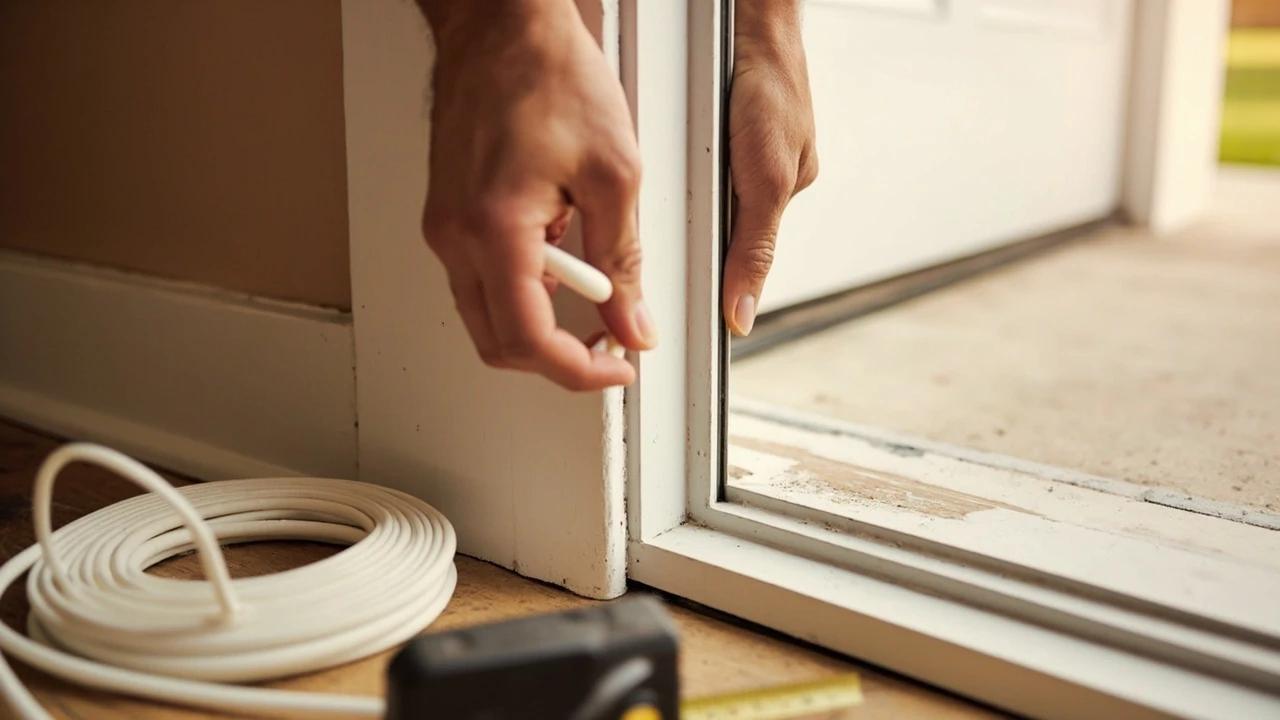 Easy1h 15m
How to Replace Weatherstripping on an Exterior Door
If you can see daylight around a closed front door, you are heating and cooling the yard — and worn weatherstripping is almost always the reason. Replacing the jamb seal and the door sweep runs about $15 to $60 in parts and takes an hour, which is a rounding error next to the cost of a new door. This guide covers the four weatherstrip types and how to tell which one your door uses, how to measure and fit each, how to set the compression so the door still latches, and the geometry problem that no amount of new sealing will fix.
 Medium45 min
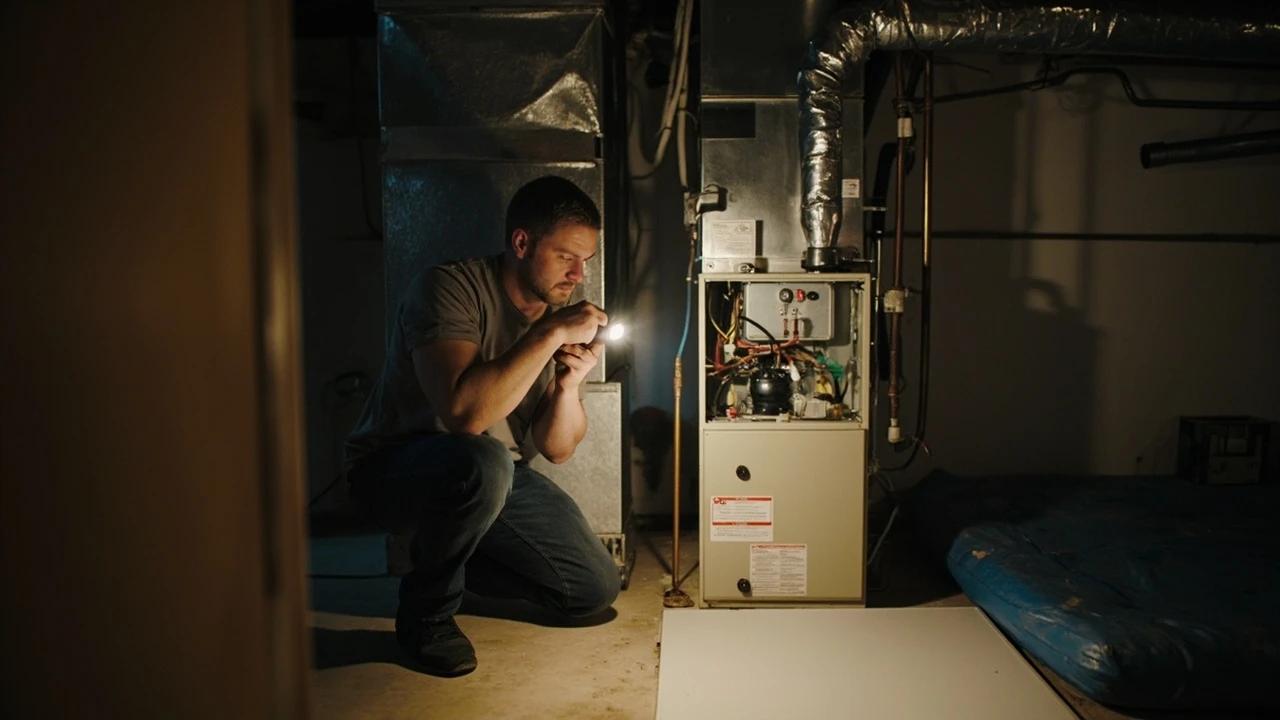
How to Troubleshoot a Furnace That Won't Start
When a gas furnace won't fire, the cause is usually something simple and free to fix — a thermostat set wrong, a flipped power switch, a filter clogged solid, or a sooted flame sensor — not a dead furnace. This guide walks the checks in order of likelihood, starting with gas safety, so you can get the heat back in about 45 minutes without a $150 service call. It also draws a clear line at the repairs that are genuinely a pro's job.
 Medium3 hrs
How to Balance Uneven Room Temperatures
If your bedroom runs 8 degrees colder than the living room or the upstairs cooks while the basement freezes, you can fix most of it in an afternoon without calling a pro. This guide walks you through diagnosing the problem, adjusting vents and trunk dampers, sealing duct leaks, and rebalancing airflow — the same process an HVAC tech would charge $750–$2,000 for.
You Might Also Like
 Medium30 min
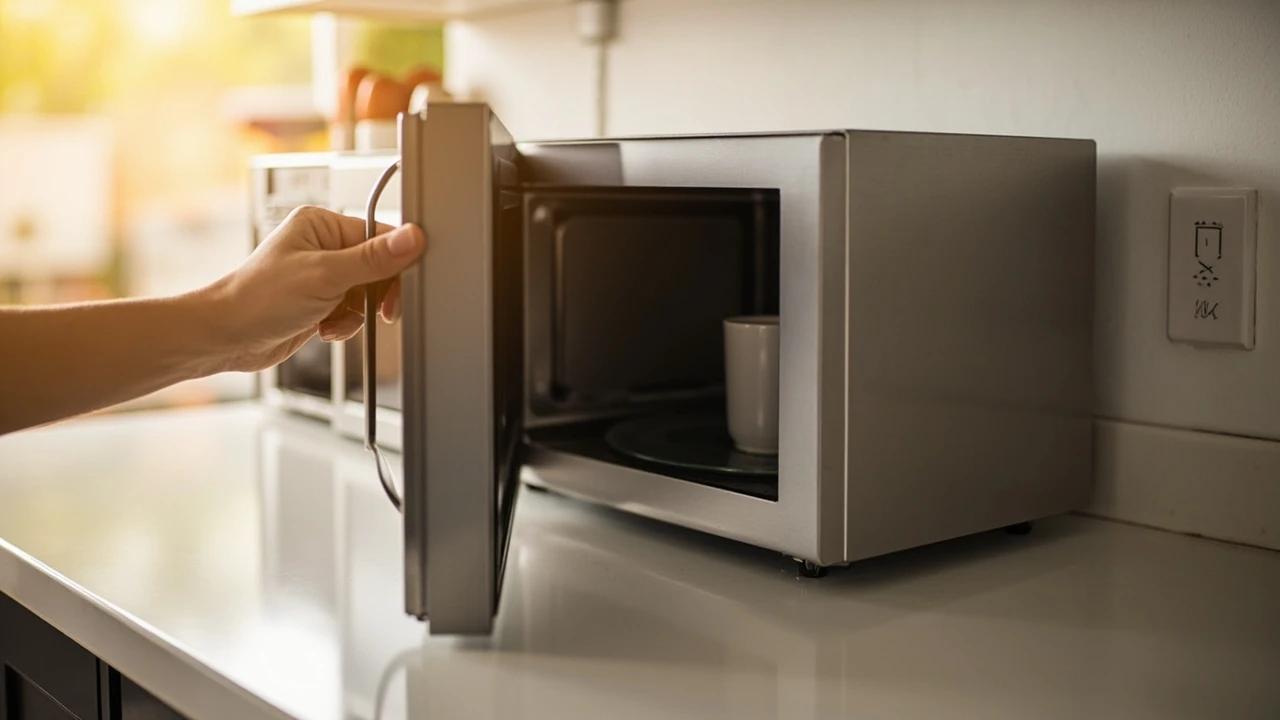
How to Troubleshoot a Microwave That Won't Heat
A microwave that runs — light on, turntable spinning, timer counting down — but leaves food stone cold is one of the most common appliance failures, and about half the time the cause is something you can fix in five minutes for free. This guide walks the diagnosis from the easy stuff (demo mode, power level, a tripped GFCI, a dirty door latch) to reading the failure signature that tells you the high-voltage circuit is gone, then helps you make the repair-or-replace call with real numbers.
 Easy30 min
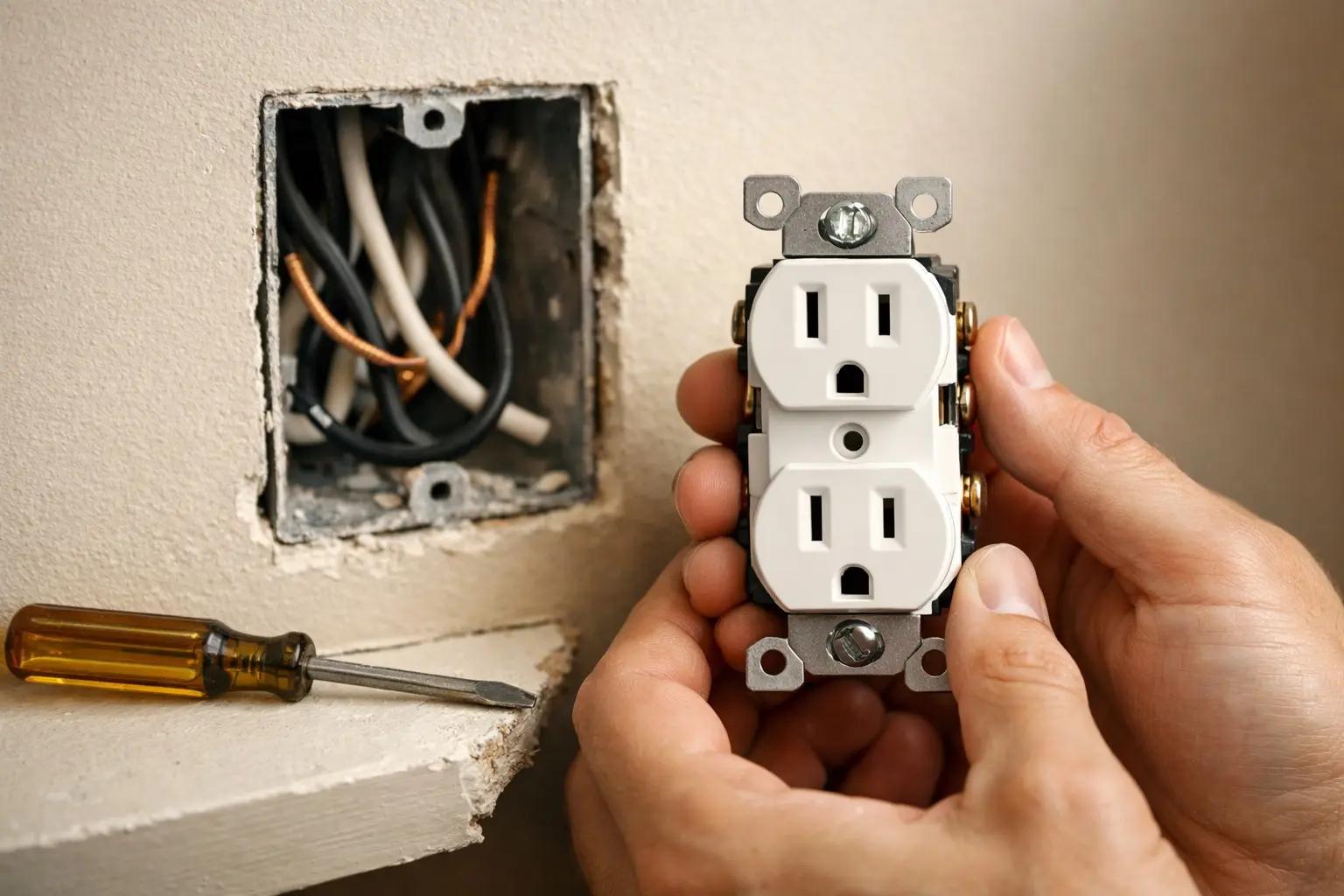
How to Replace an Electrical Outlet
A worn-out or discolored electrical outlet is one of the simplest electrical repairs you can tackle yourself — swapping one takes about 15-30 minutes and costs under $5 in parts versus $75-150 for an electrician visit. This guide walks you through safely replacing a standard duplex receptacle, including how to handle the wiring correctly and avoid the most common DIY mistakes.
 Medium45 min
How to Install a Ceiling Fan
Replacing a light fixture with a ceiling fan improves air circulation in summer and can reduce heating costs in winter by circulating warm ceiling air downward. Most installs take 45-60 minutes.